Pricing and trial
Migration is in the Clone Master plan: $900 USD for one year or $1,300 for
two, excluding tax. Clone Master includes everything in the plans below it, so recycle bin
restore, version trimming, storage clean-up and archiving come with it. See pricing.
Try it on your own tenant first. The 14-day trial needs no credit card and reaches
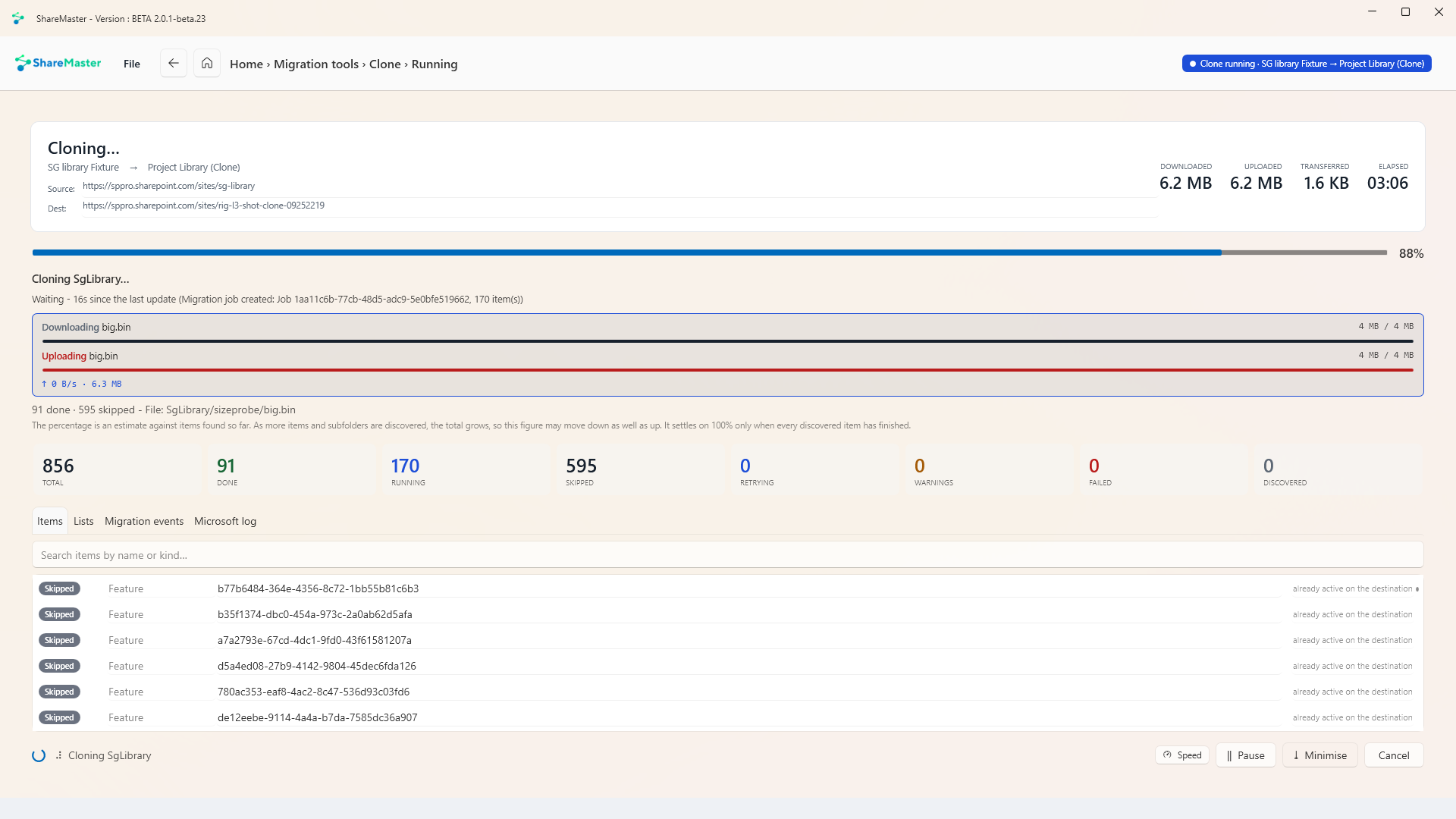
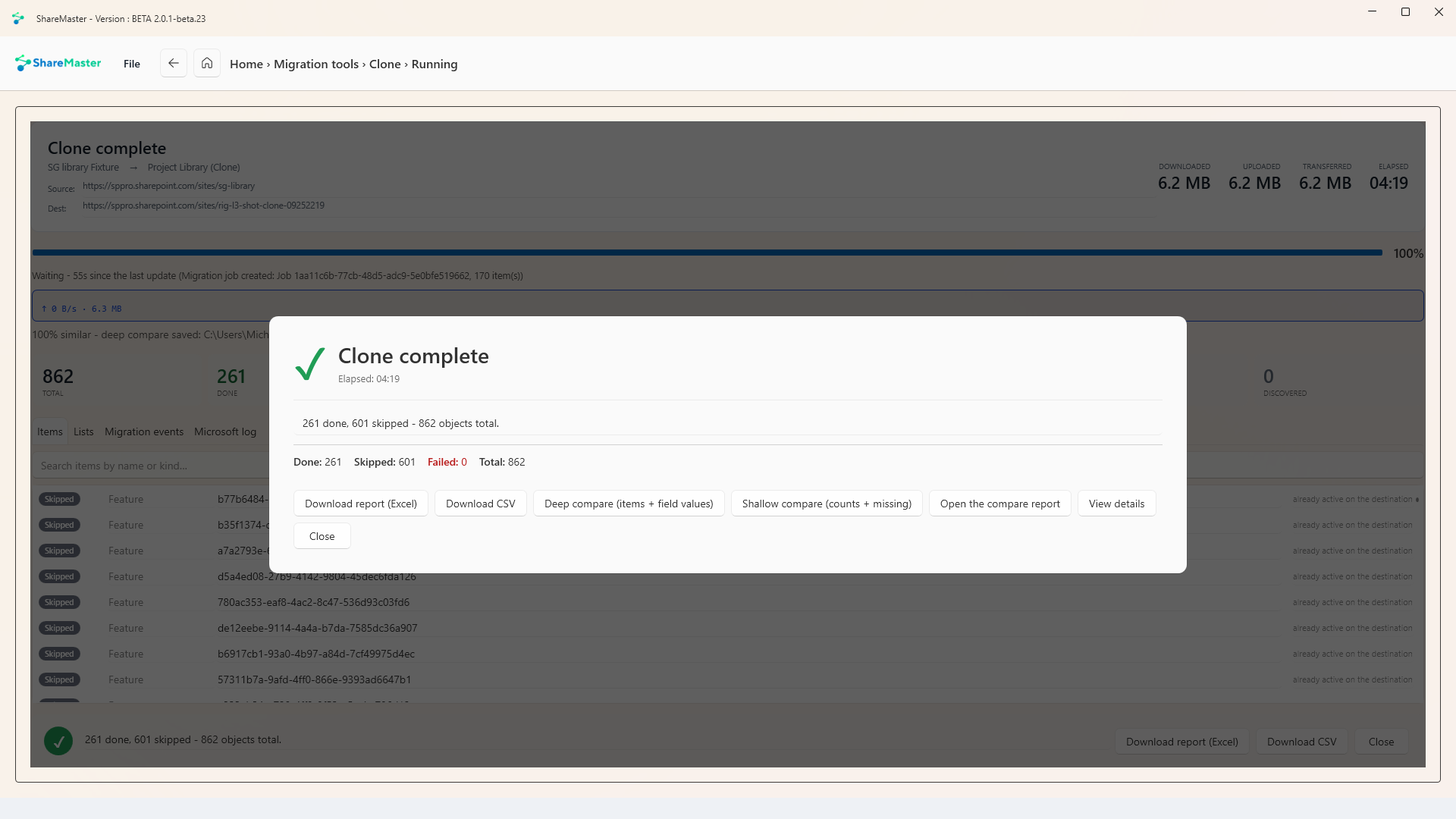
every migration tool. On the trial, every clone and Move / Copy deliberately leaves out about one file
in ten at random. The app says so before the run starts and lists each skipped file, so treat a trial
run as a test, never as the real move. Reports are unrestricted,
so the pre-migration analysis can size the job before you buy.
Start 14-day free trial
Which SharePoint migration tool should you use?
It depends entirely on where the content is coming from.
- On-premises SharePoint Server, or a file share - use Microsoft's SPMT. It is free and it is built for exactly this.
- Another Microsoft 365 tenant - SPMT cannot do it. Microsoft's cross-tenant migration can, but only for Enterprise Agreement customers. Otherwise you need a third-party tool.
- Within one tenant, site to site - PnP PowerShell if you script, a third-party tool if you would rather not.
The options, honestly
If your source is on-premises or a file share, stop here and use SPMT. It is
free, Microsoft supports it, and paying anyone for that job is a waste of money. We would
rather tell you that than sell you something you do not need.
The gap Microsoft leaves
The one thing the free tools do not do is the thing people most often need: move SharePoint
Online content from one Microsoft 365 tenant to another. Microsoft's own documentation is
explicit that SPMT can migrate from on-premises SharePoint Server but
not from another SharePoint tenant in Microsoft 365.
Microsoft does have a cross-tenant SharePoint migration capability. Per their documentation the
feature and its licences are currently available only to Enterprise Agreement
customers, and setup runs through PowerShell.
So if you are below Enterprise Agreement size and need a tenant-to-tenant move
- a merger, an acquisition, a demerger, a client leaving one MSP for another - Microsoft's free
tools cannot help and Microsoft's paid path is not open to you. That is the gap third-party
tools exist to fill, and it is the only reason to consider paying for one.
Sources:
SPMT FAQ and
Cross-tenant SharePoint migration overview,
Microsoft Learn, checked 11 August 2026. Licensing terms change; verify against current Microsoft documentation before planning.
Where ShareMaster is the wrong choice
- Your source is not SharePoint or OneDrive. On-premises SharePoint Server, file shares at scale, Google Drive, Box, Notion: SPMT covers on-premises and file shares for free. The exceptions are Dropbox to SharePoint and uploading files from your own computer.
- You need an enterprise support commitment. If your migration needs a named contact and a response-time guarantee, buy from a vendor who sells that.
- You need it unattended on a server. It runs on your Windows PC, while your PC is on.
Frequently asked questions
What is a SharePoint migration tool?
Software that copies SharePoint content from one place to another while preserving the things a manual copy destroys: metadata, version history, created and modified dates, authorship, content types, and permissions. Microsoft publishes free tools for getting content into SharePoint Online. Third-party tools exist mainly because those free tools do not cover SharePoint Online to SharePoint Online moves between two tenants.
Is there a free SharePoint migration tool?
Yes, from Microsoft. The SharePoint Migration Tool (SPMT) is free and moves content from on-premises SharePoint Server 2010, 2013, 2016 and 2019, and from file shares, into Microsoft 365. Migration Manager in the SharePoint admin centre covers similar ground. PnP PowerShell is free and open source if you are comfortable writing scripts. If your source is on-premises or a file share, start there and do not pay anyone.
Can SPMT migrate between two Microsoft 365 tenants?
No. Microsoft's documentation states SPMT can migrate content from SharePoint on-premises Server but not from another SharePoint tenant in Microsoft 365. Microsoft does offer a separate cross-tenant SharePoint migration capability, but per their documentation the feature and its licences are currently available only to Enterprise Agreement customers and require manual setup through PowerShell.
What does ShareMaster migrate?
SharePoint Online to SharePoint Online, on one tenant or between two. Copy a whole site, or only the lists, libraries and Site Pages you pick, with their content types, columns, views and folders, and every item, file and version. Permissions, version history, and Created and Modified dates and authors are choices you make per run. A OneDrive can be either end, and Dropbox can be a source.
How are users matched between two tenants?
For a tenant to tenant copy, ShareMaster matches every source user and group against the destination tenant. Exact matches on user name or email address are applied for you. The rest are shown in a grid where you pick the destination person or group, or skip them, before any content moves.
What does ShareMaster not migrate?
On-premises SharePoint Server, file shares and NAS drives at scale, Google Drive, Box and Notion. Microsoft's SPMT moves file shares and on-premises SharePoint for free, and you should use it for those. Files on your own computer can be uploaded into a library, and Dropbox has a connector of its own.
What does it cost?
Migration is in the Clone Master plan: $900 USD for one year or $1,300 for two, excluding tax. Clone Master includes everything in the plans below it, so recycle bin restore, version trimming, storage clean-up and archiving come with it.
Can I test a migration before paying?
Yes. The 14-day trial needs no credit card and reaches every migration tool. One caveat: on the trial, every clone and Move / Copy deliberately leaves out about one file in ten at random. The app warns you before the run and lists every file it skipped, and folders, lists and settings are all copied, so a trial run is a test and never the real move. Reports are unrestricted, so the pre-migration analysis will size the job before you buy.
Does it need PowerShell?
No. It is a Windows desktop application: sign in to the source, sign in to the destination, pick what to copy and choose the options. That is the main reason people pick it over PnP PowerShell.
Related