Migration Tools
Move content into SharePoint: clone between sites and tenants, run a fast Move or Copy inside one tenant, upload from this computer or download to it, and bring Dropbox across.
9 tools

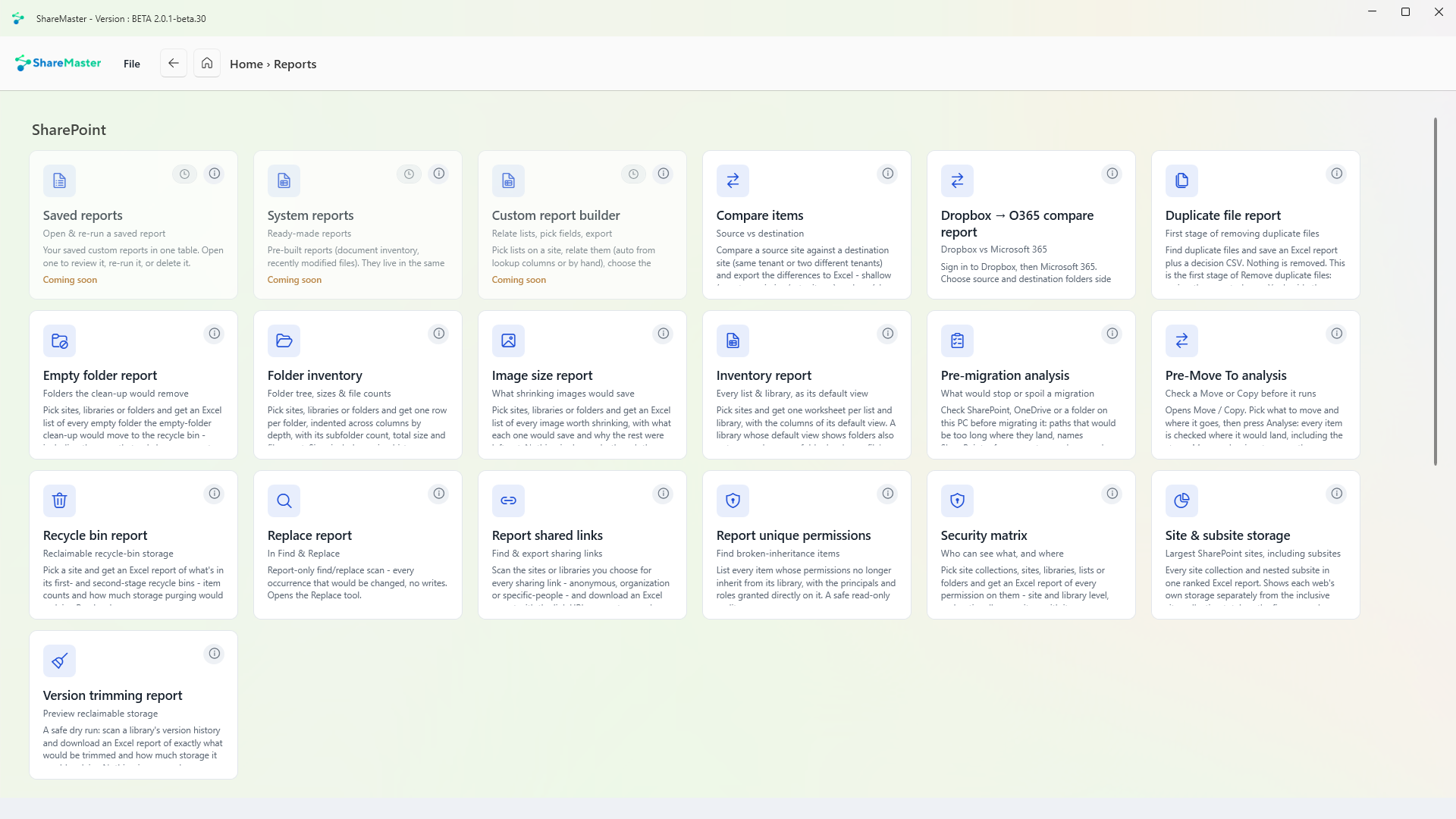
Every list and library
Pick sites and get one worksheet per list and library, with the columns of its default view. Where a library's default view shows folders, each folder level gets its own column too, so a file's path reads across the row.
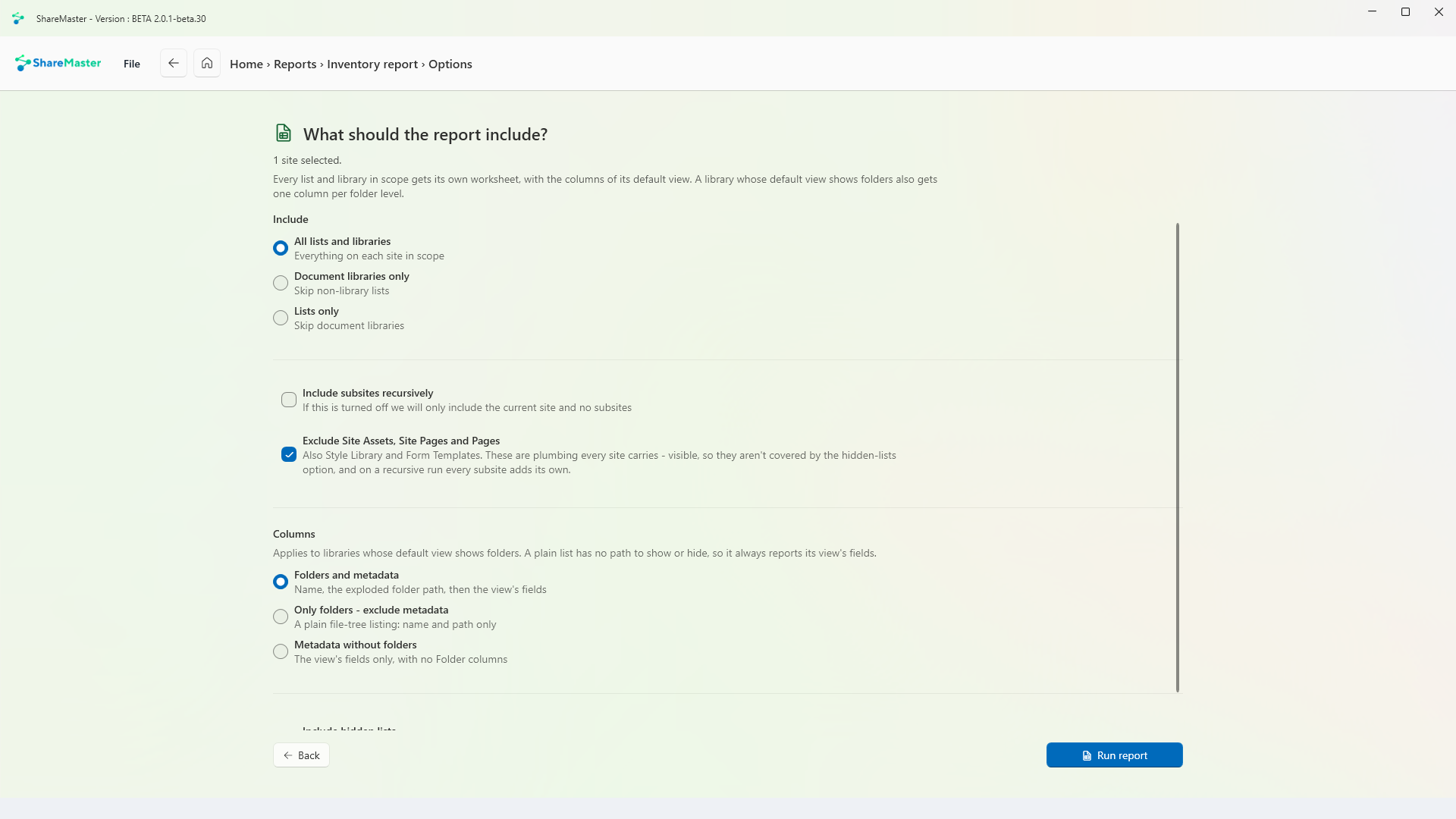
Folder tree, sizes and file counts
Pick sites, libraries or folders and get one row per folder, indented by depth, with its subfolder count, total size and file count. Sizes include version history, and empty folders are listed too.
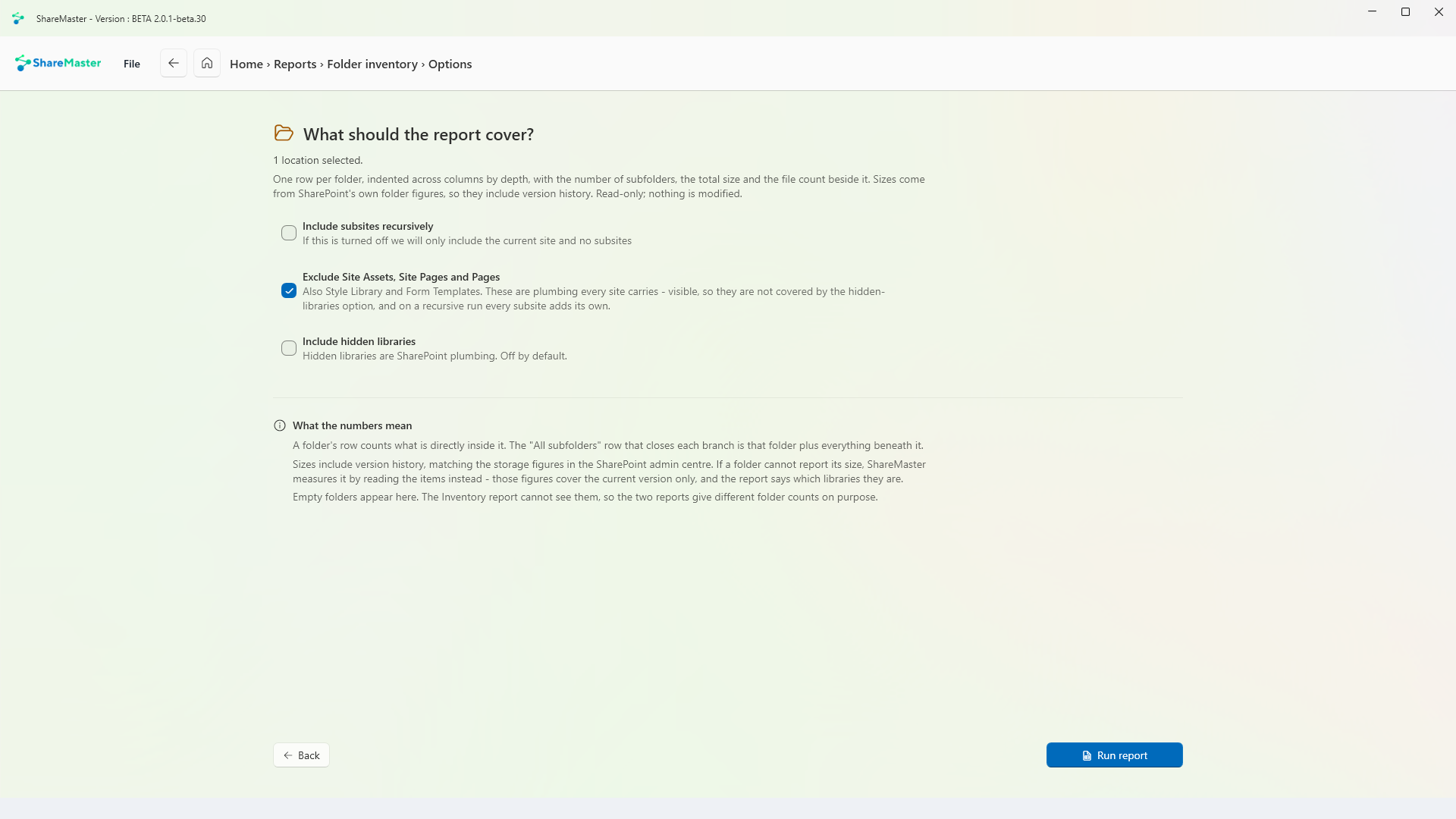
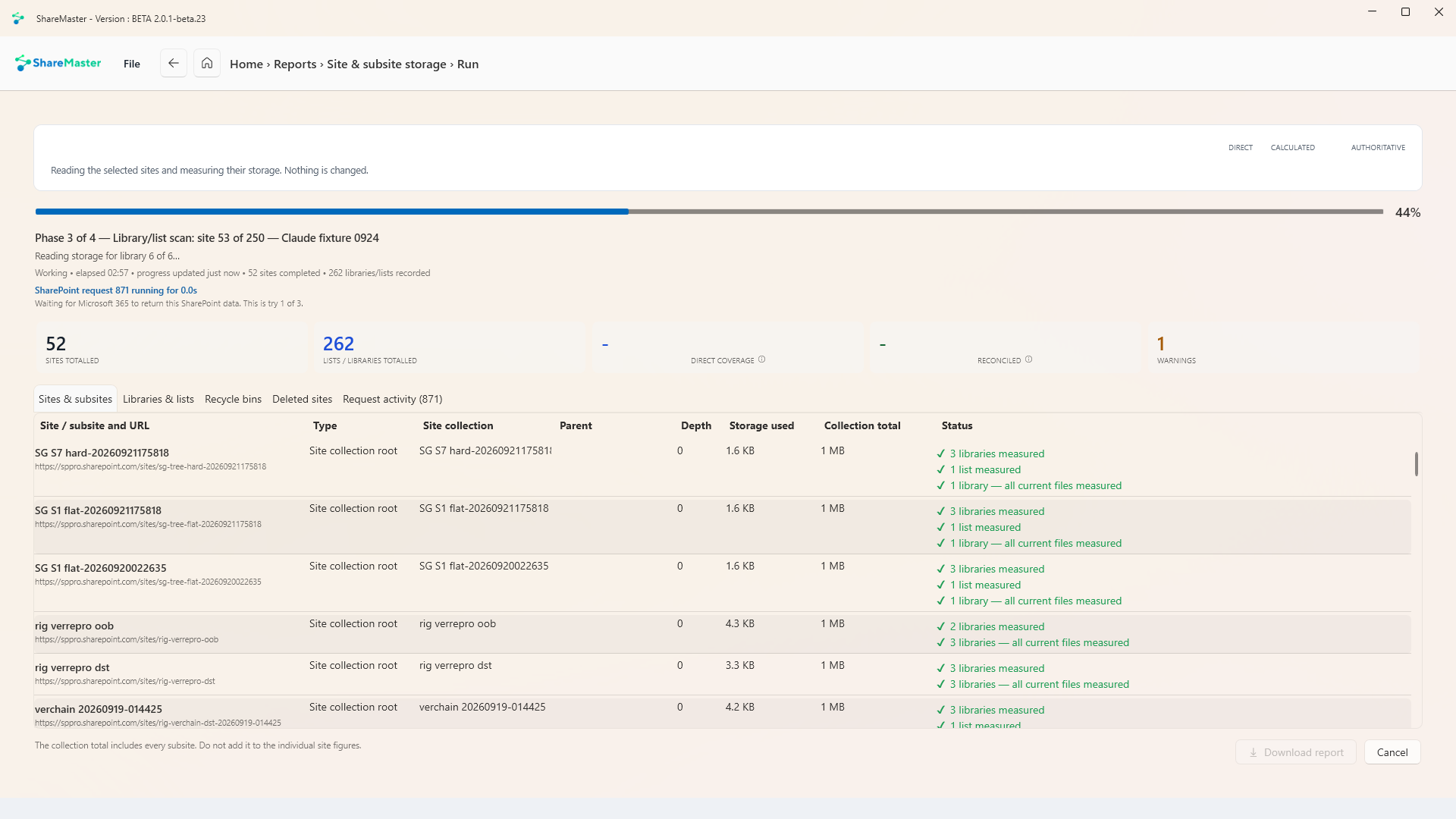
Largest sites, including subsites
Every site collection and nested subsite in one ranked Excel report. Each web's own storage is shown apart from the site collection's inclusive total, so the figures compare without counting anything twice.
Who can see what, and where
Pick site collections, sites, libraries, lists or folders and get an Excel report of every permission on them: site and library level, and if you want it every item with its own permissions. SharePoint groups, sharing links and Microsoft 365 groups are expanded to their members.
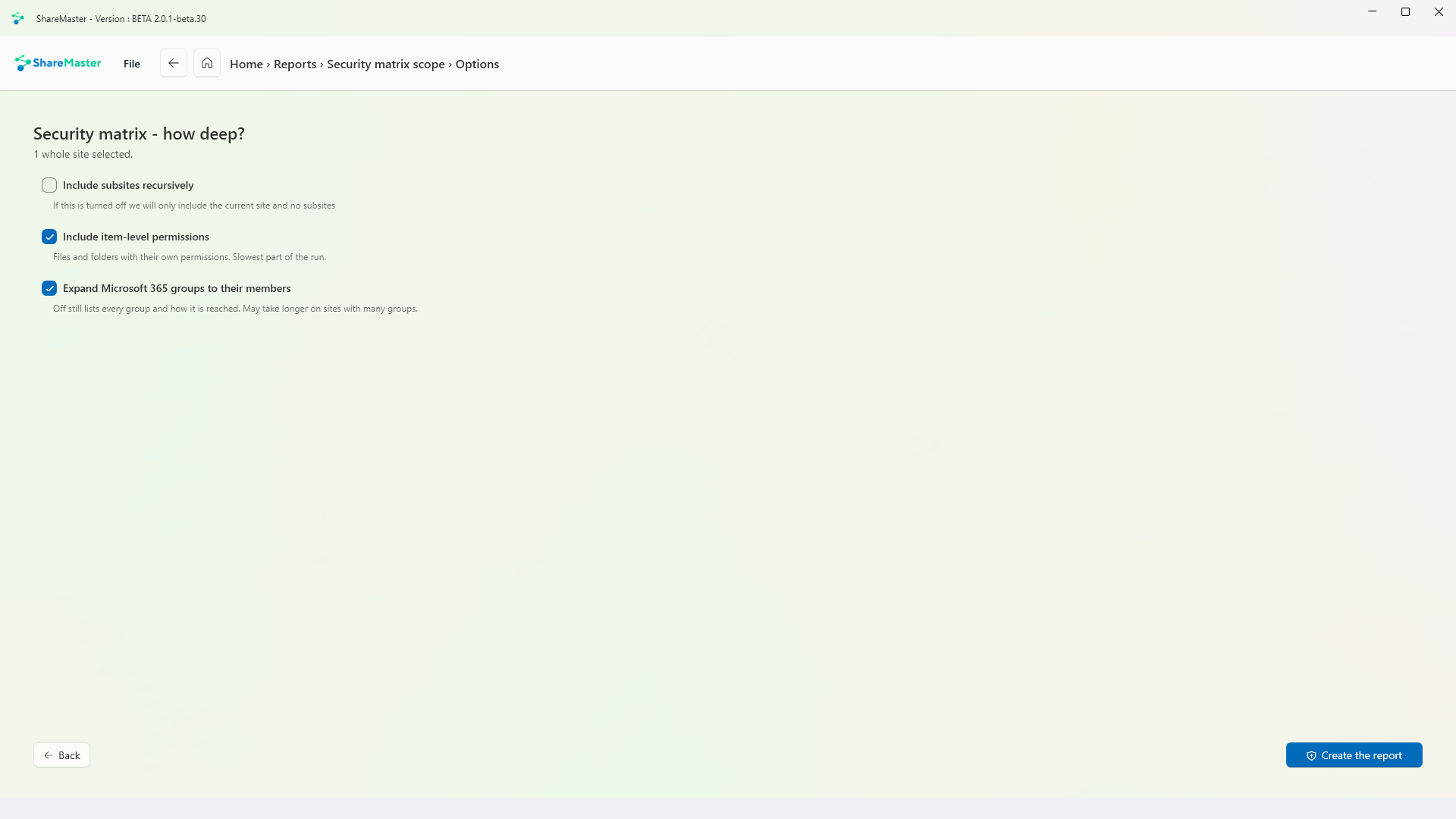
Who can open each team's files
Choose teams and get the security matrix for their SharePoint sites, including the separate site behind every private and shared channel: who can open what, through which group, and every sharing link.
What would stop or spoil a migration
Check SharePoint, OneDrive or a folder on this PC before migrating it. It finds paths that would be too long where they land, names SharePoint refuses, empty, very large and checked-out files, folders over 5,000 items, and lists a migration cannot carry.

Source against destination
Compare a source site against a destination site, on the same tenant or two different ones, and export the differences to Excel. A shallow compare checks counts and missing or extra items; a deep compare also checks every field value.
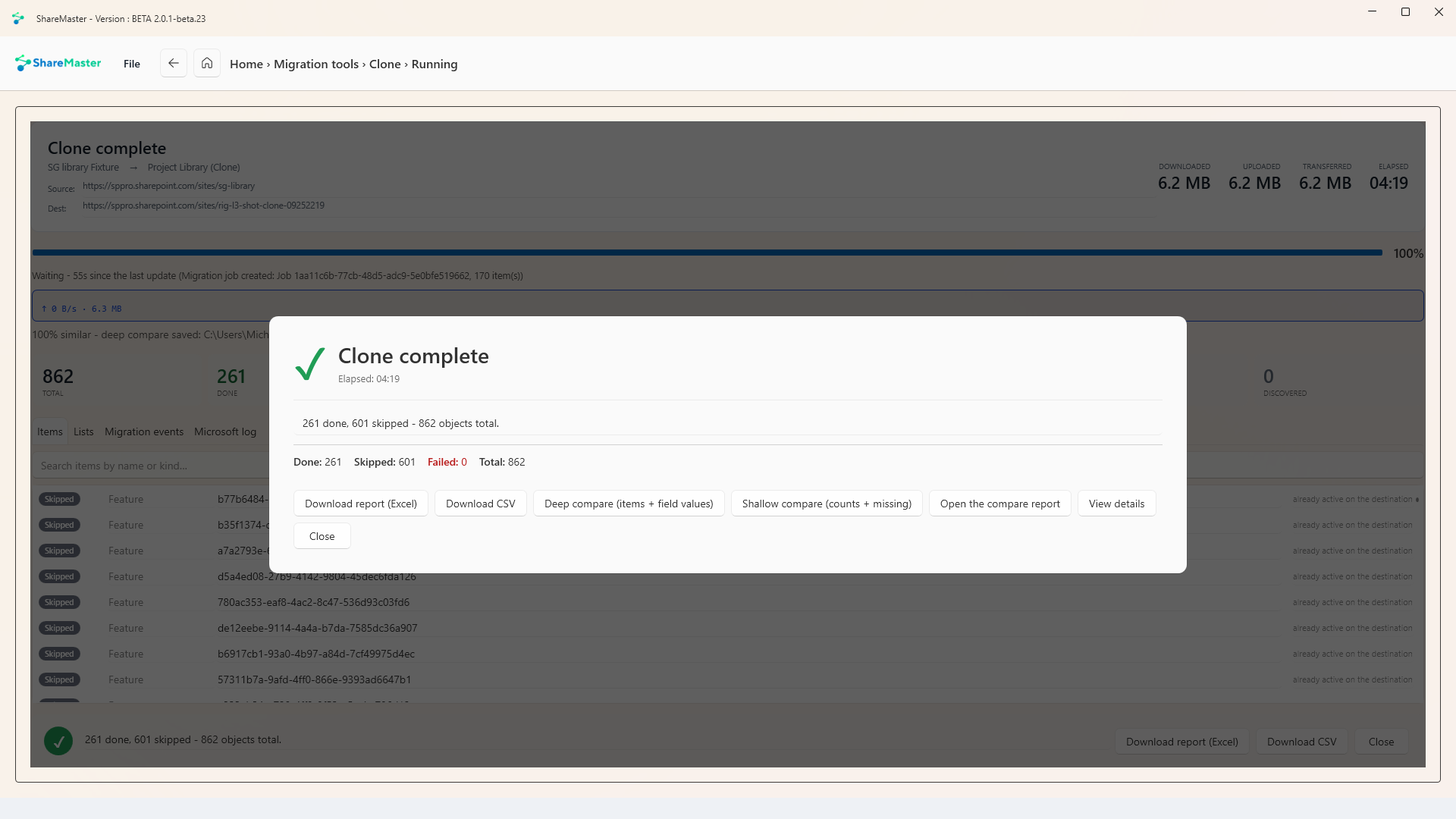
Dropbox against SharePoint
Sign in to Dropbox, then Microsoft 365. Choose source and destination folders side by side, compare by path or by path and size, and export the result to Excel.
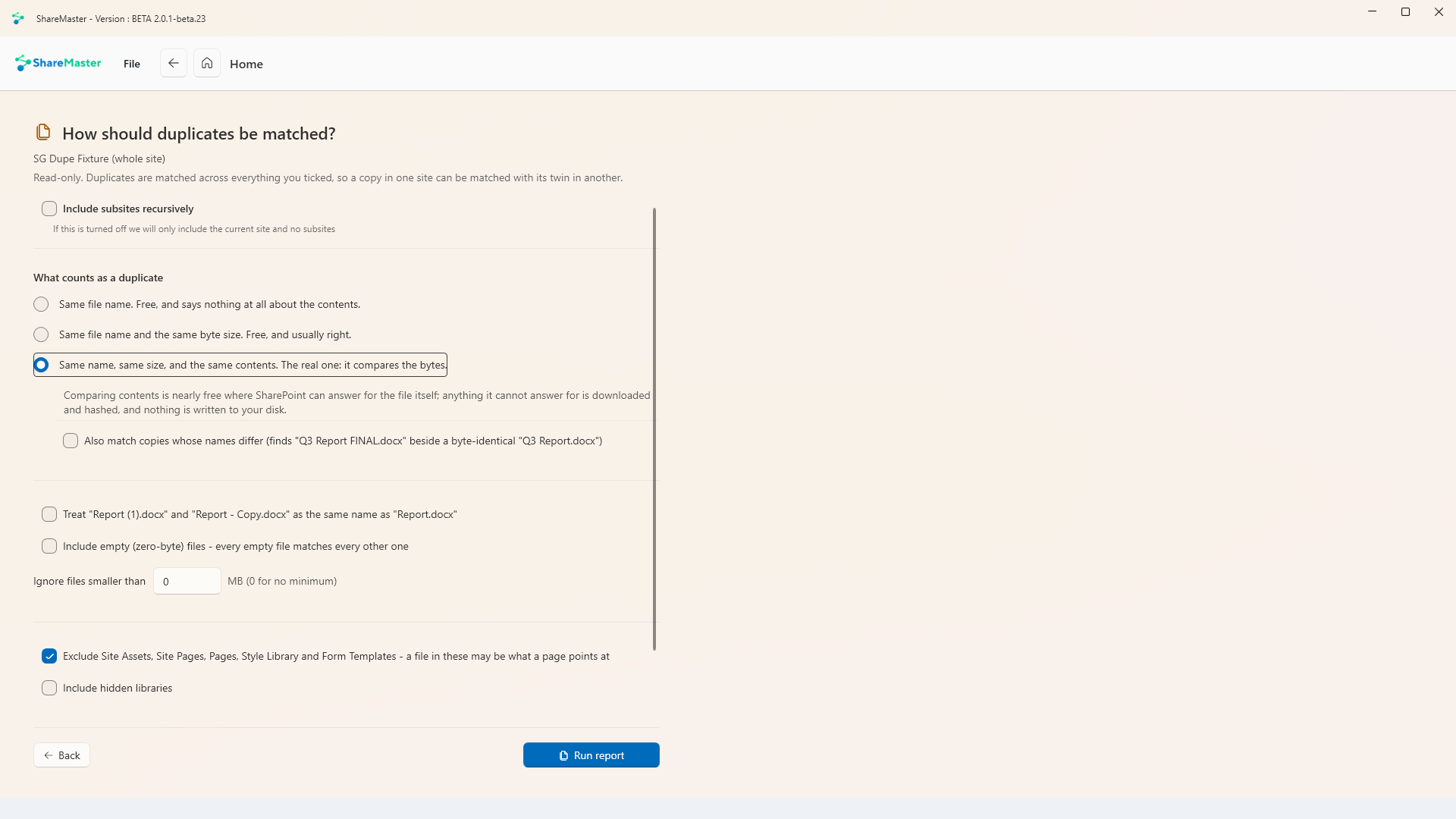
Find duplicates, remove nothing
Find duplicate files and save an Excel report with a decision column. Nothing is removed. Mark Yes beside the copies to remove, then upload it to Remove duplicate files whenever you are ready.
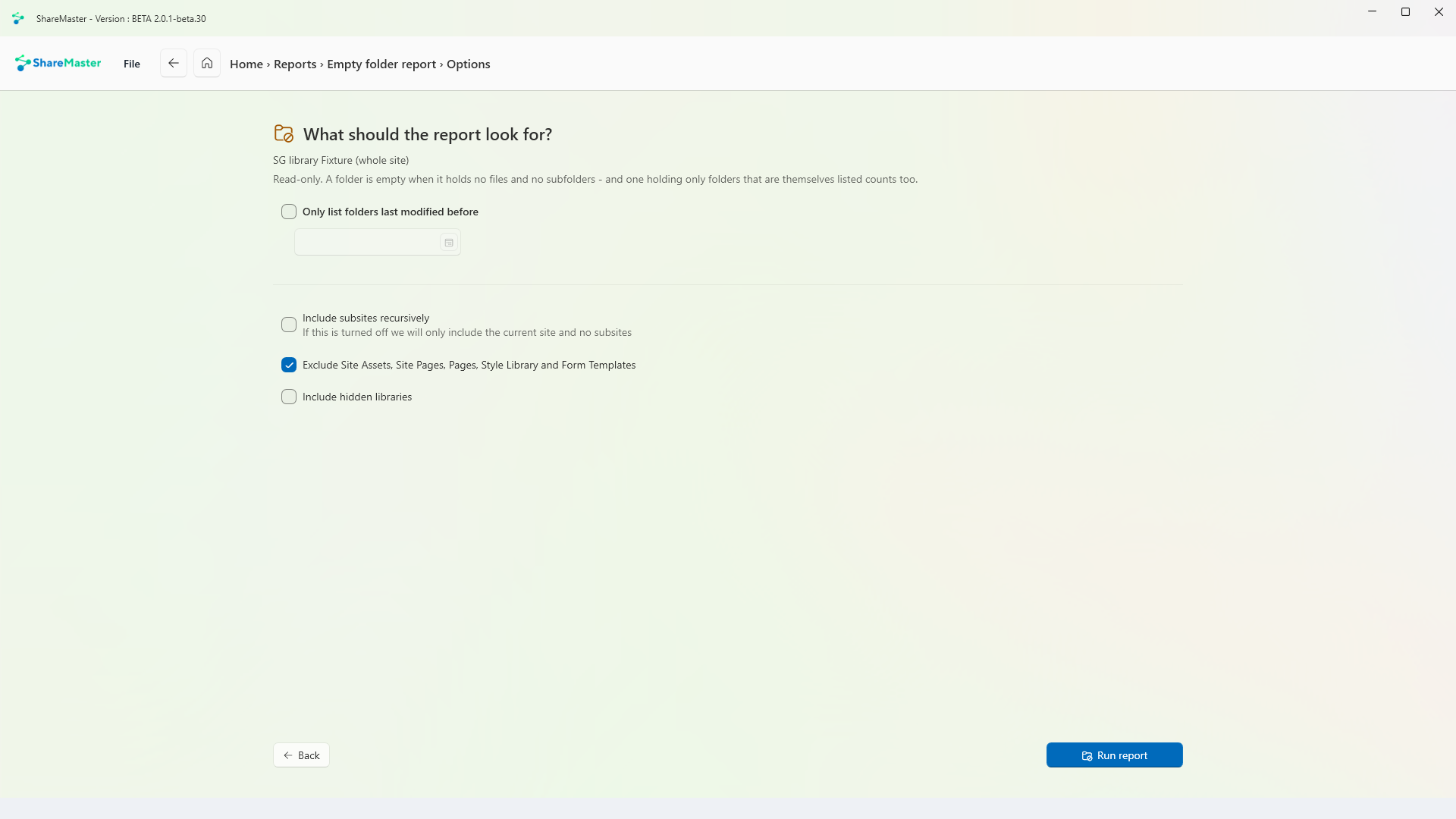
What the clean-up would remove
Pick sites, libraries or folders and get an Excel list of every empty folder the clean-up would recycle, including folders that only become empty once the empty folders inside them have gone.
What shrinking images would save
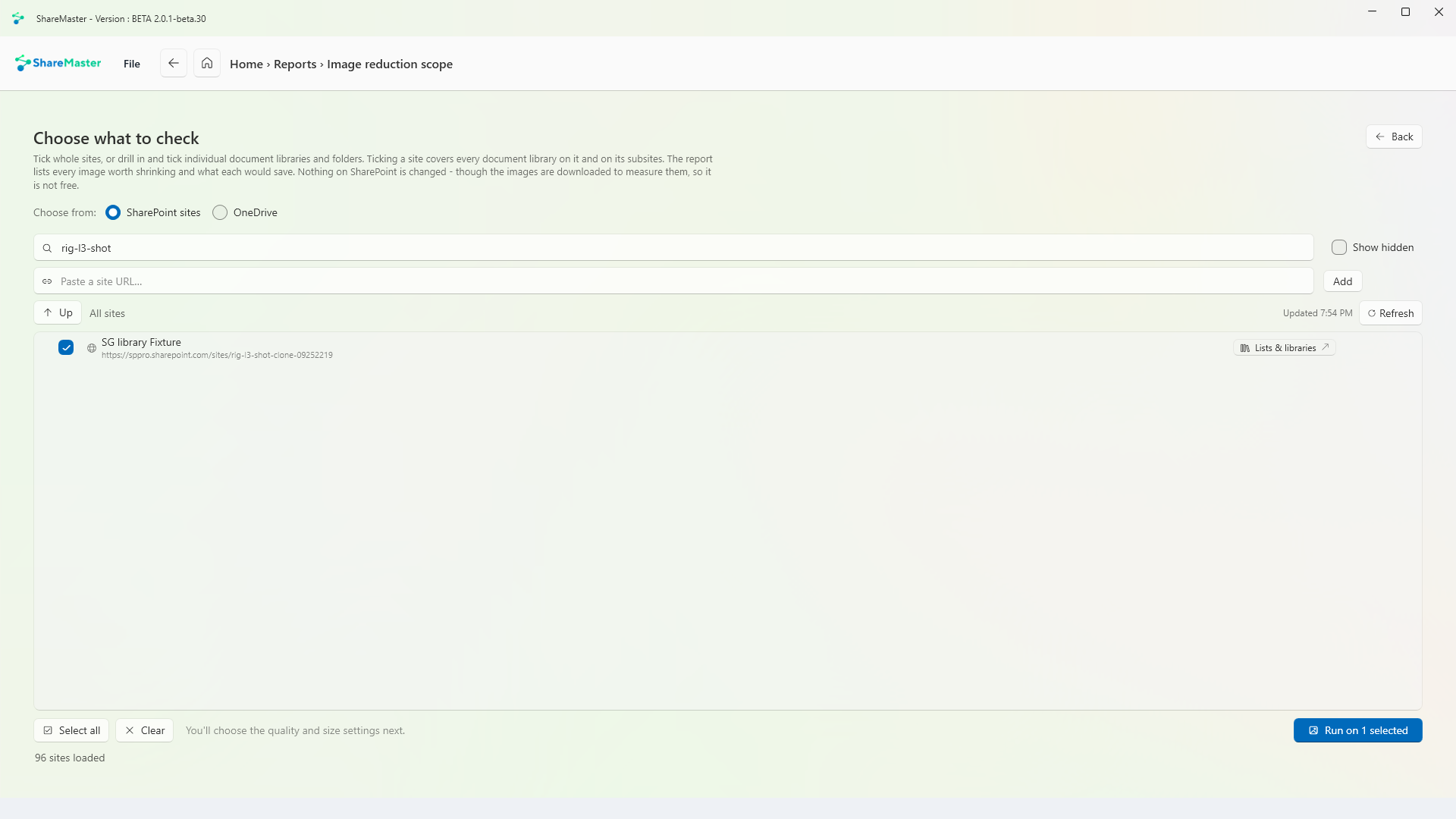
Pick sites, libraries or folders and get an Excel list of every image worth shrinking, what each one would save, and why the rest were left out. Nothing changes, though the images are downloaded to measure them.
Reclaimable recycle-bin storage
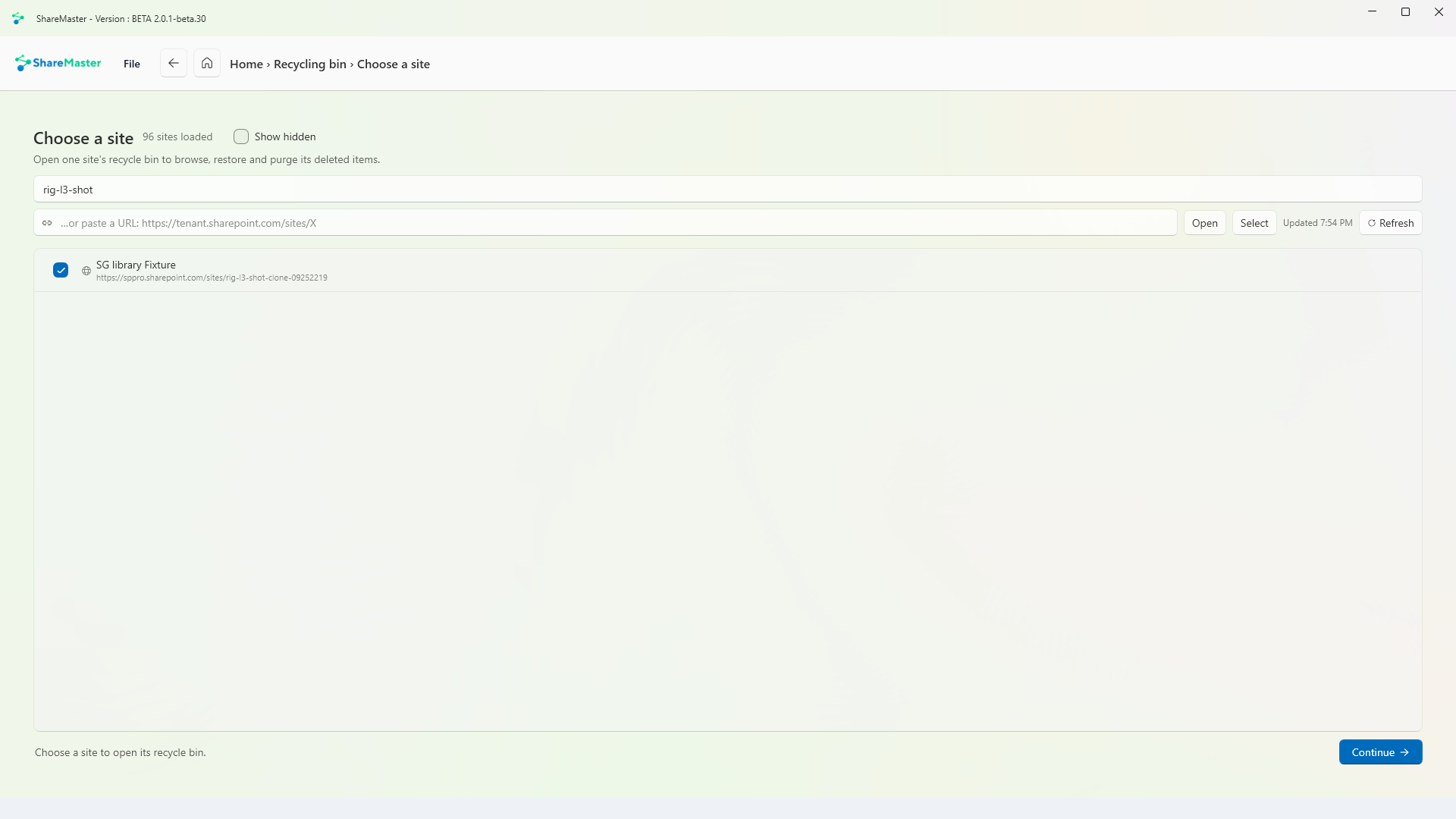
Pick a site and get an Excel report of its first-stage and second-stage recycle bins: how many items, and how much storage purging them would reclaim.
Seats nobody uses, and what they cost
Finds licensed users with no activity in the window you set, one month by default, and seats you pay for that nobody holds. Enter what a seat costs and it totals the money, keeping what you can cut today apart from what can only change at renewal. It never removes a licence.
Every report you have produced
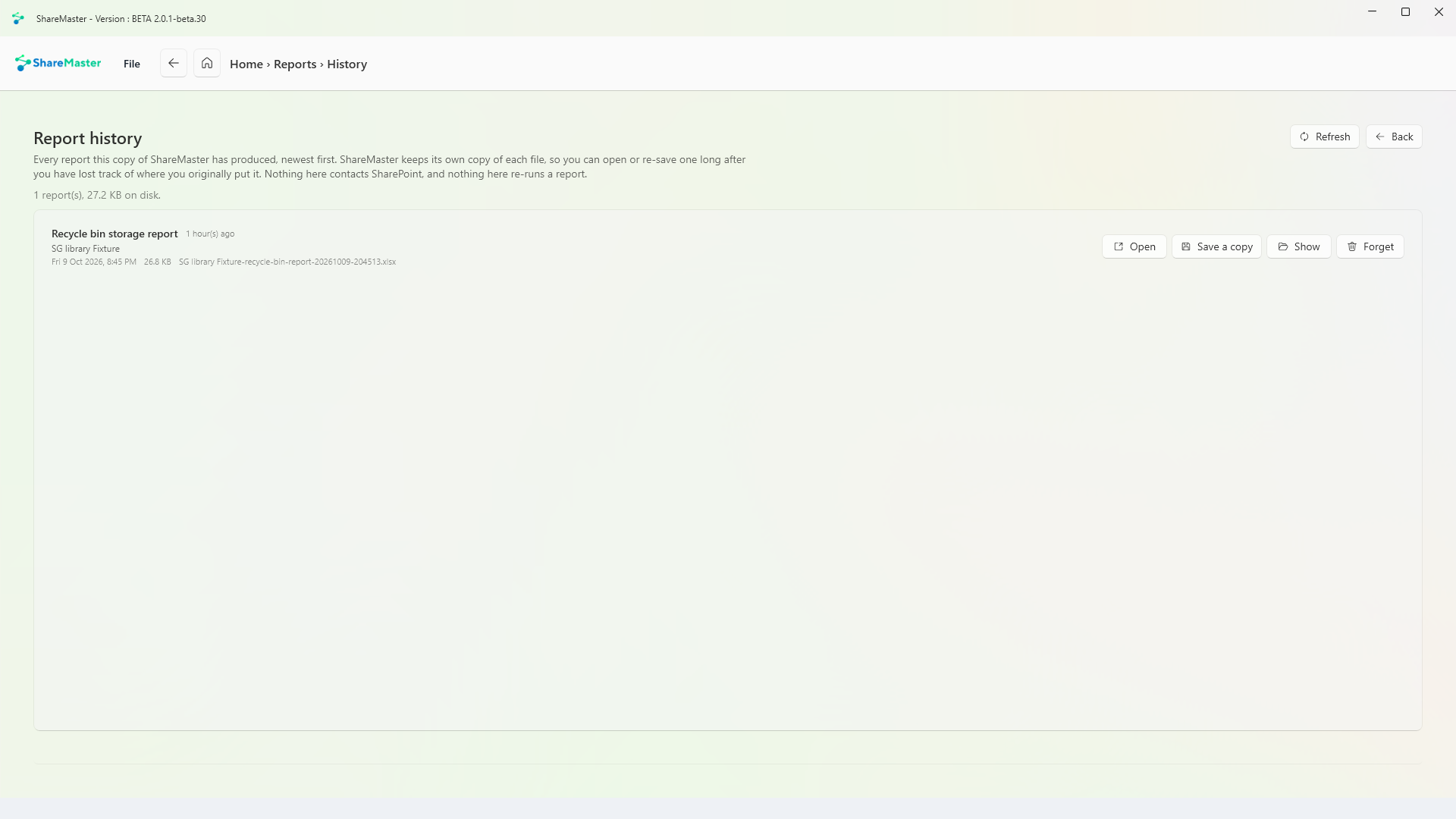
Open or save again any report this copy of ShareMaster has produced, however long ago. ShareMaster keeps its own copy of each file, so a report you have lost track of can be found again without re-running anything.
These tiles appear in the Reports menu too. Each is written up on its home page.
Move content into SharePoint: clone between sites and tenants, run a fast Move or Copy inside one tenant, upload from this computer or download to it, and bring Dropbox across.
9 tools
Browse, search, restore and purge SharePoint recycle bins, first and second stage, with a record of everything recovered or deleted.
3 tools
Move files nobody opens out of SharePoint into Azure storage you own, and leave a placeholder in the library that still opens.
5 tools
Get storage back: clear lists and libraries in bulk, remove empty folders and duplicate files, shrink oversized images, and recycle whole sites. Every tool previews first and recycles by default.
6 tools
Work with SharePoint directly: browse sites, lists and files, change the settings people usually need PowerShell for, manage list views and versioning, and search the Preservation Hold Library.
5 tools
Find and rewrite text across documents, metadata and list items, in SharePoint or in a folder on this PC, with a preview before anything changes.
3 tools
Find every sharing link and every item with unique permissions across the sites you choose. Export it to Excel, or revoke links and reset permissions in bulk.
5 tools
Trim version history to win back storage, report what trimming would save before you commit, and reset a file's versions to a chosen point.
3 tools
14-day free trial. No credit card. ShareMaster runs on your own Windows PC.