
Migration Tools
Move content into SharePoint: clone between sites and tenants, run a fast Move or Copy inside one tenant, upload from this computer or download to it, and bring Dropbox across.
9 tools
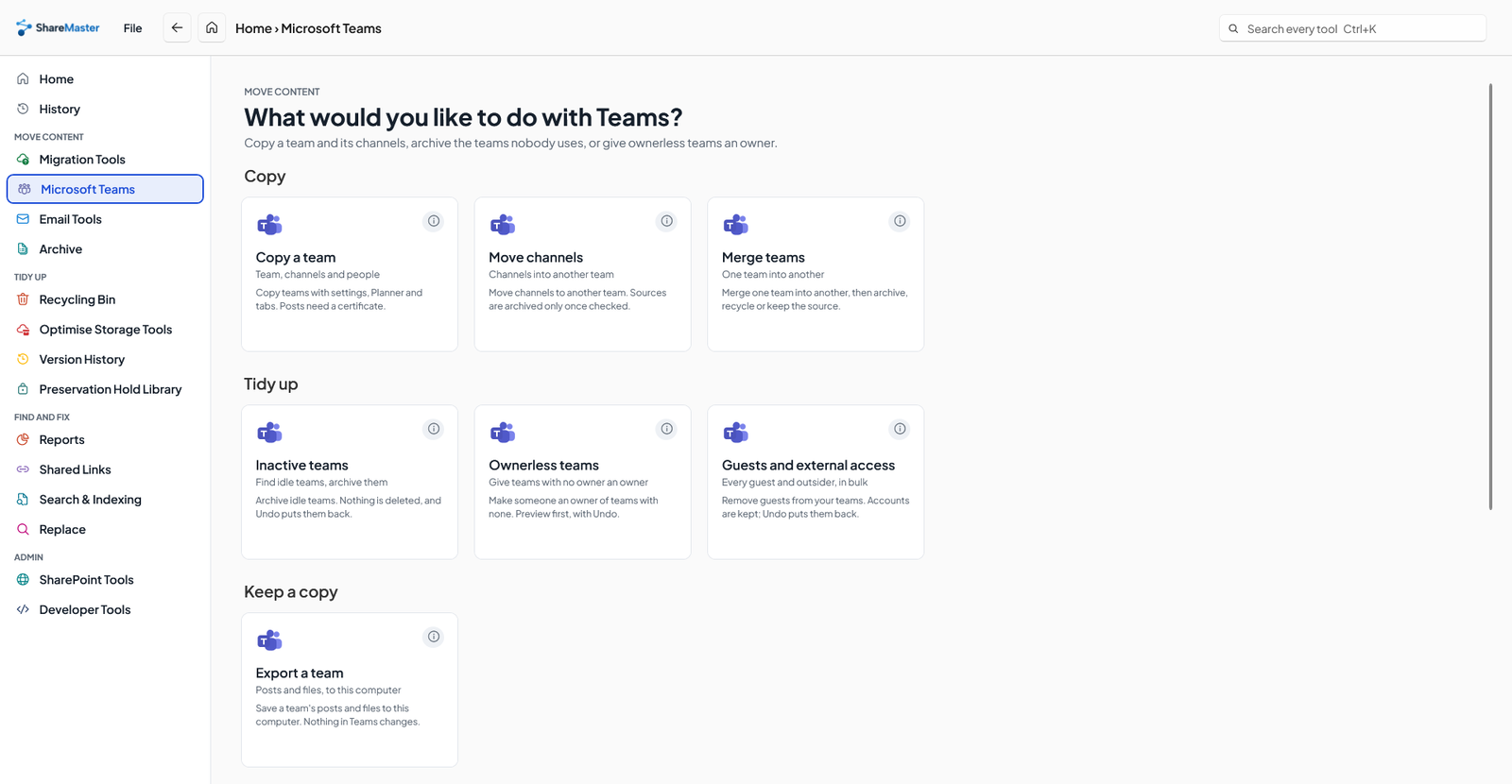
Team, channels and people
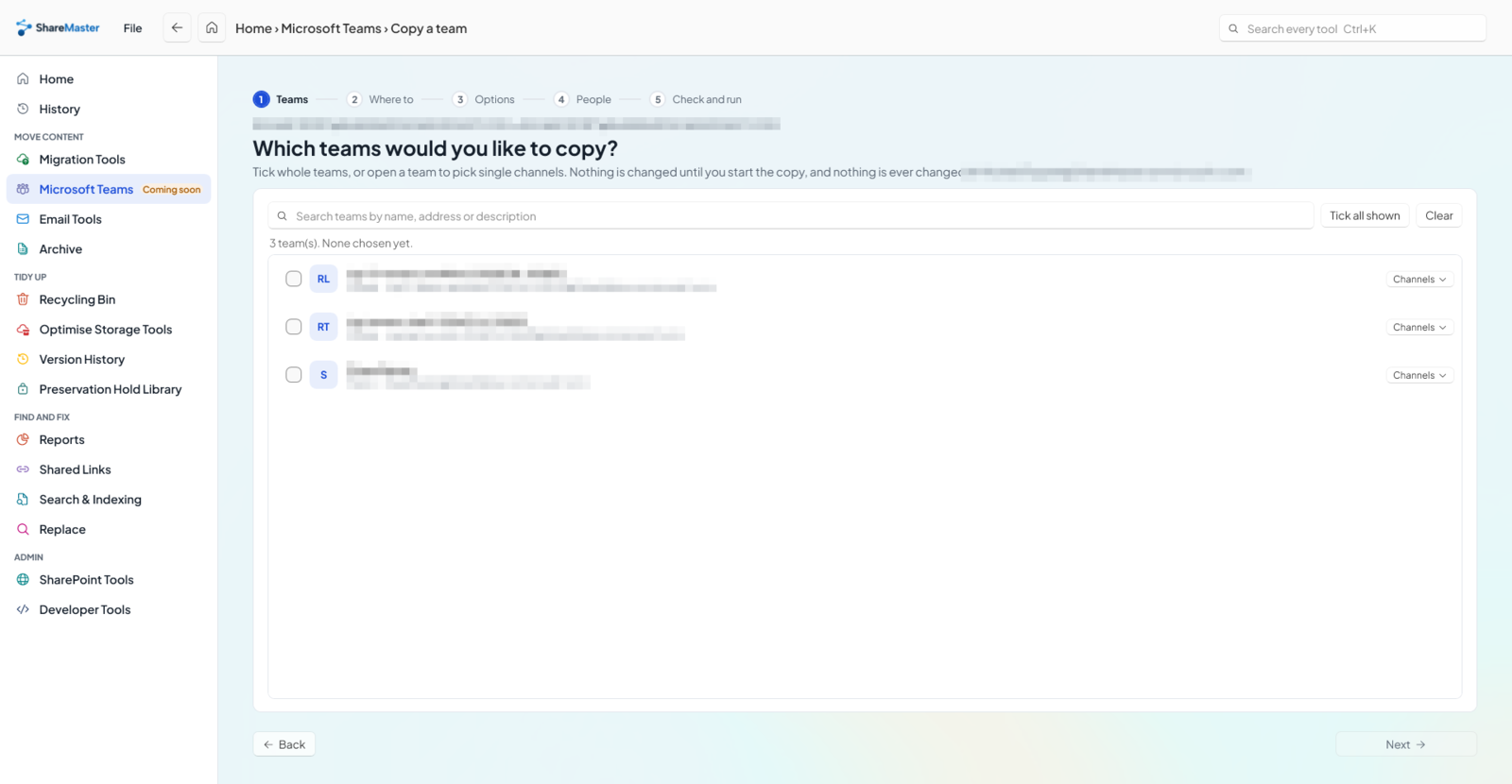
Copy a Microsoft Team into a different tenant, or inside the same one: the team and its settings, its standard channels and private channels, its owners and members, and each channel's files. Choose whether its posts and replies, Planner plans and channel tabs come too. Before anything runs you see whether a team of that name is already at the destination, and a copy that stops can be resumed from History.
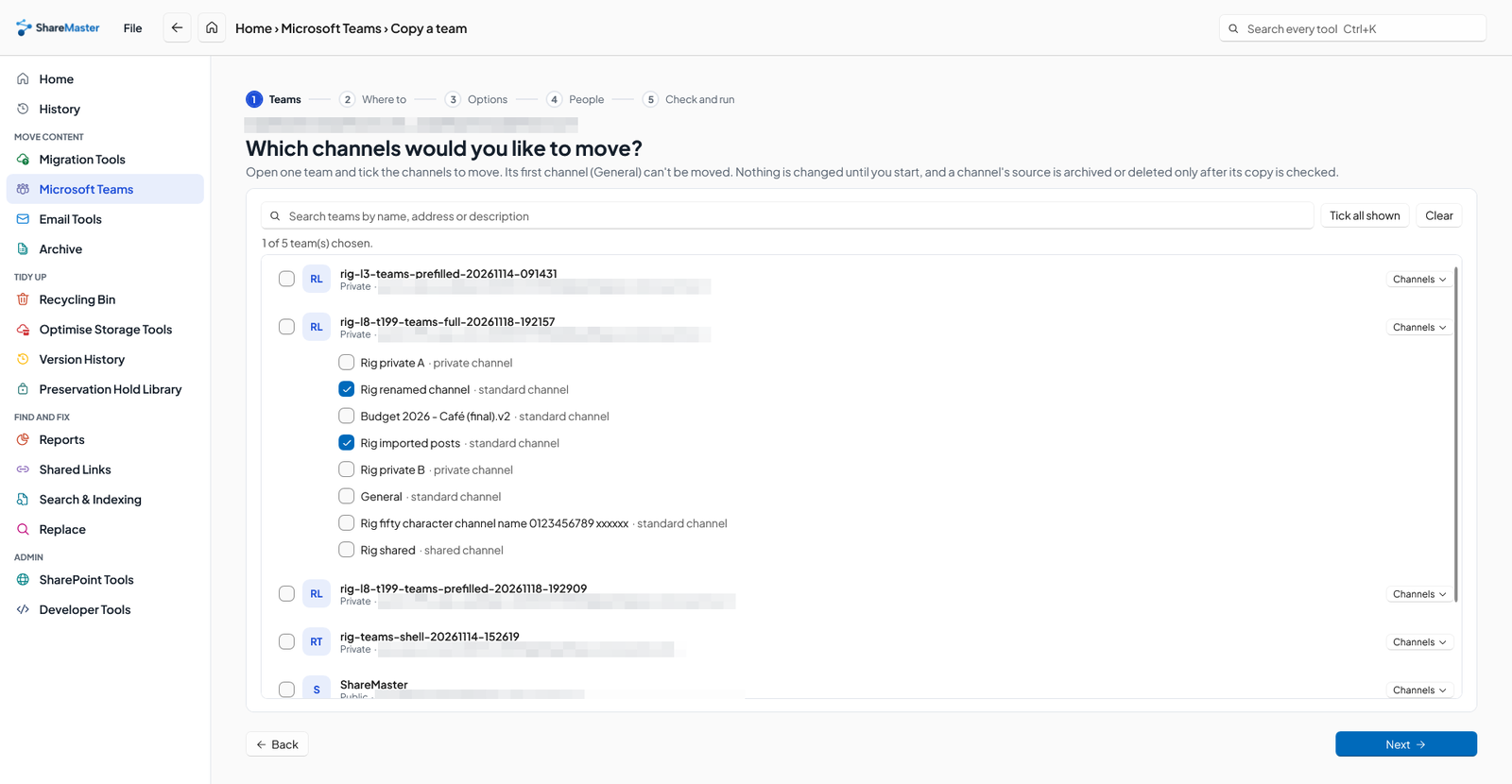
From one team to another
Move channels from one team into another. Each source channel is archived only after its copy has been checked.
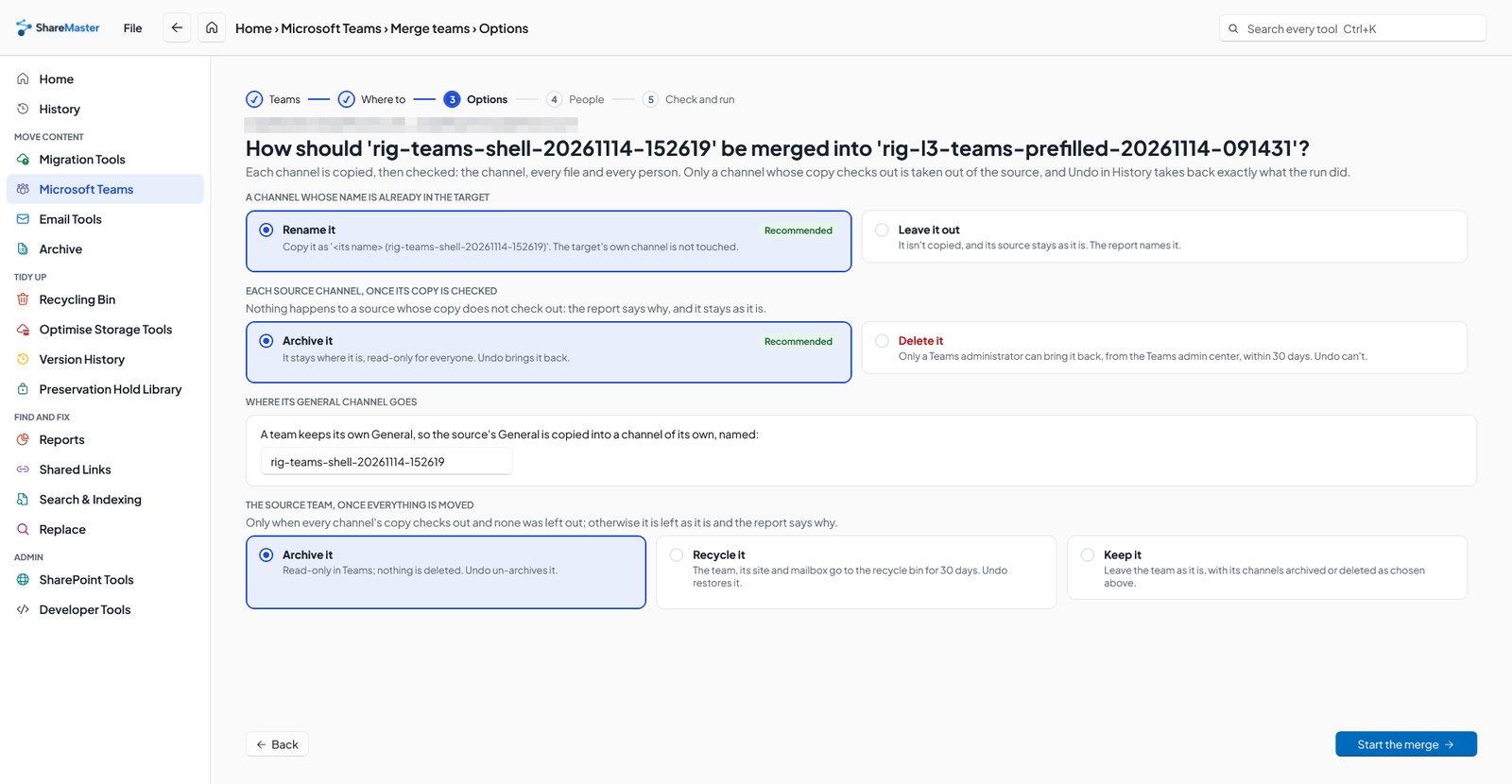
One team into another
Merge one team into another, then choose what happens to the team you merged: archive it, recycle it, or keep it.
Find idle teams, archive them
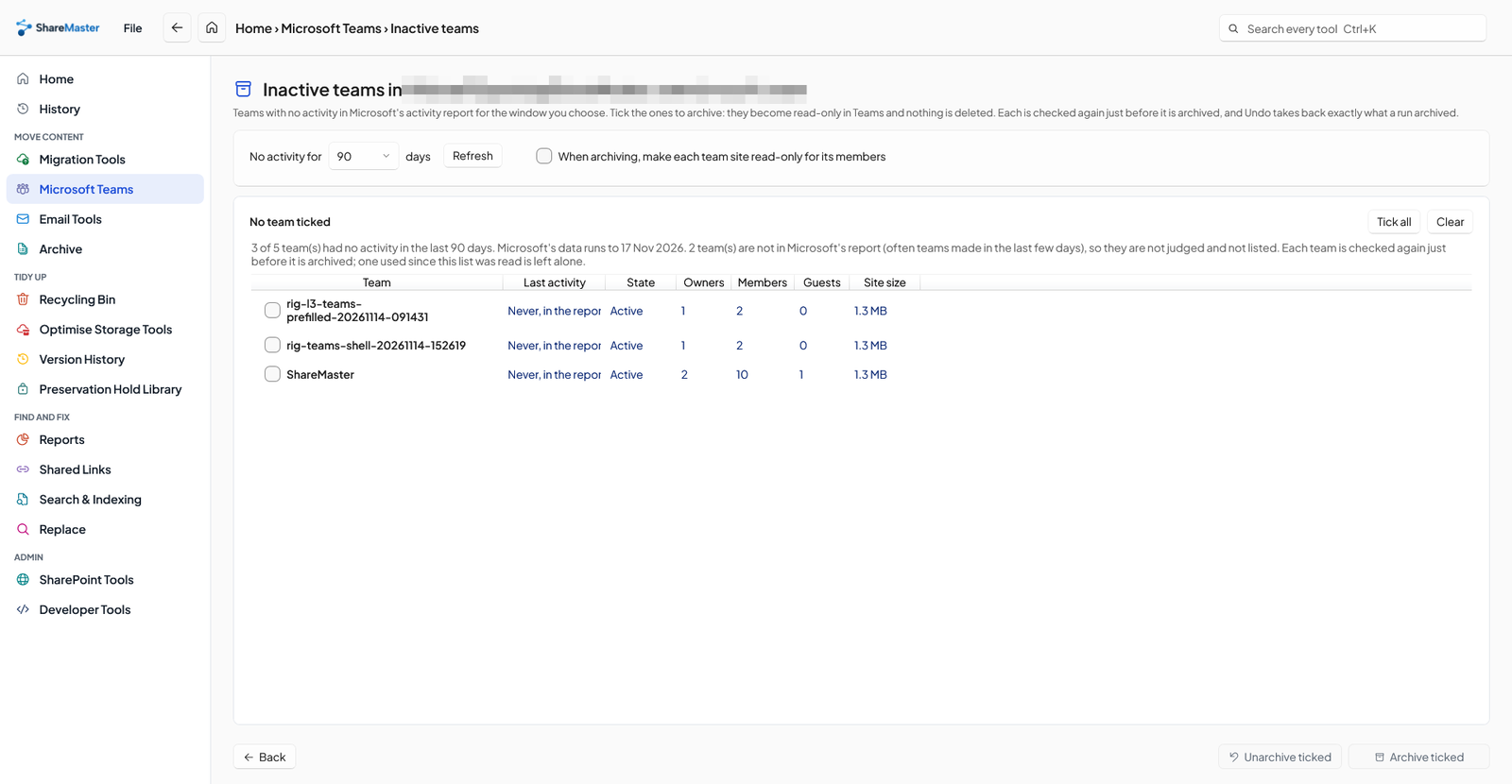
List the teams with no activity in Microsoft's own team activity report for 30, 90 or 180 days, with each one's last activity, owners, members, guests and site size. Archive or unarchive the ones you tick. Nothing is deleted, and Undo in History puts them back.
Give teams with no owner an owner
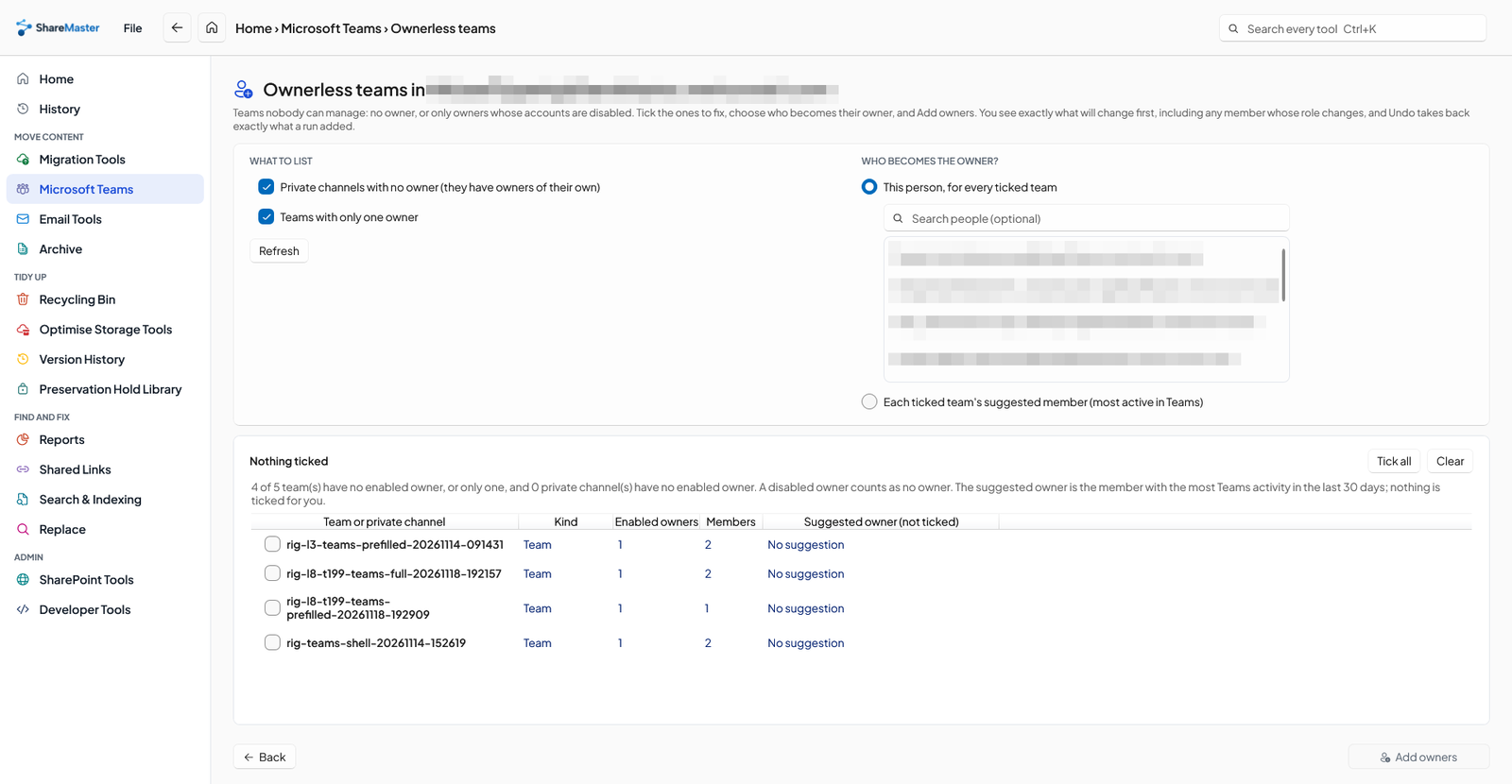
Find the teams nobody can manage, because they have no owner or only owners whose accounts are disabled. Ask for them and it also lists teams with a single owner and private channels with none. Pick a person to make an owner, see the preview, and Undo it from History if you need to.
Every guest and outsider, in bulk
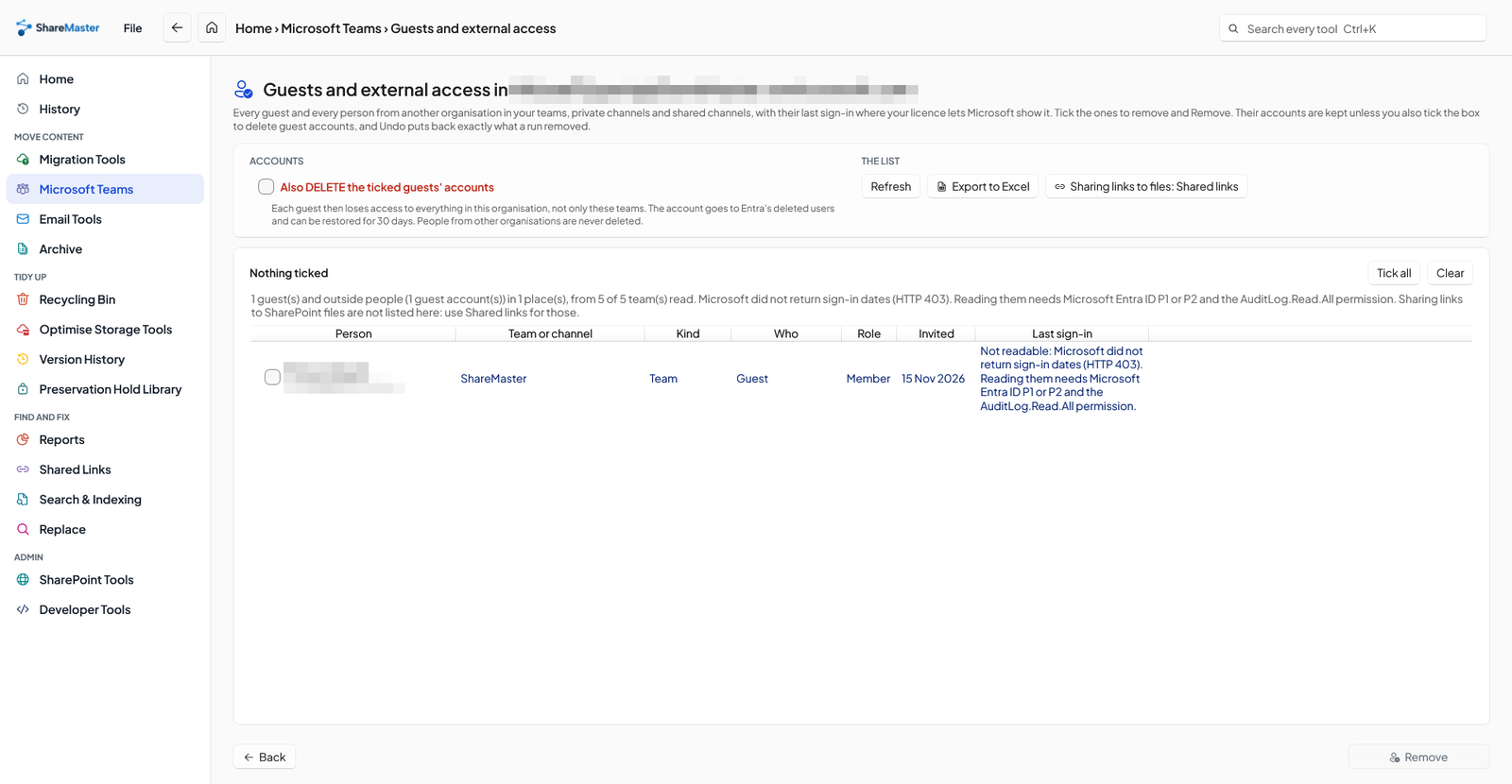
See every guest, and every person from another organisation, in your teams, private channels and shared channels, with when each guest last signed in. Remove the ones you tick. Guest accounts are deleted only if you tick that separately, and Undo puts the removals back.
Posts and files, to this computer
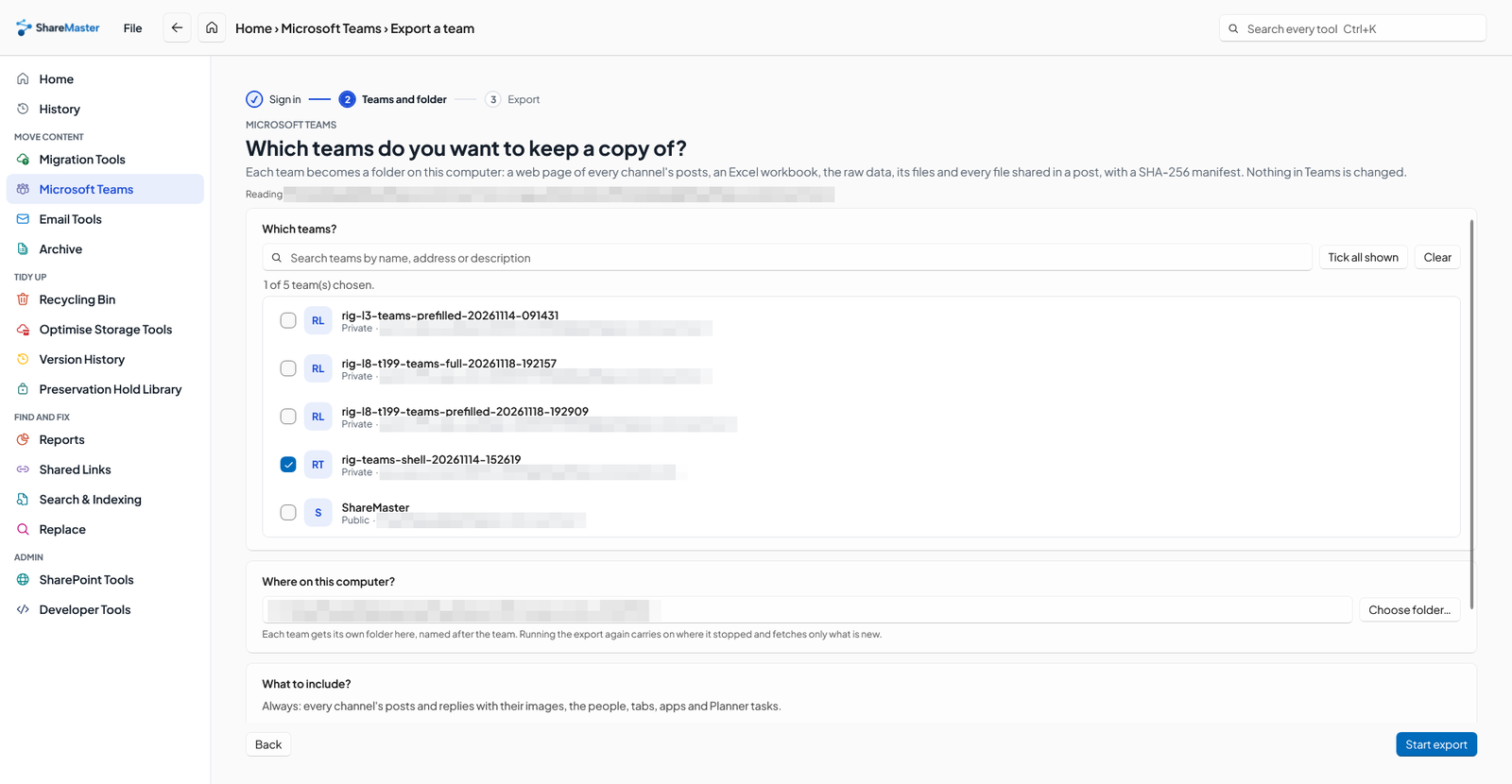
Keep a team's records on this computer, for example when a business closes. You get a web page of every channel's posts and replies that opens offline, an Excel workbook with every post and the team's Planner tasks, apps, tabs and members, the channel files and every file shared in a post, and a checksum for every file. Nothing in Teams is changed.
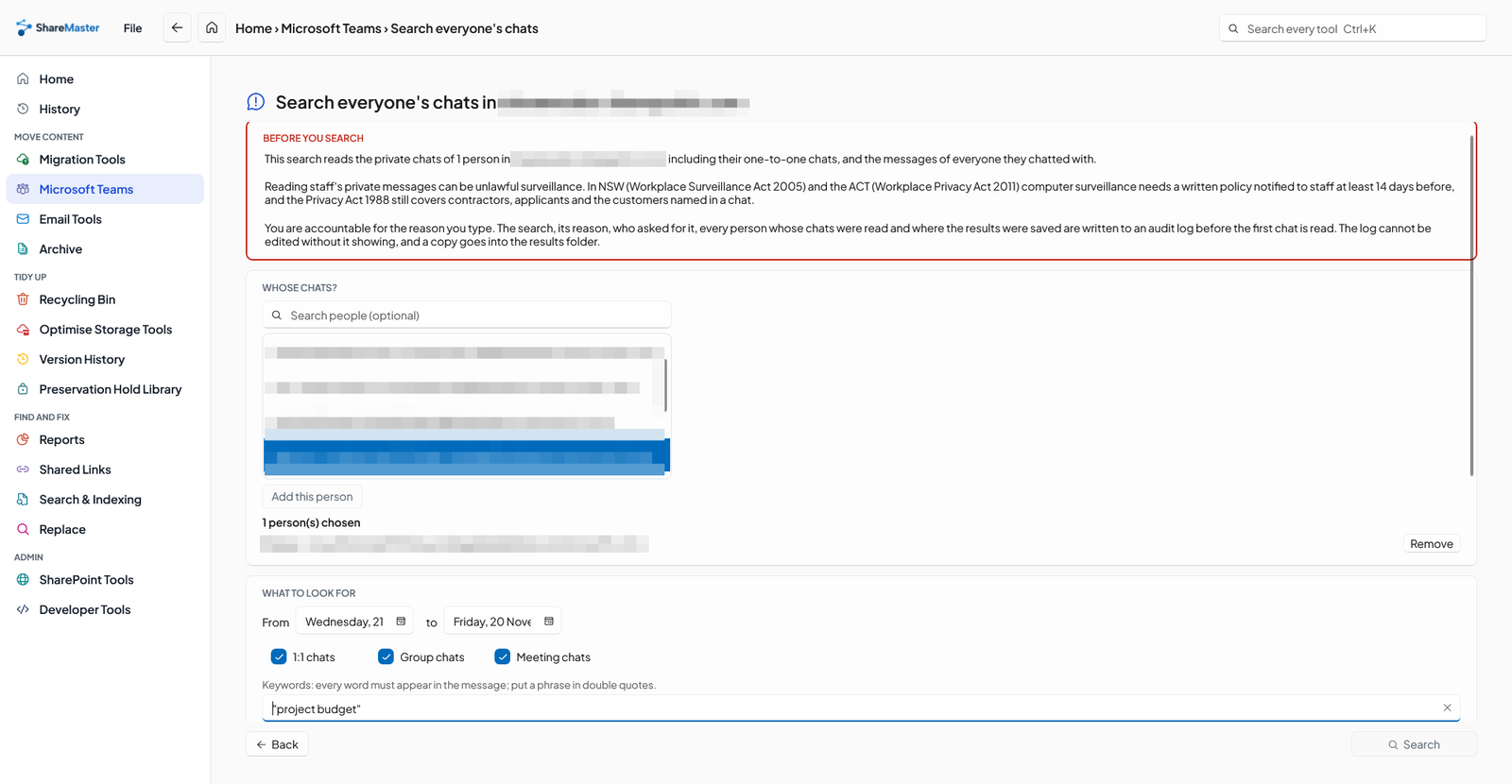
Search chosen people's chats, audited
For an investigation, an administrator searches the one-to-one, group and meeting chats of the people they choose, for the words they type, between two dates. Every search asks for a typed reason and goes into an audit log before anything is read. Nothing in Teams is changed.
Move content into SharePoint: clone between sites and tenants, run a fast Move or Copy inside one tenant, upload from this computer or download to it, and bring Dropbox across.
9 tools
Browse, search, restore and purge SharePoint and OneDrive recycle bins, first and second stage, with a record of everything recovered or deleted.
4 tools
Move files nobody opens out of SharePoint into Azure storage you own, and leave a placeholder in the library that still opens.
5 tools
Get storage back: clear lists and libraries in bulk, remove empty folders and duplicate files, shrink oversized images, and recycle whole sites. Every tool previews first and recycles by default.
6 tools
Work with SharePoint directly: browse sites, lists and files, change the settings people usually need PowerShell for, manage list views and versioning, and search the Preservation Hold Library.
6 tools
Search SharePoint by keyword and export every match to Excel, find out why a file is or is not in search, ask SharePoint to re-crawl sites and lists in bulk, and read the crawl log.
4 tools
Find and rewrite text across documents, metadata and list items, in SharePoint or in a folder on this PC, with a preview before anything changes.
4 tools
Find every sharing link and every item with unique permissions across the sites you choose. Export it to Excel, or revoke links and reset permissions in bulk.
5 tools
Trim version history to win back storage, report what trimming would save before you commit, and reset a file's versions to a chosen point.
3 tools
Read-only Excel reports for planning a migration, finding where storage has gone and auditing who can see what. Nothing in this menu changes SharePoint, and every report is kept in History.
22 tools
For SharePoint developers and administrators: build and test CAML and OData queries, run your own PnPjs code, and manage property bags, SPFx customizers and list webhooks one site at a time, with a backup before every change.
6 tools
14-day free trial. No credit card. ShareMaster runs on your own Windows PC.