Migration Tools
Move content into SharePoint: clone between sites and tenants, run a fast Move or Copy inside one tenant, upload from this computer or download to it, and bring Dropbox across.
9 tools

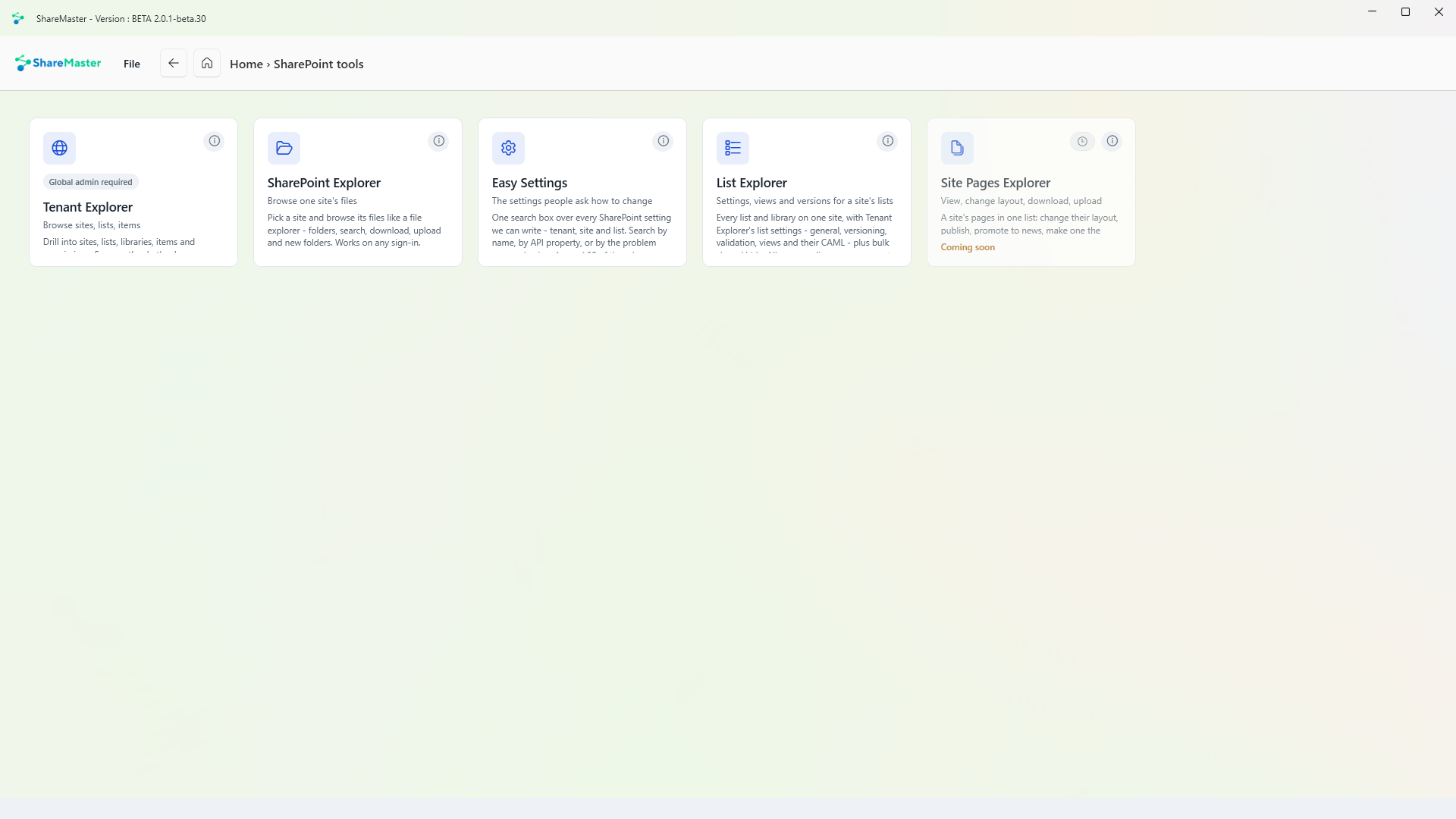
Browse sites, lists, items
Drill into sites, lists, libraries, items and permissions across the tenant and see exactly what is where, without leaving the app. Needs a global admin.
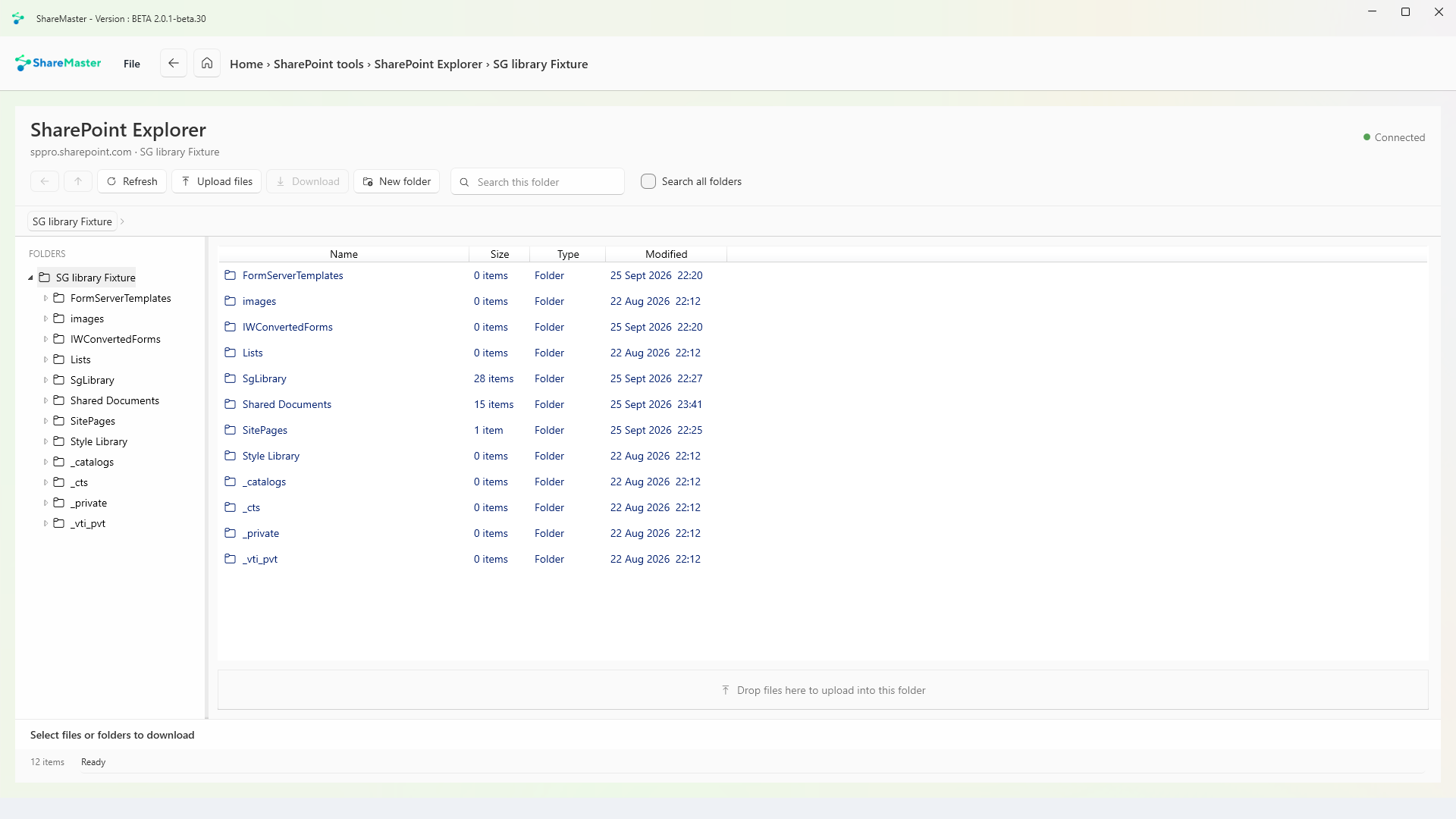
Browse one site's files
Pick a site and browse its files like a file explorer: folders, search, download, upload and new folders. Works on any sign-in.
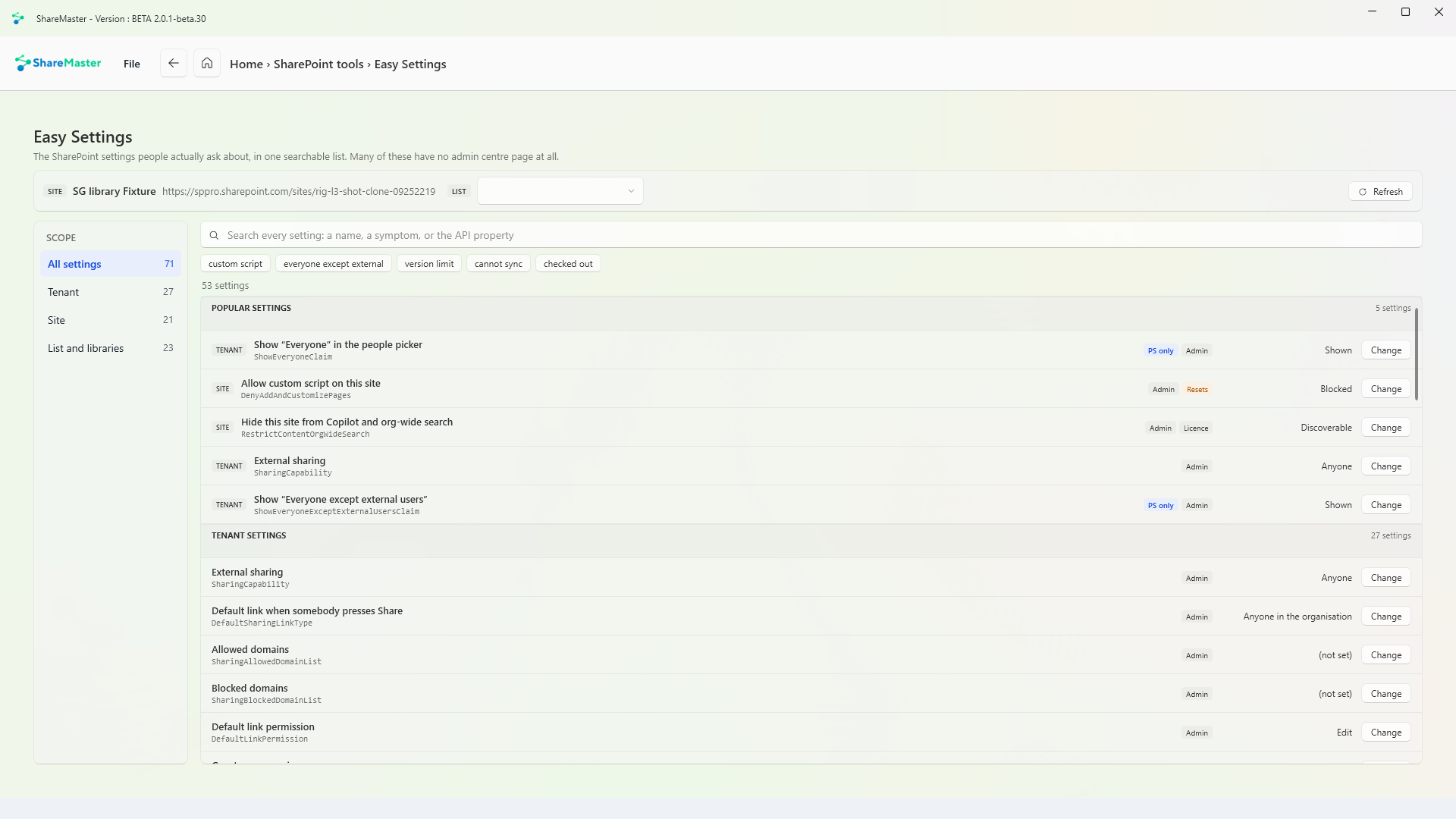
The settings people ask how to change
One search box over every SharePoint setting ShareMaster can write, at tenant, site and list level. Search by the setting's name, by its API property, or by the problem you are having. Around 85 of them have no page in the admin centre at all.
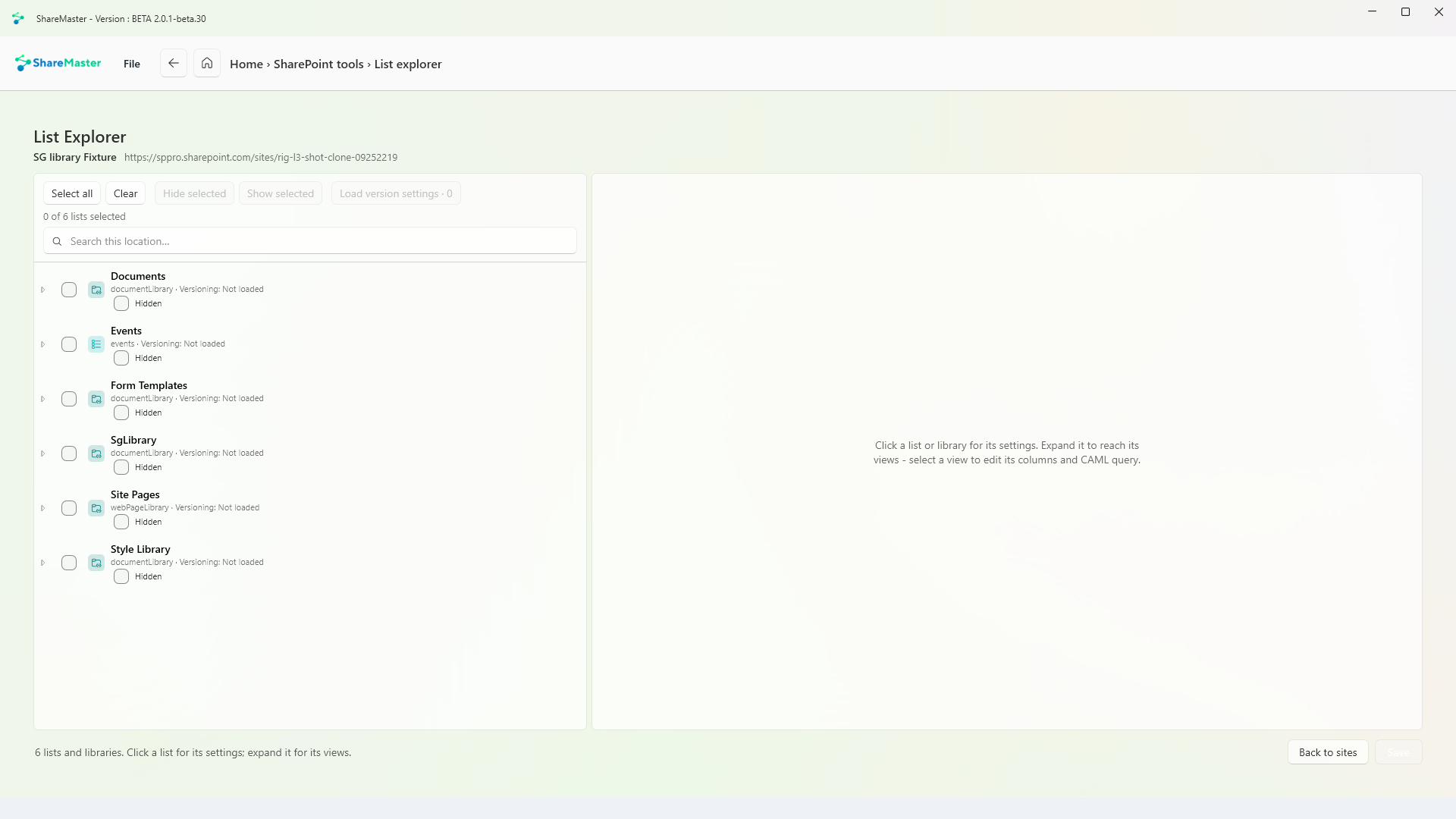
Settings, views and versions for a site's lists
Every list and library on one site, with its settings: general, versioning, validation, and views with their CAML, plus show and hide in bulk. All on an ordinary user account.
Find files kept under retention
When a file is edited or deleted under a retention policy or label, SharePoint keeps a copy in the site's Preservation Hold Library, and its own search does not look in that library. ShareMaster reads every file in it and searches its columns as you type, including where each file used to live. Tick the files you want, or take every match, and download them into folders that match where they came from, with an Excel report beside them. Nothing in the library is changed.
Move content into SharePoint: clone between sites and tenants, run a fast Move or Copy inside one tenant, upload from this computer or download to it, and bring Dropbox across.
9 tools
Browse, search, restore and purge SharePoint recycle bins, first and second stage, with a record of everything recovered or deleted.
3 tools
Move files nobody opens out of SharePoint into Azure storage you own, and leave a placeholder in the library that still opens.
5 tools
Get storage back: clear lists and libraries in bulk, remove empty folders and duplicate files, shrink oversized images, and recycle whole sites. Every tool previews first and recycles by default.
6 tools
Find and rewrite text across documents, metadata and list items, in SharePoint or in a folder on this PC, with a preview before anything changes.
3 tools
Find every sharing link and every item with unique permissions across the sites you choose. Export it to Excel, or revoke links and reset permissions in bulk.
5 tools
Trim version history to win back storage, report what trimming would save before you commit, and reset a file's versions to a chosen point.
3 tools
Read-only Excel reports for planning a migration, finding where storage has gone and auditing who can see what. Nothing in this menu changes SharePoint, and every report is kept in History.
14 tools
14-day free trial. No credit card. ShareMaster runs on your own Windows PC.