

-
Shipped
ShareMaster V1
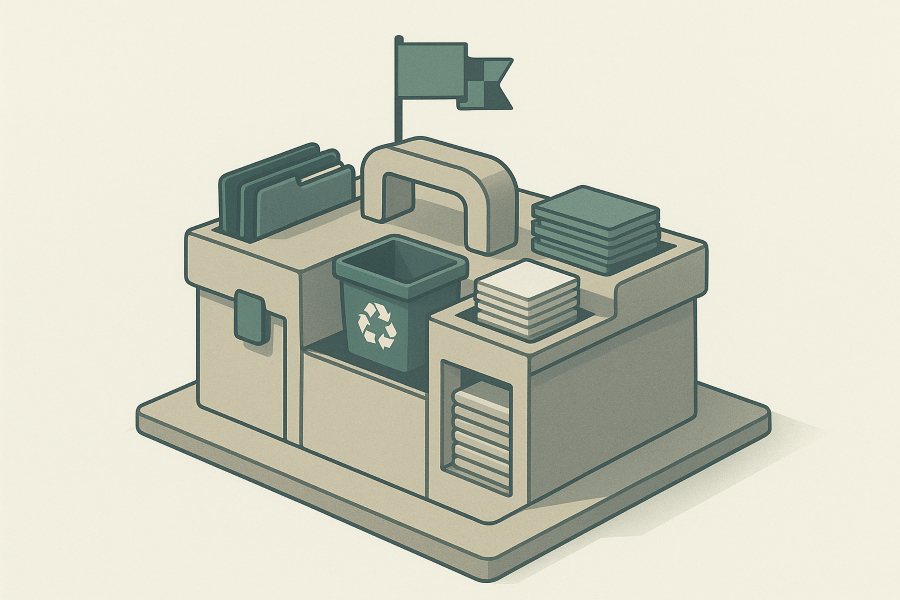
Where it started, and still installing, licensing and updating exactly as it always has. V1 moves SharePoint to SharePoint and handles the admin work around it.
Migration
- SharePoint to SharePoint cloning, across tenants
- Copy To / Move To inside a tenant
Recovery
- Advanced Recycling Bin search, restore and purge
- Bulk empty across site collections
Storage
- Version trimming
- Image reducer
- Empty folder remover
Admin and reporting
- Explore sites, lists and items
- Excel reports
- Find and replace text
- Sharing links and unique permissions
-
Live now: V2 2.0.1, November 2026
ShareMaster V2
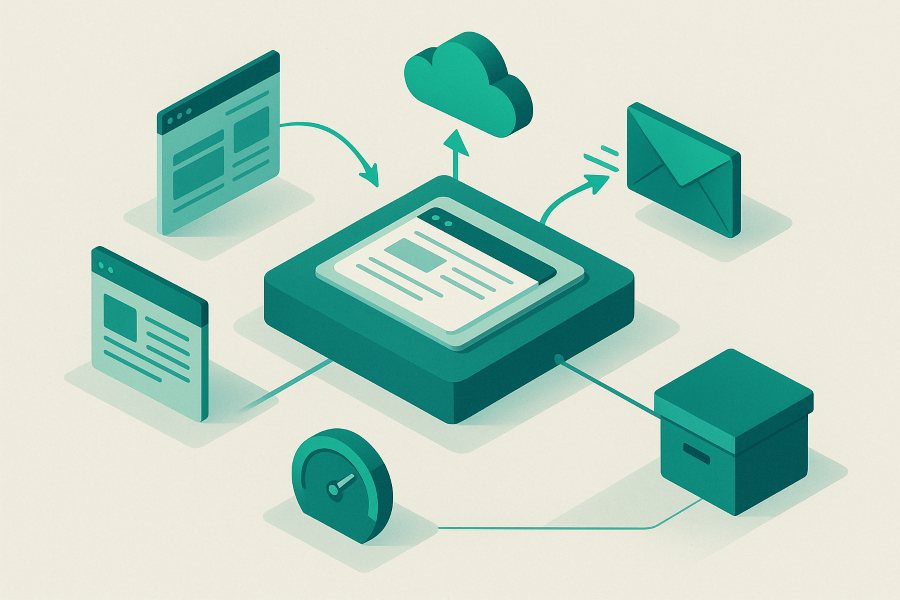
A ground-up rewrite as a native Windows app. V2 left beta with 2.0.1, its first stable release, in November 2026. Everything in this stage is switched on in the V2 you can download from the members area today, on the licence you already have.
Migration
- SharePoint to SharePoint: structure and content, content only, or structure only
- Move / Copy inside a tenant, server-side
- Upload from your PC into a library
- Download a library to your PC
- Azure Blob Storage to SharePoint, and SharePoint to Azure Blob
- Dropbox to SharePoint, one account or a whole team
Email
- Office 365 to PST export
- Office 365 to Office 365, tenant to tenant, online archives included
- PST, IMAP or POP3 into Office 365
Archive
- On-demand archiving to Azure Blob Storage you own
- Placeholder links that download or restore the original
- Restore archived files, one or in bulk
- Archive savings report and Blob viewer
Recycling bin
- Browse, restore and purge a site's bin
- Empty recycle bins in bulk
Optimise storage
- Delete all items in a list, or all files in a library
- Remove empty folders
- Remove duplicate files
- Reduce image sizes
- Delete sites and subsites, to the recycle bin
SharePoint tools
- Tenant Explorer and SharePoint Explorer
- List Explorer: show, hide and version lists
- Easy Settings
Version history
- Version trimming, with a report-only mode
- Reset a file's version history
Replace and sharing
- Replace text in SharePoint or in local files
- Find password-protected files
- Report and remove sharing links and unique permissions
- Remove one person from every sharing link
Reports
- Inventory, folder inventory and site storage
- Empty folders, duplicates and image sizes
- Security matrix and unused licences
- Compare items, and Dropbox to Office 365 compare
- History of every report you have run
- You are here
-
Coming soon to V2
Next up
Built or part-built, and not switched on yet. In the app these tiles are visible with a clock on them, so you can see what is coming before it arrives.

Custom report builder
Pick lists on a site, relate them by lookup column or by hand, choose your fields and export the joined result to Excel. The tile is in the app now reading "Coming soon".
Saved reports and system reports
Somewhere to keep the reports the builder makes, and a set of ready-made ones to start from. They arrive with the builder.
Scheduled archiving
Archive on a timer with nobody watching, running in your own Azure subscription rather than on a PC left switched on. On-demand archiving works today.
-
Built on request
More clouds into Microsoft 365
Not built yet. We will build any of these when there is demand for it, so if one is holding up your move, tell us and it moves up the list.

Google Drive to SharePoint
My Drive and shared drives into SharePoint libraries.
Box to SharePoint
Box folders and their files into SharePoint.
Egnyte to SharePoint
Egnyte shares into SharePoint libraries.
Citrix ShareFile to SharePoint
ShareFile folders into SharePoint.
Amazon S3 to SharePoint
An S3 bucket into a library, the way Azure Blob works today.
Gmail to Office 365
Google Workspace mailboxes into Office 365 with a proper Gmail connector. V2 already imports from any IMAP or POP3 host.
Microsoft's native mailbox move
Mailboxes moved between tenants by Microsoft's own server-side move service. Built, and switched on when a customer wants it: Microsoft charges a licence per user for it. Moving mailboxes tenant to tenant already works today with V2's Office 365 to Office 365 migration.
Need something that is not here?
Most of V2 exists because a customer asked for it. Tell us what you are moving and where to, and we will tell you honestly where it sits.