ShareMaster is shaped by your feedback. Tell us what to build next →
Features All features overview
Migration Tools Overview Structure and content OneDrive ↔ SharePoint Content only Structure only Move / Copy Upload from this computer Download to this computer Dropbox to SharePoint Copy a team Resume and incremental runs
Recycling Bin Overview Browse a site's recycle bin Empty recycle bins in bulk Restore and purge history
Archive Overview Configure the tenant On Demand Archive Restore Archived Files Archive Savings Report Blob Viewer
Optimise Storage Tools Overview Delete all items in a list Delete all files and folders in a library Remove empty folders Remove duplicate files Reduce image sizes Delete sites and subsites
SharePoint Tools Overview Tenant Explorer SharePoint Explorer Easy Settings Fix renamed groups List Explorer Search the Preservation Hold Library
Search & Indexing Overview Search query Item search properties Reindex Crawl log
Replace Overview Replace in SharePoint Replace in local files Find password-protected files
Shared Links Overview Report shared links Report unique permissions Remove a person from sharing links Remove shared links Remove unique permissions
Version History Overview Version trimming Version trimming report Reset file version
Reports Overview Inventory report Folder inventory Site and subsite storage Storage growth Security matrix Teams permissions Pre-migration analysis Compare items Dropbox to Microsoft 365 compare Duplicate file report Empty folder report Image size report Recycle bin report Unused licences Report history
Developer Tools Overview Query Builder PnPjs Console Property Bags SPFx Customizers Webhooks Customisation audit
V2 Pricing Services Demos Blog Guides Use cases Compare Tools Alerts FAQ Contact
  1. Home
  2. Features
  3. Version History

Version History

Trim version history to win back storage, report what trimming would save before you commit, and reset a file's versions to a chosen point.

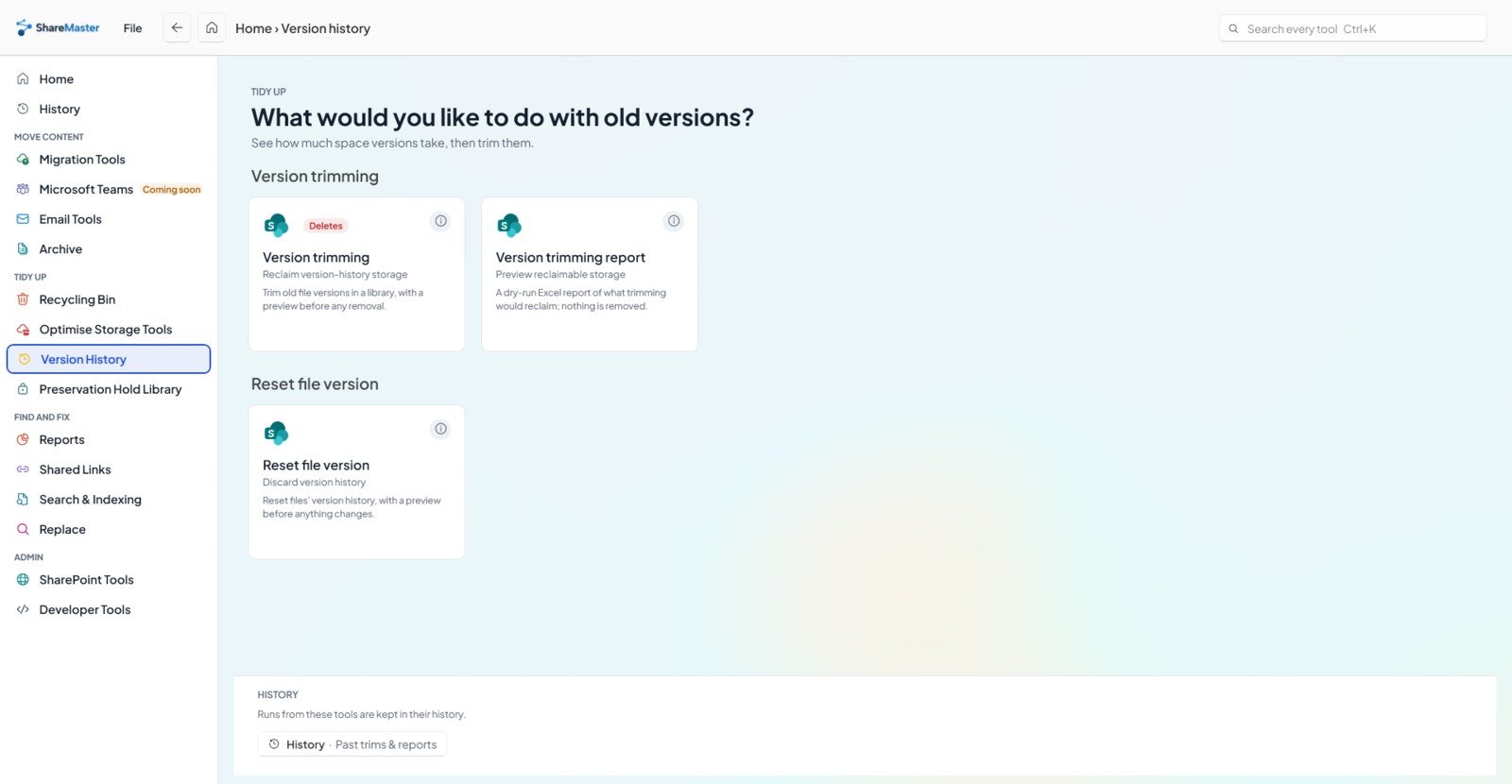
The Version History section in ShareMaster, showing its tools and descriptions
Choose a tool from the Version History section.
Every paid plan and the free trial

Version trimming

Reclaim version-history storage

Every save in a versioned library keeps another full copy of the file, and every copy counts against your storage. Version trimming removes the versions you do not need under rules you set, and a preview of exactly what it would remove always runs first.

On the free trial a live trim processes the first 5 files. The version trimming report is not limited.

  • Keep the newest N versions, or only remove versions before a date
  • Keep at most N a day, or keep versions at least N hours apart
  • Skip recently modified files, or narrow by extension and file name
  • Pick sites, libraries or folders, use a CSV, or run it across the whole tenant
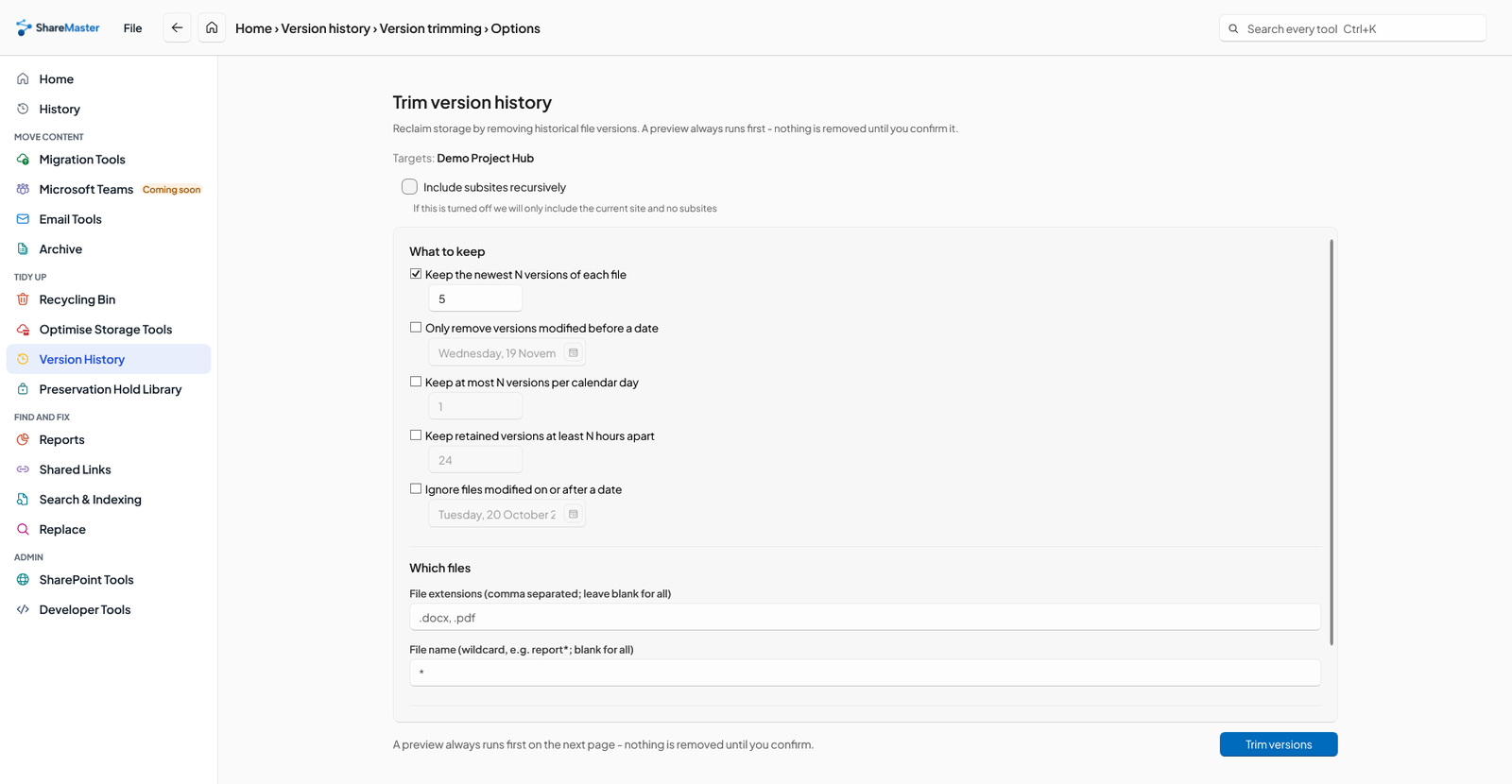
Version trimming options showing retention rules and file filters before the required preview and removal confirmation
Choose retention rules and file filters. A preview comes before the confirmation to remove versions.
Every plan, including free Community

Version trimming report

Preview reclaimable storage

A dry run. Scan a library's version history under the same rules and download an Excel report of exactly what would be trimmed, and how much storage it would reclaim. Nothing is removed.

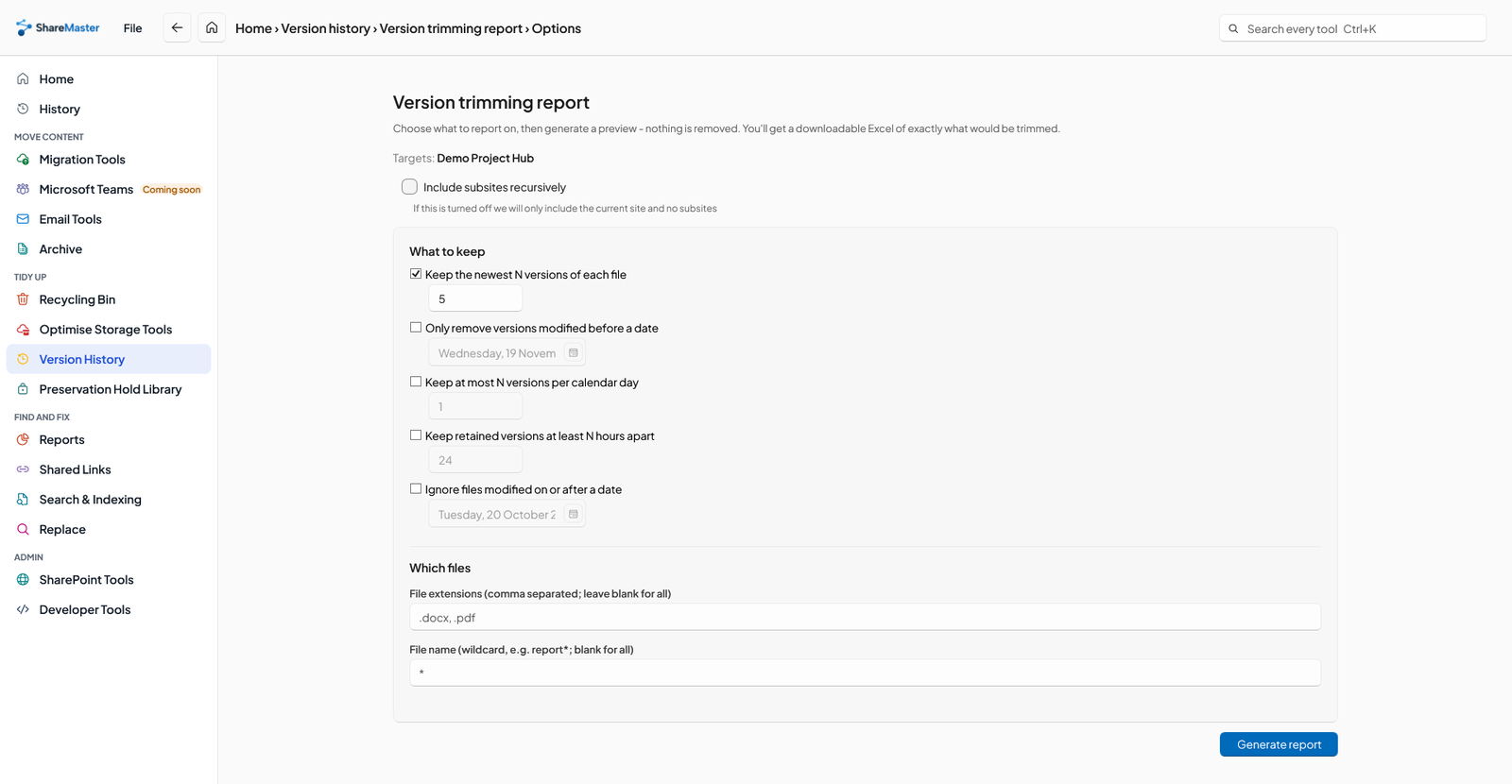
Version trimming report options in ShareMaster: keep the newest N versions, date, per-day and hours-apart rules, and file extension and name filters
The report's rules, the same ones a real trim uses.
Every paid plan and the free trial

Reset file version

Discard version history

Pick files in a library and reset their version history: to 0.1, to a specific version, or to the closest major version. A preview runs first, and nothing changes until you confirm.

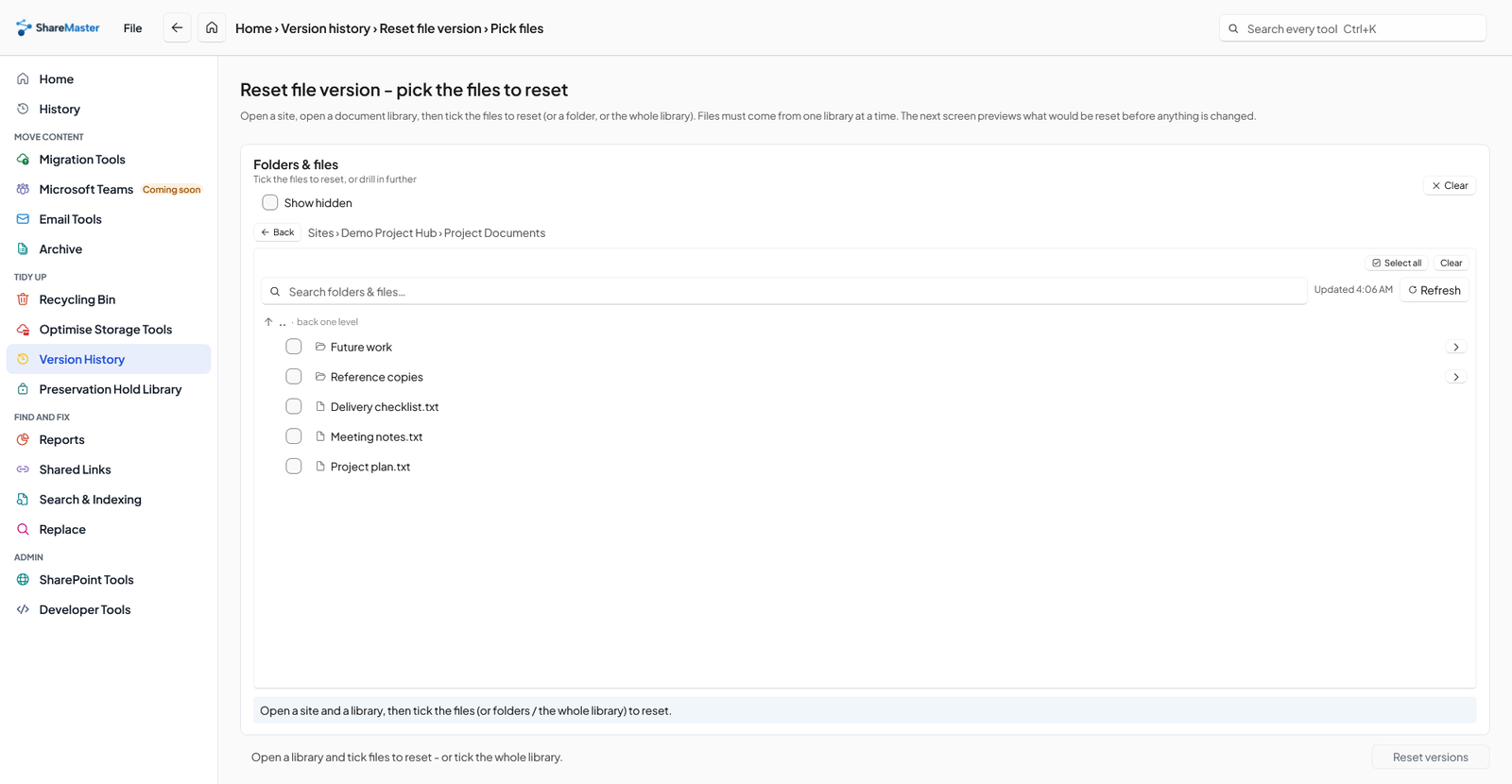
Reset file version: picking the site, library and files whose version history to reset
Pick a site, then a library, then the files to reset.
More tools

The rest of ShareMaster

Migration Tools

Move content into SharePoint: clone between sites and tenants, run a fast Move or Copy inside one tenant, upload from this computer or download to it, and bring Dropbox across.

10 tools
Recycling Bin

Browse, search, restore and purge SharePoint and OneDrive recycle bins, first and second stage, with a record of everything recovered or deleted.

3 tools

Archive

Move files nobody opens out of SharePoint into Azure storage you own, and leave a placeholder in the library that still opens.

5 tools

Optimise Storage Tools

Get storage back: clear lists and libraries in bulk, remove empty folders and duplicate files, shrink oversized images, and recycle whole sites. Every tool previews first and recycles by default.

6 tools

SharePoint Tools

Work with SharePoint directly: browse sites, lists and files, change the settings people usually need PowerShell for, manage list views and versioning, and search the Preservation Hold Library.

6 tools

Search & Indexing

Search SharePoint by keyword and export every match to Excel, find out why a file is or is not in search, ask SharePoint to re-crawl sites and lists in bulk, and read the crawl log.

4 tools

Replace

Find and rewrite text across documents, metadata and list items, in SharePoint or in a folder on this PC, with a preview before anything changes.

3 tools

Shared Links

Find every sharing link and every item with unique permissions across the sites you choose. Export it to Excel, or revoke links and reset permissions in bulk.

5 tools

Reports

Read-only Excel reports for planning a migration, finding where storage has gone and auditing who can see what. Nothing in this menu changes SharePoint, and every report is kept in History.

15 tools

Developer Tools

For SharePoint developers and administrators: build and test CAML and OData queries, run your own PnPjs code, and manage property bags, SPFx customizers and list webhooks one site at a time, with a backup before every change.

6 tools

Try Version History on your own tenant

14-day free trial. No credit card. ShareMaster runs on your own Windows PC.