Migration Tools
Move content into SharePoint: clone between sites and tenants, run a fast Move or Copy inside one tenant, upload from this computer or download to it, and bring Dropbox across.
9 tools

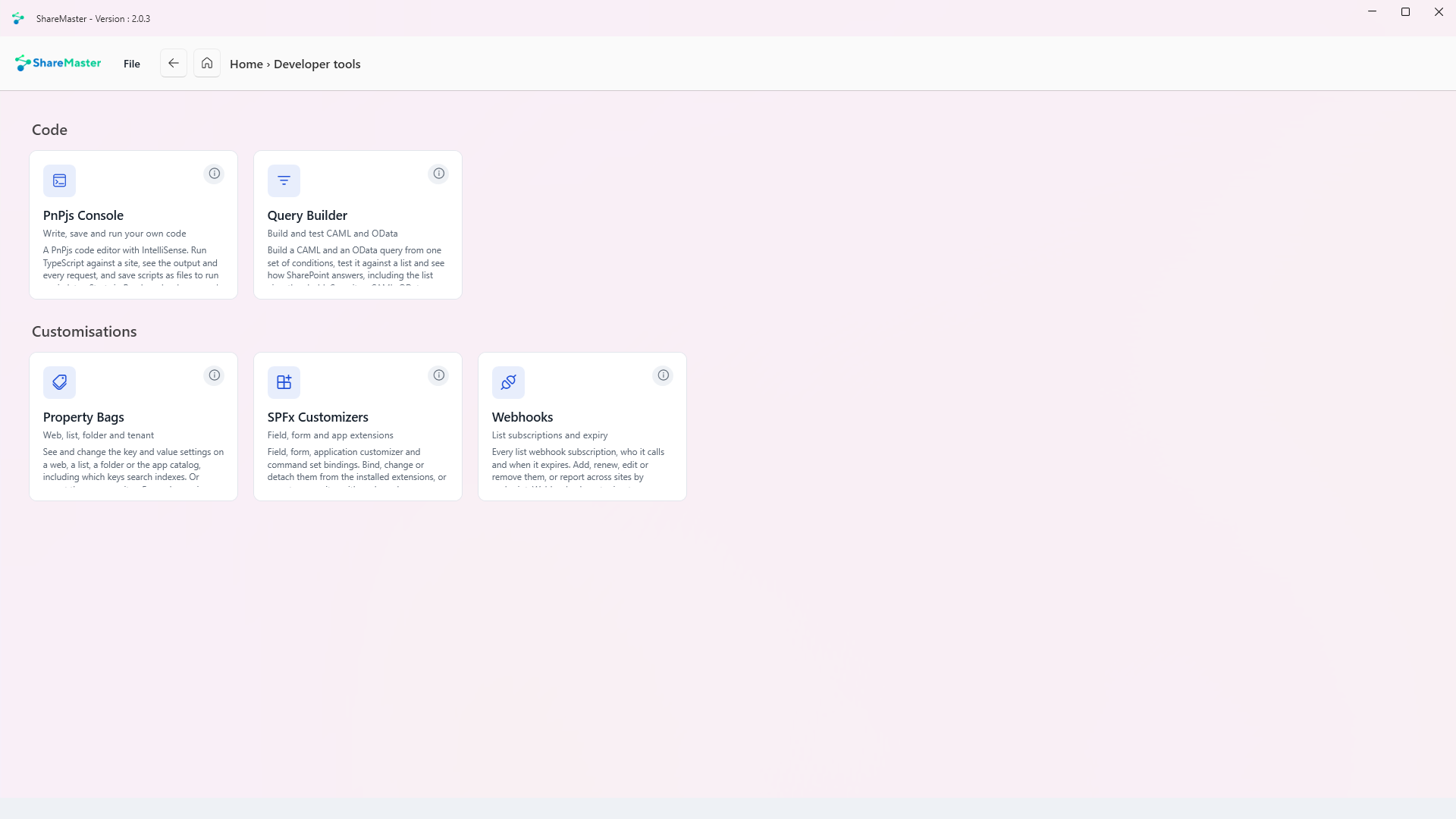
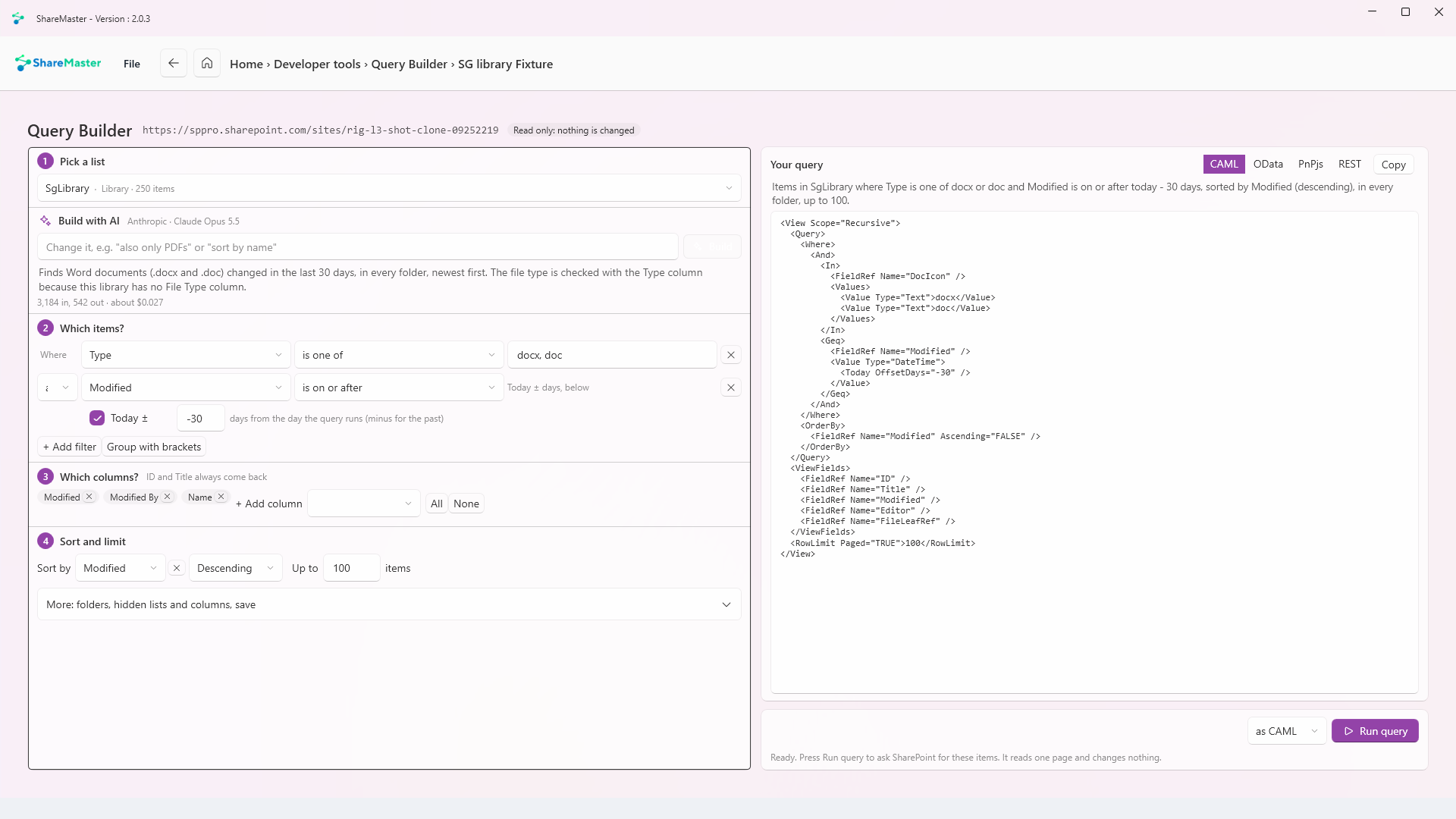
Build and test CAML and OData
Build one set of conditions from the list's own columns and get both a CAML query and an OData query from it. Run either against the list and see the items, the count and how long SharePoint took, including a plain explanation when the list view threshold refuses it. Copy the result as CAML, OData, PnPjs or REST. Nothing is written.
Write, save and run your own code
A PnPjs code editor with IntelliSense. Run TypeScript against a site, see the output and every request it made, and save scripts as files to run again. It starts in Read mode; anything that changes the site asks first, and permanent deletes are refused. An AI pane, on your own key, can read the site's lists and fields to write, explain or fix a script, and shows each change as a diff before you apply it.
Web, list, folder and tenant
See and change the key and value settings on a web, a list, a folder or the app catalog, including which keys search indexes. On a site where custom script is off, it asks, turns custom script on for the change and off again straight after, which needs the SharePoint Administrator role. Or report property bags across the sites you pick.
Field, form and app extensions
Field customizers, form customizers, application customizers and list command sets: see what is bound where, bind one from the installed extensions, change its properties, or detach it. Or report across the sites you pick, with orphaned components listed on their own sheet.
List subscriptions and expiry
Every webhook subscription on a site's lists, the address it calls and when it expires, with the ones close to expiry picked out. Add, renew, edit or remove them, or report across the sites you pick, grouped by endpoint. SharePoint lets a subscription run for at most 180 days before it has to be renewed, and webhooks are not carried across by a migration.
Custom code that will not migrate
On the Reports menu: find what has been added to the sites you pick beyond content. Custom actions and SPFx extensions, webhooks, field and form customizers, app permissions, custom property bag keys, site designs, classic publishing and branding, and whether custom script is allowed. One Excel workbook, one sheet per kind. Nothing is changed.
Move content into SharePoint: clone between sites and tenants, run a fast Move or Copy inside one tenant, upload from this computer or download to it, and bring Dropbox across.
9 tools
Browse, search, restore and purge SharePoint and OneDrive recycle bins, first and second stage, with a record of everything recovered or deleted.
3 tools
Move files nobody opens out of SharePoint into Azure storage you own, and leave a placeholder in the library that still opens.
5 tools
Get storage back: clear lists and libraries in bulk, remove empty folders and duplicate files, shrink oversized images, and recycle whole sites. Every tool previews first and recycles by default.
6 tools
Work with SharePoint directly: browse sites, lists and files, change the settings people usually need PowerShell for, manage list views and versioning, and search the Preservation Hold Library.
6 tools
Find and rewrite text across documents, metadata and list items, in SharePoint or in a folder on this PC, with a preview before anything changes.
3 tools
Find every sharing link and every item with unique permissions across the sites you choose. Export it to Excel, or revoke links and reset permissions in bulk.
5 tools
Trim version history to win back storage, report what trimming would save before you commit, and reset a file's versions to a chosen point.
3 tools
Read-only Excel reports for planning a migration, finding where storage has gone and auditing who can see what. Nothing in this menu changes SharePoint, and every report is kept in History.
14 tools
14-day free trial. No credit card. ShareMaster runs on your own Windows PC.