Migration Tools
Move content into SharePoint: clone between sites and tenants, run a fast Move or Copy inside one tenant, upload from this computer or download to it, and bring Dropbox across.
9 tools

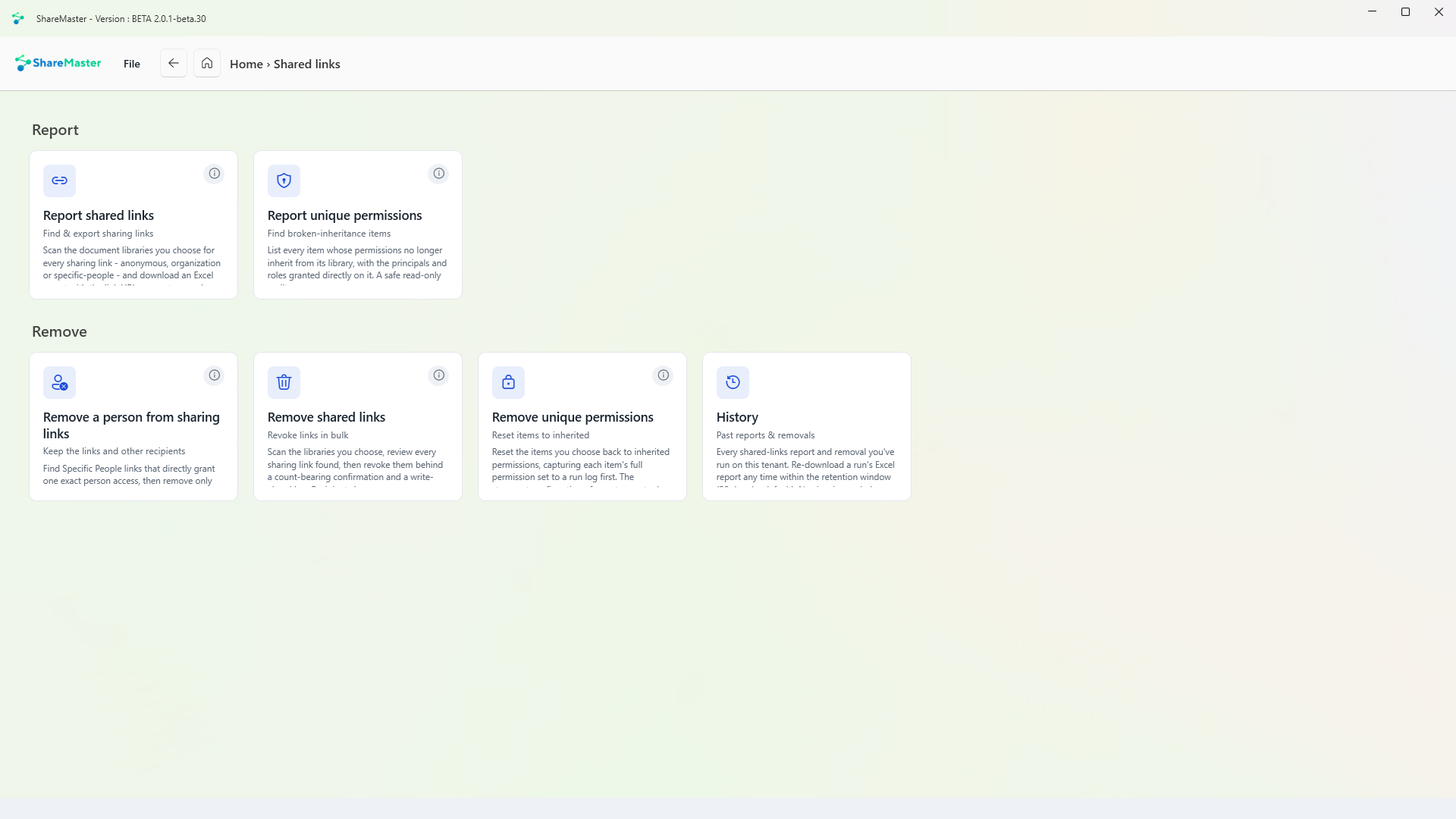
Find and export sharing links
Scans the document libraries you choose for every sharing link, whether anyone, organisation or specific-people, and downloads an Excel report with each link's URL, scope, type and expiry. Nothing is changed.
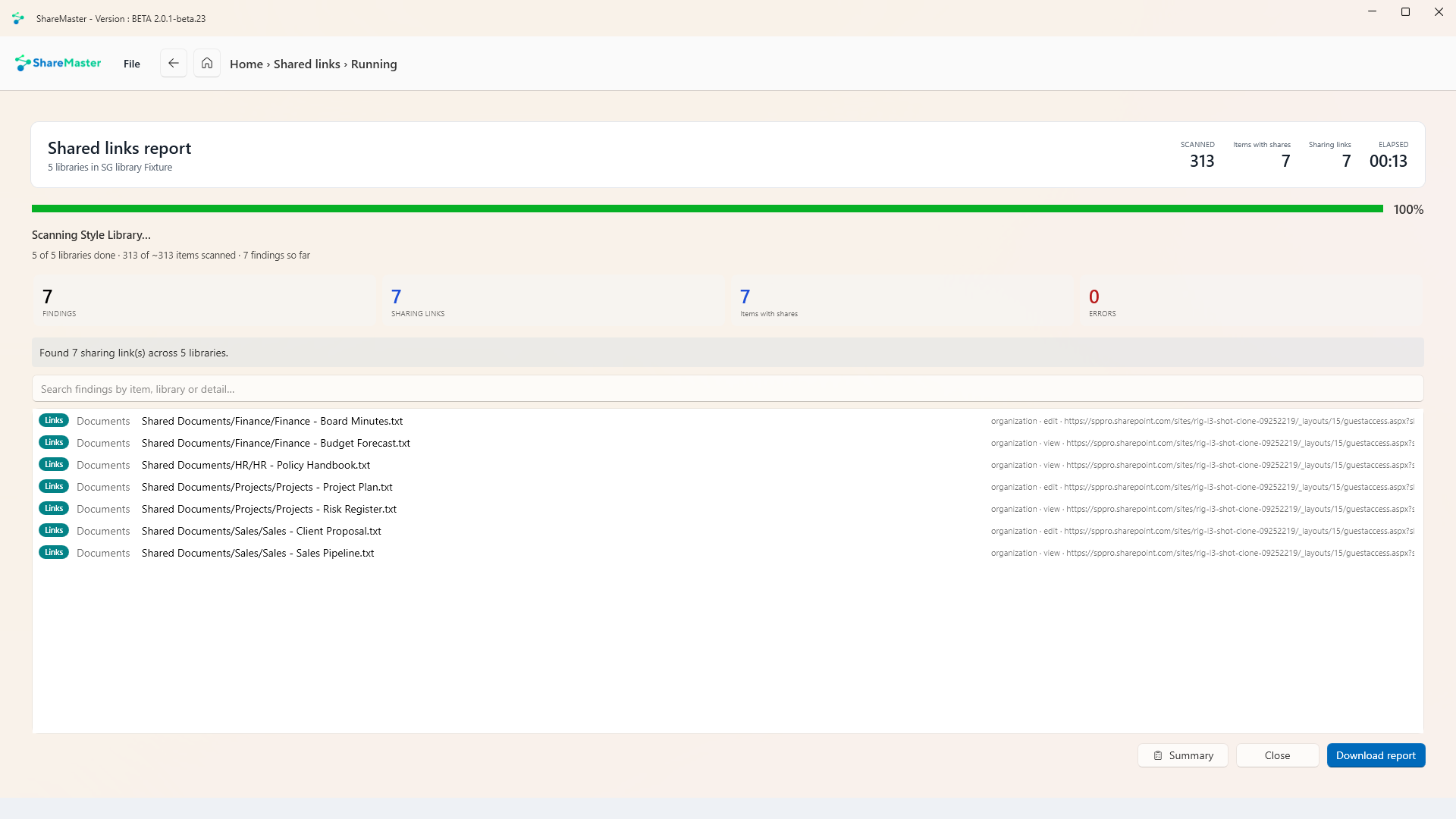
Find broken-inheritance items
Lists every item whose permissions no longer inherit from its library, with the people, groups and roles granted directly on it. A read-only audit.
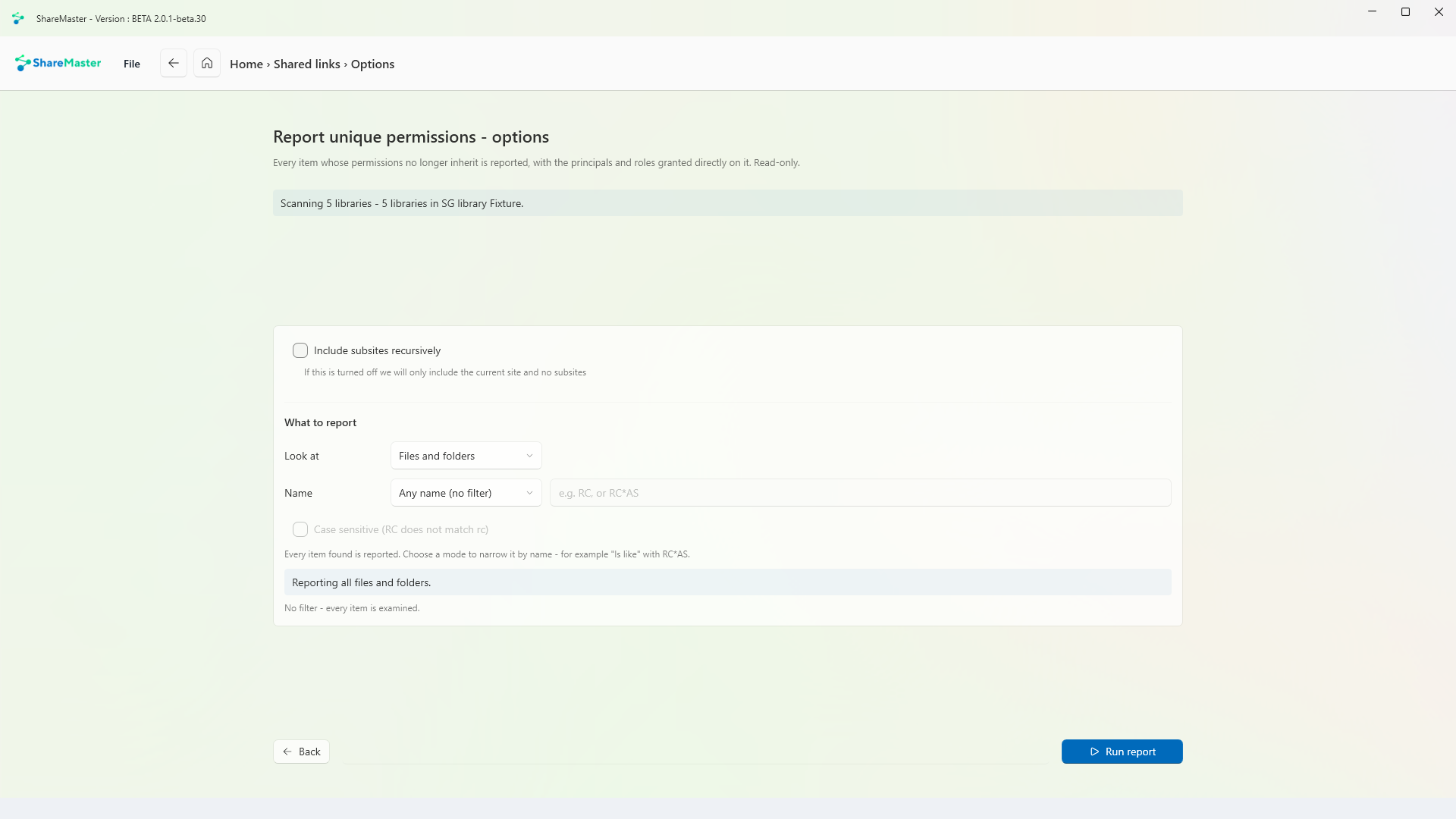
Keep the links and other recipients
Finds Specific People links that grant one exact person access, then removes only that person. The links and every other recipient stay. Group, inherited, organisation-wide and anyone access are not touched.
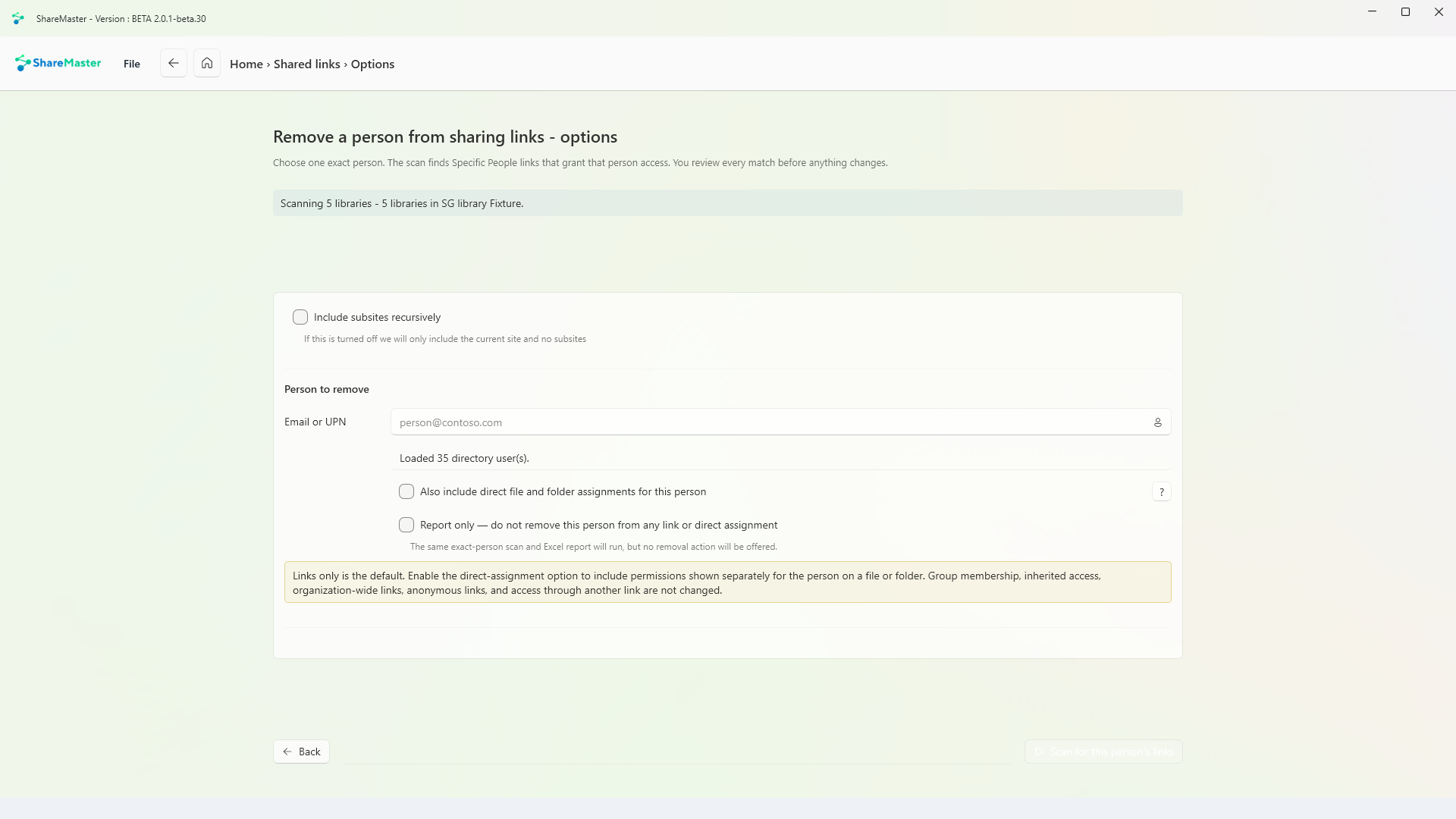
Revoke links in bulk
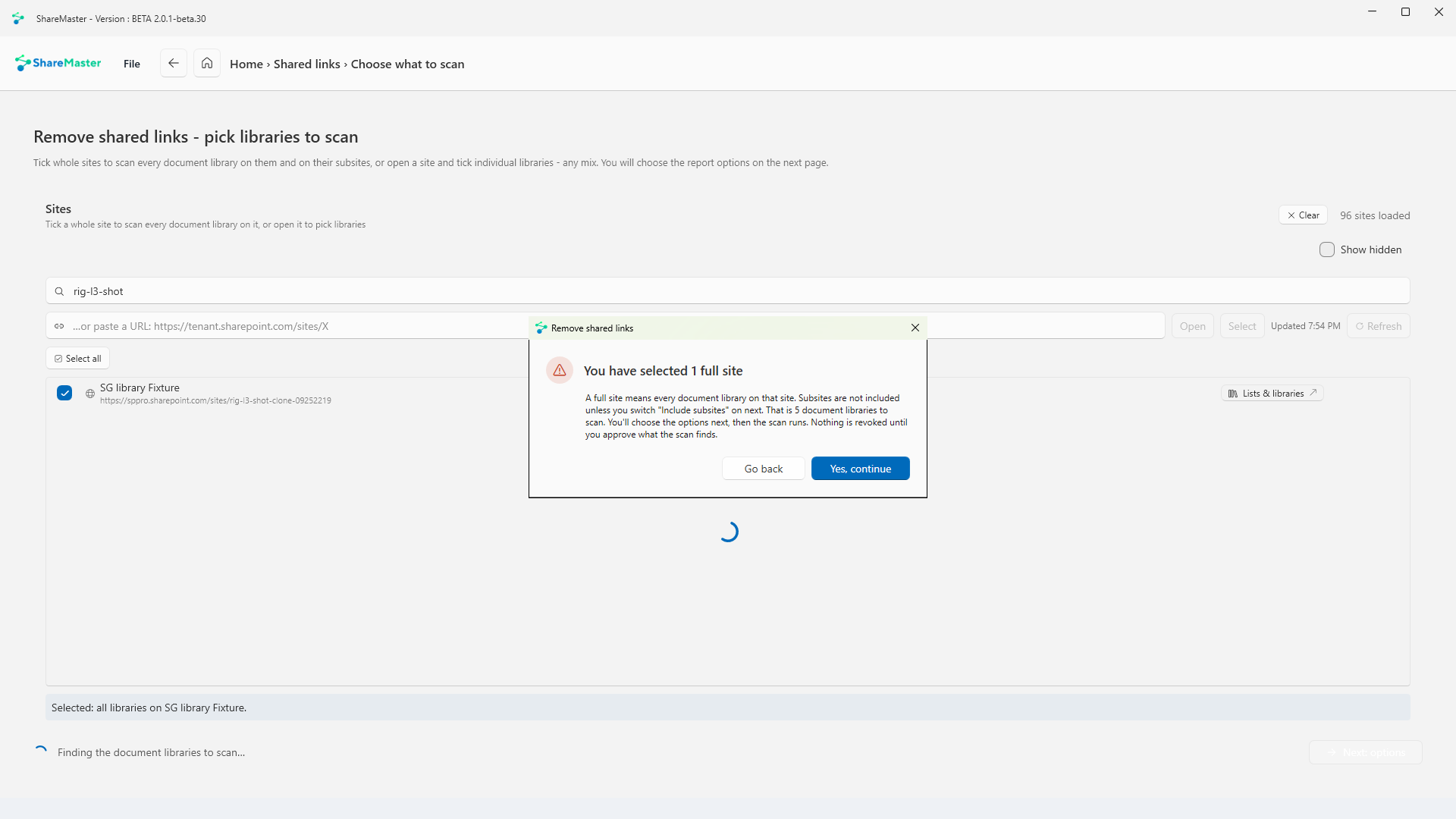
Scans the libraries you choose, lets you review every sharing link found, then revokes them behind a confirmation that states the count. Every removal is written to a log before it happens. Recipients lose access at once, and links cannot be restored.
Reset items to inherited
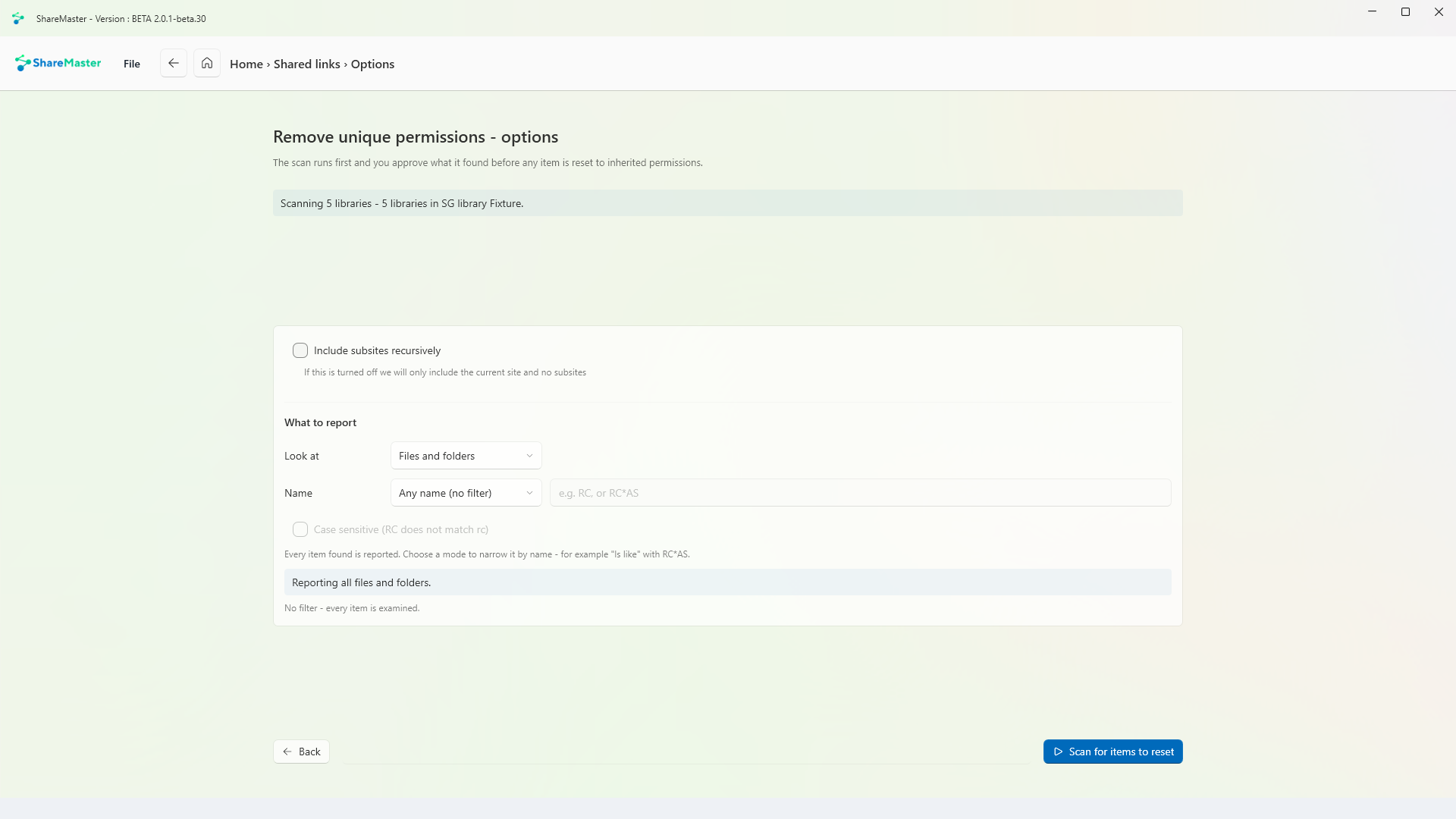
Resets the items you choose back to inherited permissions, saving each item's full permission set to a run log first. It carries the strongest confirmation of any storage tool.
Move content into SharePoint: clone between sites and tenants, run a fast Move or Copy inside one tenant, upload from this computer or download to it, and bring Dropbox across.
9 tools
Browse, search, restore and purge SharePoint recycle bins, first and second stage, with a record of everything recovered or deleted.
3 tools
Move files nobody opens out of SharePoint into Azure storage you own, and leave a placeholder in the library that still opens.
5 tools
Get storage back: clear lists and libraries in bulk, remove empty folders and duplicate files, shrink oversized images, and recycle whole sites. Every tool previews first and recycles by default.
6 tools
Work with SharePoint directly: browse sites, lists and files, change the settings people usually need PowerShell for, manage list views and versioning, and search the Preservation Hold Library.
5 tools
Find and rewrite text across documents, metadata and list items, in SharePoint or in a folder on this PC, with a preview before anything changes.
3 tools
Trim version history to win back storage, report what trimming would save before you commit, and reset a file's versions to a chosen point.
3 tools
Read-only Excel reports for planning a migration, finding where storage has gone and auditing who can see what. Nothing in this menu changes SharePoint, and every report is kept in History.
14 tools
14-day free trial. No credit card. ShareMaster runs on your own Windows PC.