
Measure
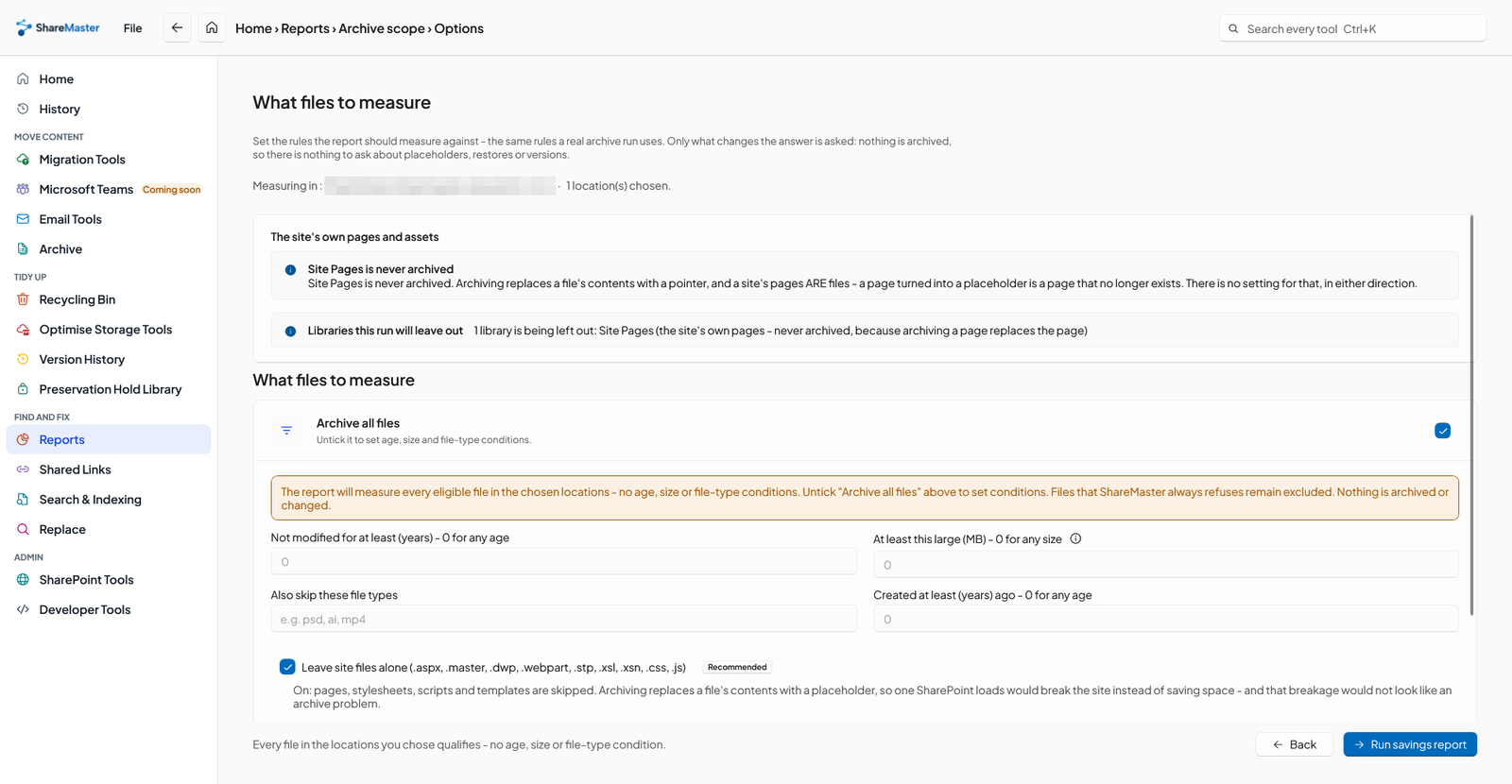
The Archive Savings Report lists every file your rules select, the space it holds and its monthly cost in SharePoint and in Azure. No setup, nothing changed, every plan.
Most of a full tenant is files nobody has opened in years, paid for at SharePoint rates. Find out what yours are worth, then move them into Azure storage you own, where a gigabyte costs a fraction as much, and leave a placeholder that brings each file back with a click.
How do I reduce SharePoint storage costs?
Stop paying SharePoint prices for files nobody opens. Storage over your tenant's quota costs about $0.20 per GB per month on Microsoft's pay-as-you-go SharePoint Storage, while the same gigabyte in Azure Blob Storage's Cool tier is around a cent at list price. ShareMaster's Archive Savings Report shows, free and without changing anything, which files your rules would move and what that is worth. Archiving then moves each file to Azure storage in your own subscription and leaves a small placeholder in the library that puts the file back when someone clicks it.
The Archive Savings Report lists every file your rules select, the space it holds and its monthly cost in SharePoint and in Azure. No setup, nothing changed, every plan.
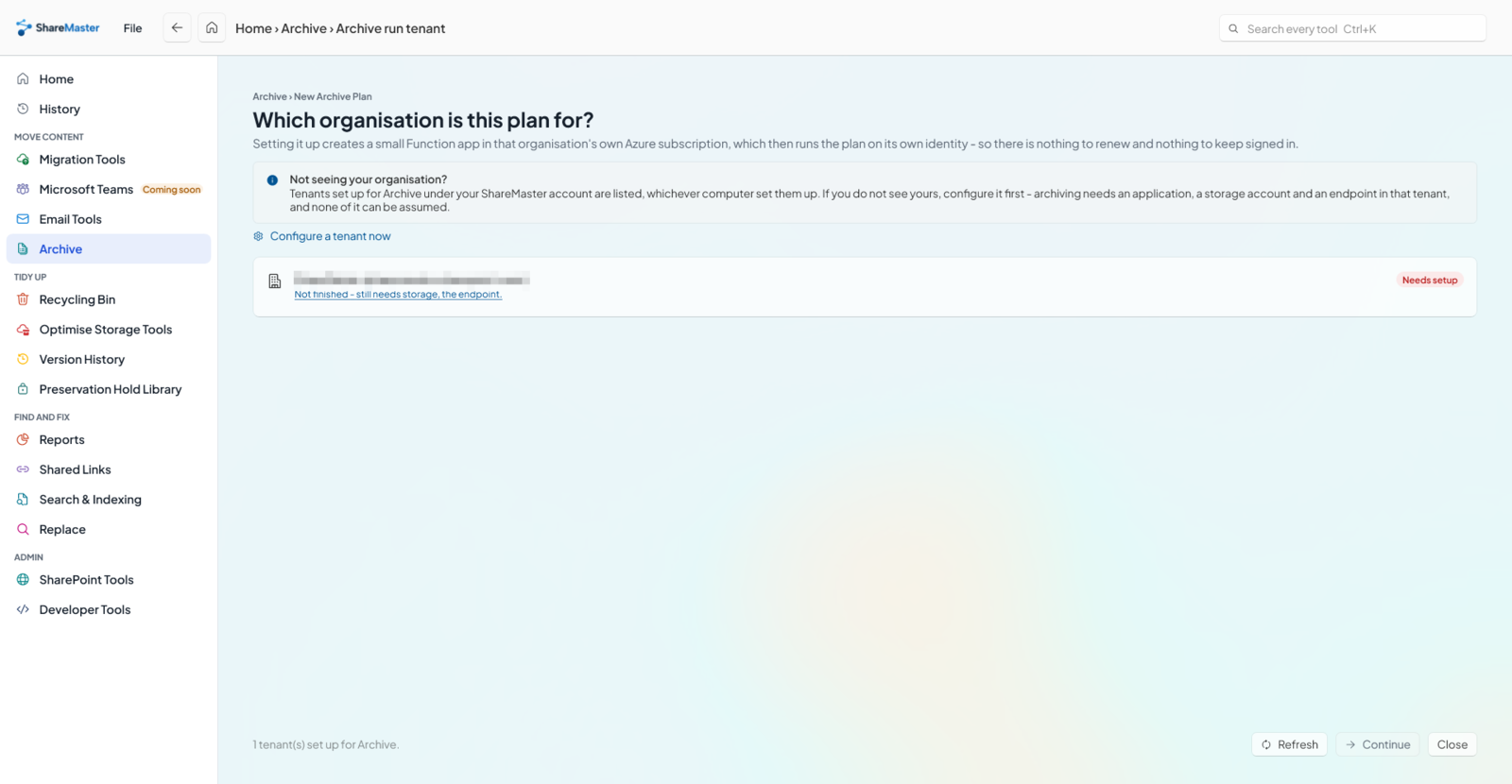
Preview the files, approve them, and each one goes to your Azure storage, is checked, and is replaced by a placeholder in the same folder.
What archiving moved out stays in the recycle bin until it is emptied. Empty it and the quota drops.
Every tenant shares one pool of SharePoint storage: 1 TB plus 10 GB for each licence, per Microsoft's SharePoint limits. Version history and the recycle bin both count against it, and a tenant that runs out can be made read-only. At that point there are three things Microsoft will sell you, and they are easy to confuse:
| Option | What it does | Cost | Opening the files |
|---|---|---|---|
| Office 365 Extra File Storage | Adds quota in 1 GB steps | No price on Microsoft's page; see our pricing reference | Normal |
| Microsoft 365 SharePoint Storage (pay-as-you-go) | Bills what you use over the quota | $0.20 per GB per month | Normal |
| Microsoft 365 Archive | Moves inactive sites, or files with SharePoint Advanced Management, to a cold tier inside Microsoft 365 | $0.05 per GB per month above the quota | Reactivate the site or file first |
| ShareMaster Archive | Moves the files your rules pick to Azure Blob Storage in your subscription | Your Azure bill: the savings report uses about $0.010 per GB per month for Cool | Click the placeholder |
Microsoft's prices are from its pay-as-you-go services page, in US dollars. The Azure figure is the locally redundant Cool rate the savings report was built with; your region, redundancy and transactions change it, and the report shows the rate it used.
Before archiving anything, take the free wins. Old versions are usually the biggest one: version trimming removes old versions by rules you set. Duplicate files, empty folders and oversized images are smaller, but they add up across a tenant. All of these are in Optimise Storage Tools, and each previews before it changes anything. What is left after that is genuinely cold content: finished projects, old reports, last decade's photos. That is what archiving is for.
The file stays where it was, under its own name with an extra extension, for example
Budget.xlsx.shurl. A click either puts the real file back in place or downloads a copy,
whichever you chose when you archived. The click is answered by a small Azure Function in your own
subscription, using the permissions of the person clicking, and nothing is installed on anyone's
computer. Restore Archived Files puts a whole library or folder back in one run.
Three things to plan for. Microsoft takes 24 to 48 hours to roll out the placeholder file type after
setup. Libraries still on the classic view get a .url placeholder instead. And folders a
user syncs to their PC with OneDrive are not covered.
The cost page and the version history page in the documentation go into each of these.
The Archive Savings Report is free on every plan and changes nothing. Start a 14-day trial, no credit card, to archive as well.
Last updated