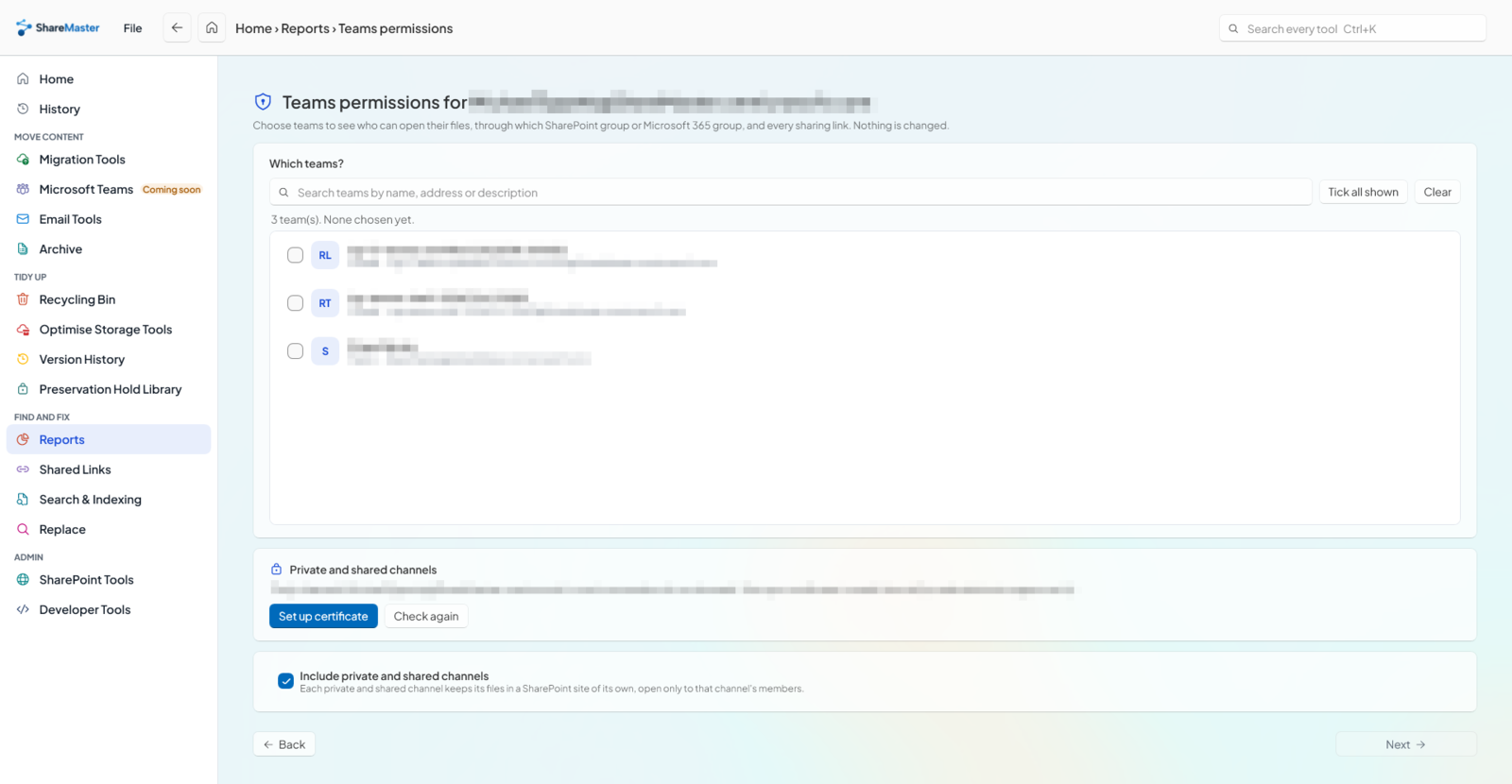
Choose teams and get the security matrix for their SharePoint sites, including the separate site behind every private and shared channel: who can open what, through which group, and every sharing link. Read-only.
Choose teams and whether to include the separate sites behind private and shared channels.
Sample report response
This preview shows report output using fictional documents and values.
In ShareMaster, this report downloads as an Excel workbook.
Summary
A
B
C
D
1
Teams permissions
2
3
Scope
Operations Team
4
Team / channel locations read
1
5
Teams
1
6
Channels
1
7
Team memberships
2
8
Channel memberships
0
9
Channel coverage
Only those the signed-in account is a member of. Microsoft hides the rest from anyone who is not a member, Global Administrators included. To list them all, give this tenant's ShareMaster certificate Teams access on the report page and run it again.
No private or shared channel members were read. A standard channel's members are its team's members.
Data sources
A
B
C
1
Source
State
Detail
2
Team owners, members and guests
Read
Read all 2 members.
3
Membership fields
Guest identifies an invited guest, separately from the channel role. From another tenant compares Graph's member tenant id with the team's tenant; it does not include every invited guest. Member tenant id is not a verified home tenant.
4
Installed app counts
Includes default and built-in entries returned by Microsoft's per-team installedApps endpoint. These counts do not measure app usage or manual installations.
5
Read as
Signed-in account
6
Private and shared channels
Partly read
Only those the signed-in account is a member of. Microsoft hides the rest from anyone who is not a member, Global Administrators included. To list them all, give this tenant's ShareMaster certificate Teams access on the report page and run it again.