
All reports
Content
Property bags report
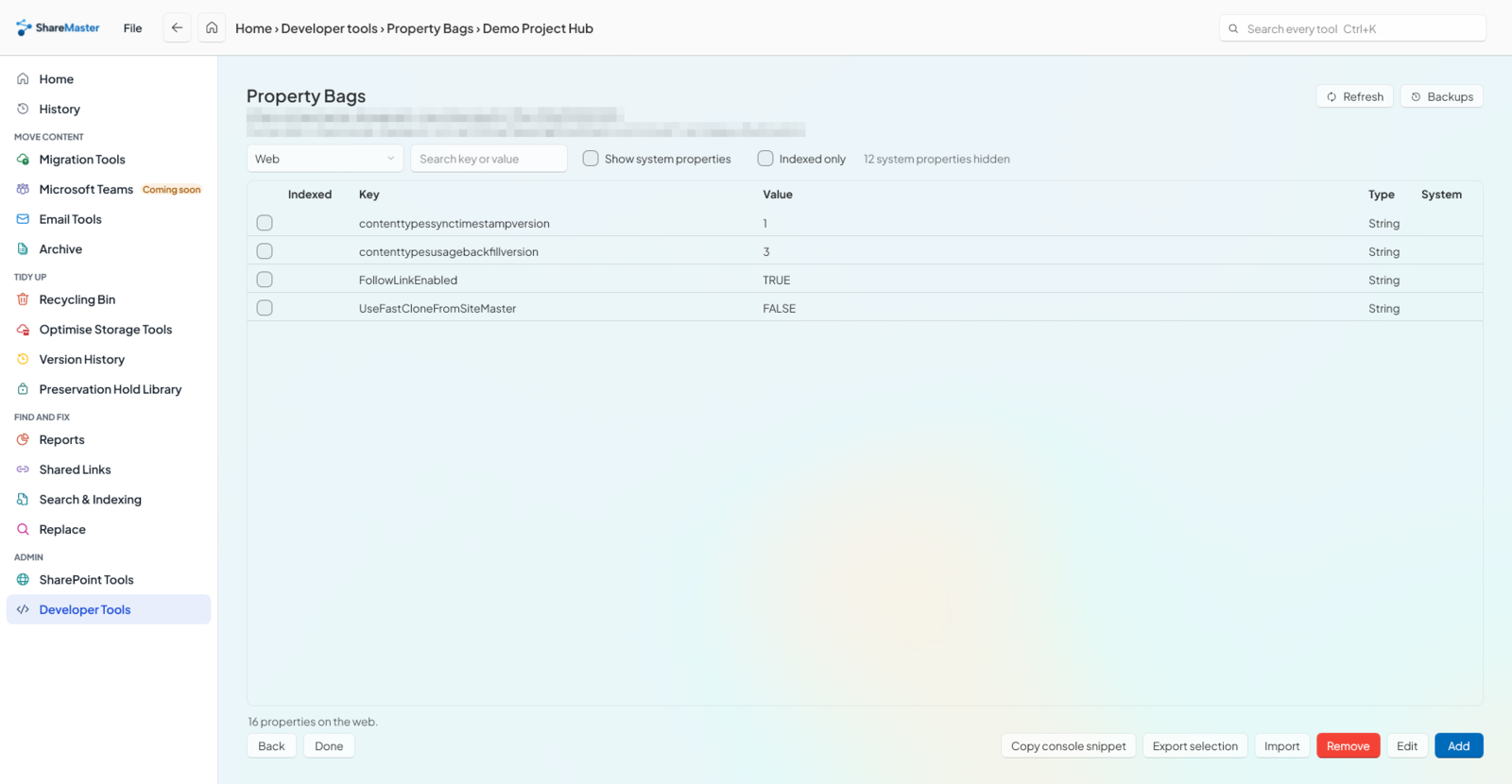
Pick sites and get an Excel report of their property bag keys and values: web, list root folders and the tenant's storage entities, with system keys left out unless you ask for them. Nothing is changed.
Sample report response
This preview shows report output using fictional documents and values.
In ShareMaster, this report downloads as an Excel workbook.
| Report | Property bags report | ||||
| Tenant | contoso.sharepoint.com | ||||
| Signed in as | |||||
| Credential | Certificate authentication | ||||
| Sites picked | 1 | ||||
| Subsites | Not included | ||||
| Webs read completely | 1 | ||||
| Webs not fully read | 0 | ||||
| Webs not read (failed) | 0 | ||||
| Webs not reached (stopped) | 0 | ||||
| Options declined | None | ||||
| System properties | Excluded | ||||
| Values of secret-looking keys | Hidden | ||||
| Started | 11/20/2026 10:00 | ||||
| Finished | 11/20/2026 10:00 | ||||
| Note | A web that could not be read is never reported as clean. See the Refused sheet. | ||||
| Site URL | Title | Verdict | Custom property keys | Will not migrate | Not read |
| https://contoso.sharepoint.com/sites/a | Site A | Customised | 3 | 3 |
| Site | Scope | List | Key | Value | Truncated | Type | Indexed | System |
| https://contoso.sharepoint.com/sites/a | Web | contoso_department | Finance | String | Yes | |||
| https://contoso.sharepoint.com/sites/a | Web | contoso_apiKey | (hidden: key looks like a secret) | String | ||||
| https://contoso.sharepoint.com/sites/a | List | Documents | retention_policy | 7y | String |
| Site | Kind | Where | Reason | Refused |
| None found. |
Runs in ShareMaster
Try ShareMaster