
All reports
Storage
Folder inventory
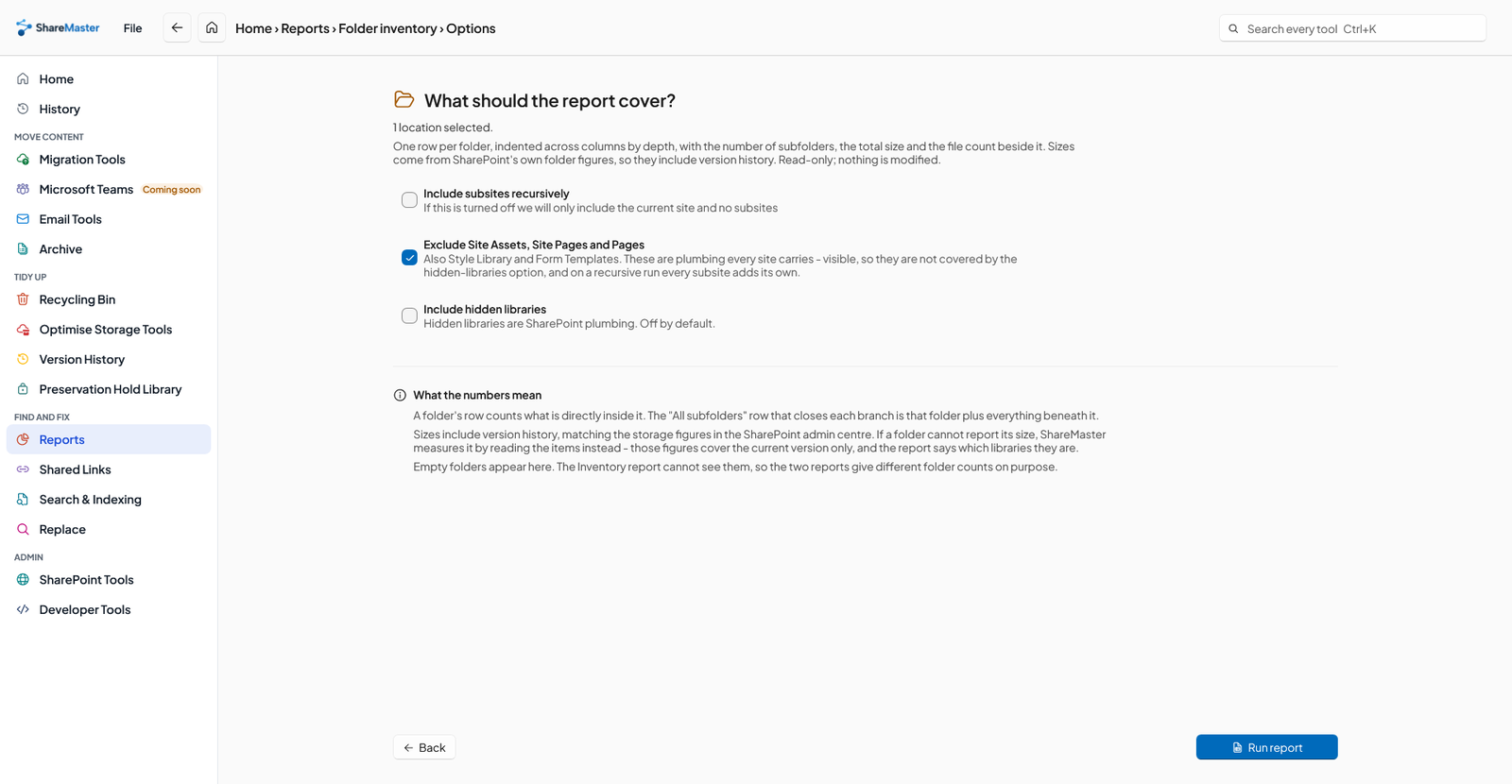
Pick sites, libraries or folders and get one row per folder, with its library path, subfolder count, total size and file count. Sizes include version history. Empty folders are listed too. Read-only.
Sample report response
This preview shows report output using fictional documents and values.
In ShareMaster, this report downloads as an Excel workbook.
| Folder Inventory List | |
| Scope | Site X |
| Subsites | Not included |
| Hidden libraries | Excluded |
| System libraries | Excluded (Site Assets, Site Pages, Pages, Style Library, Form Templates) |
| Run as | test |
| Generated | 2026-11-28 10:11 |
| Totals | |
| Sites walked | 1 |
| Libraries walked | 1 |
| Folders | 3 |
| Files | 25 |
| Total size | 5.86 MB |
| Total size (bytes) | 6,144,000 |
| How to read the Details sheet | |
| One row per folder. The Library Path column carries the full folder path, so the sheet can be sorted and filtered like any list. | |
| EVERY ROW IS THE WHOLE BRANCH: the folder plus everything beneath it, at every level. A folder's size and counts already include all of its subfolders, so add up only rows at the same level, never a folder and one of its own subfolders. | |
| "Site Statistics" at the top of the sheet is the whole report added up. | |
| SIZES INCLUDE VERSION HISTORY. They come from SharePoint's own storage figure for the folder, which counts every retained version of every file plus its metadata - the same basis as the storage numbers in the SharePoint admin centre. A folder will therefore read larger than the files inside it appear to be. Any library measured from its items instead is listed below, and its figures cover current versions only. | |
| Empty folders are rows here. The Inventory report cannot see them (it lists files, and an empty folder has none), so the two reports give different folder counts on purpose. | |
| What was truncated, skipped or measured differently | |
| Documents (Site X): did not report folder sizes, so sizes and file counts were measured by reading the items instead. THOSE FIGURES EXCLUDE VERSION HISTORY - they cover the current version of each file only, so they read smaller than the rest of this report. |
| Site | Site URL | Library Path | Total Size (KB) | File Count | Folder Count | Total Count |
| Site Statistics | 6,000 | 25 | 3 | 28 | ||
| Site X | https://contoso.sharepoint.com/sites/x | Documents | 6,000 | 25 | 3 | 28 |
| Site X | https://contoso.sharepoint.com/sites/x | Documents/Archive | 0 | 0 | 0 | 0 |
| Site X | https://contoso.sharepoint.com/sites/x | Documents/Projects | 6,000 | 25 | 1 | 26 |
| Site X | https://contoso.sharepoint.com/sites/x | Documents/Projects/Alpha | 4,000 | 20 | 0 | 20 |
Runs in ShareMaster
Try ShareMaster