
All reports
Security
Find password-protected files
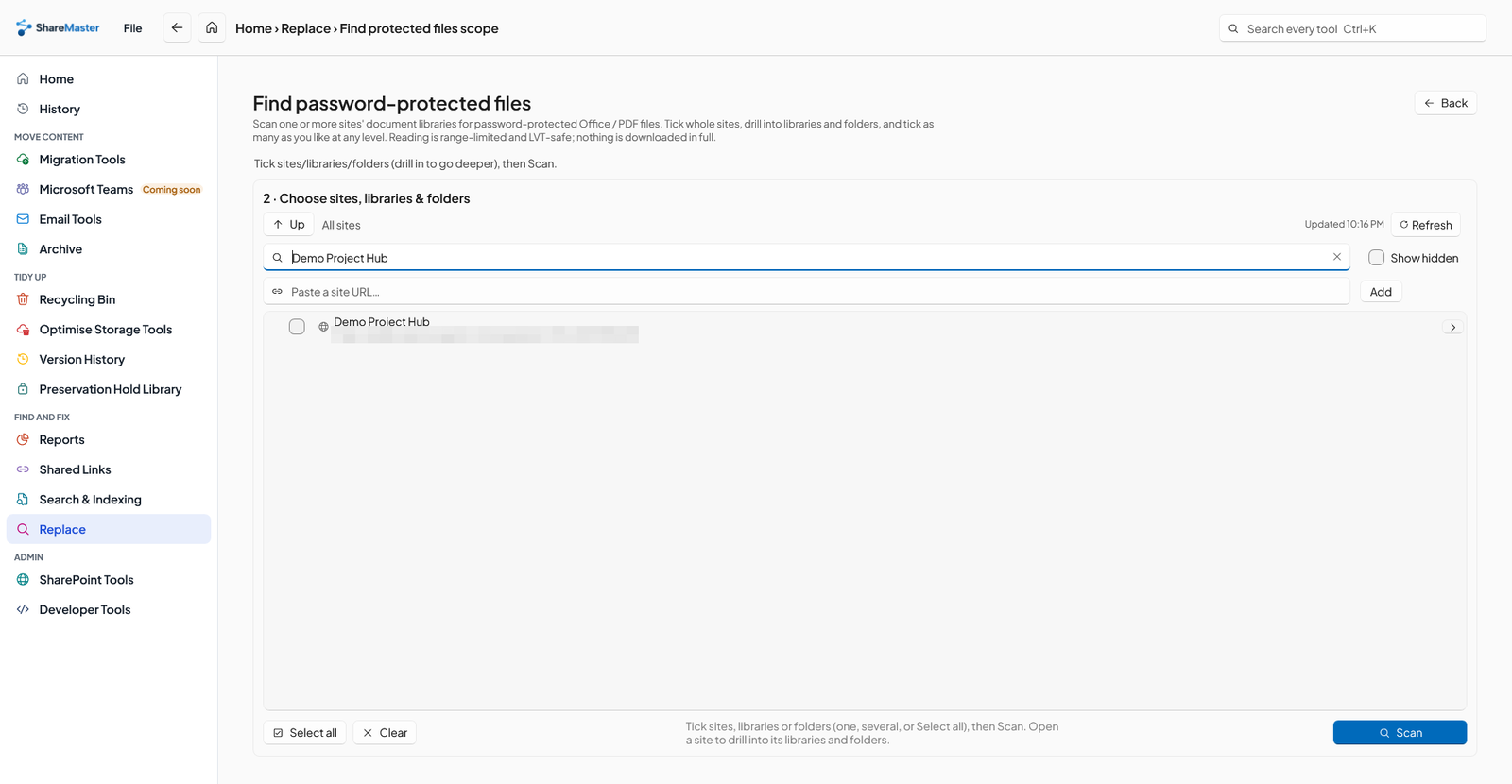
Pick one or more sites, libraries and folders and scan them for password-protected Office files and PDFs - each PDF says whether it needs a password to open or only restricts printing, editing or copying. Download a fill-in worksheet, type each password, then bring it back into a Find & Replace run (Import filled list) to unlock and process them.
Sample report response
This preview shows report output using fictional documents and values.
In ShareMaster, this report downloads as an Excel workbook.
| Field | Value |
| Report | Password-protected files |
| Scope | rig library |
| Started | 2026-11-28 10:09 |
| Finished | 2026-11-28 10:11 |
| Office / PDF files checked | 40 |
| Protected files found | 3 |
| Need a password to open | 2 |
| PDFs with permissions only (open without a password) | 1 |
| PDFs whose protection could not be determined | 0 |
| Files that could not be read | 1 |
| How it was checked | Each PDF's encryption dictionary was read from a few small parts of the file; no file was downloaded whole and nothing was changed. |
| Files that could not be read | |
| https://t/sites/rig/Docs/broken.pdf: timed out |
| Name | Path | File type | Password type | Restricted permissions | Encryption | Size (bytes) | Created | Modified | Created by | Modified by | Notes |
| perms.pdf | https://t/sites/rig/Docs/perms.pdf | Permissions only | Print, Copy / extract | AES 256-bit | 12345 | 2026-10-01 19:30 | 2026-11-02 20:45 | Creator Person | Editor Person | ||
| open.pdf | https://t/sites/rig/Docs/open.pdf | Open password | RC4 128-bit | 12345 | 2026-10-01 19:30 | 2026-11-02 20:45 | Creator Person | Editor Person | |||
| secret.docx | https://t/sites/rig/Docs/secret.docx | Word document | Open password | 12345 | 2026-10-01 19:30 | 2026-11-02 20:45 | Creator Person | Editor Person |
Runs in ShareMaster
Try ShareMaster