
All reports
Content
Crawl log
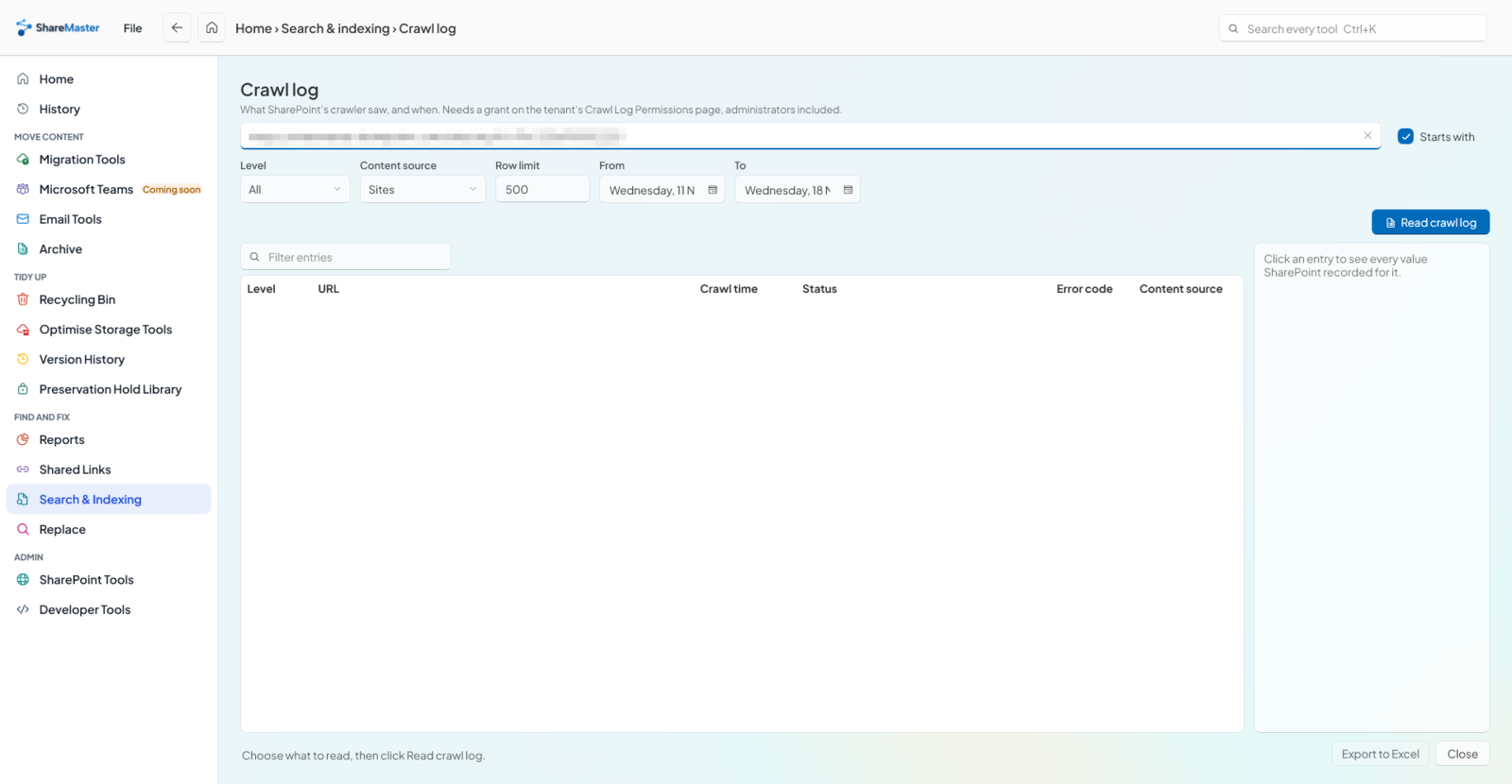
Read SharePoint's crawl log for a site, a library or one address: every entry's level, status and error code, filtered by date and level, with an Excel export. Needs a grant on the tenant's Crawl Log Permissions page, administrators included.
Sample report response
This preview shows report output using fictional documents and values.
In ShareMaster, this report downloads as an Excel workbook.
| Report | Crawl log |
| URL | https://contoso.sharepoint.com/sites/hr |
| Match | Starts with |
| Level | All |
| Content source | Sites |
| From (UTC) | 13 Nov 2026 00:00 |
| To (UTC) | 20 Nov 2026 00:00 |
| Row limit | 500 |
| Entries in this workbook | 3 |
| Generated | 11/28/2026 10:11 |
| Level | URL | Crawl time | Status | Error code (hex) | Error code | Item modified | Item id | Content source |
| Success | https://contoso.sharepoint.com/sites/hr/Shared Documents/a.docx | 11/20/2026 8:00 | Crawled | 0 | 0 | 11/19/2026 10:00 | 11 | 1 |
| Error | https://contoso.sharepoint.com/sites/hr/Shared Documents/big.pdf | 11/20/2026 5:00 | The item was too large | 0x80041204 | -2147216892 | 11/17/2026 10:00 | 12 | 1 |
| Warning | https://contoso.sharepoint.com/sites/hr/Lists/Tasks/1_.000 | 11/19/2026 10:00 | Truncated | 0x00000003 | 3 | 1 |
Runs in ShareMaster
Try ShareMaster