
All reports
Content
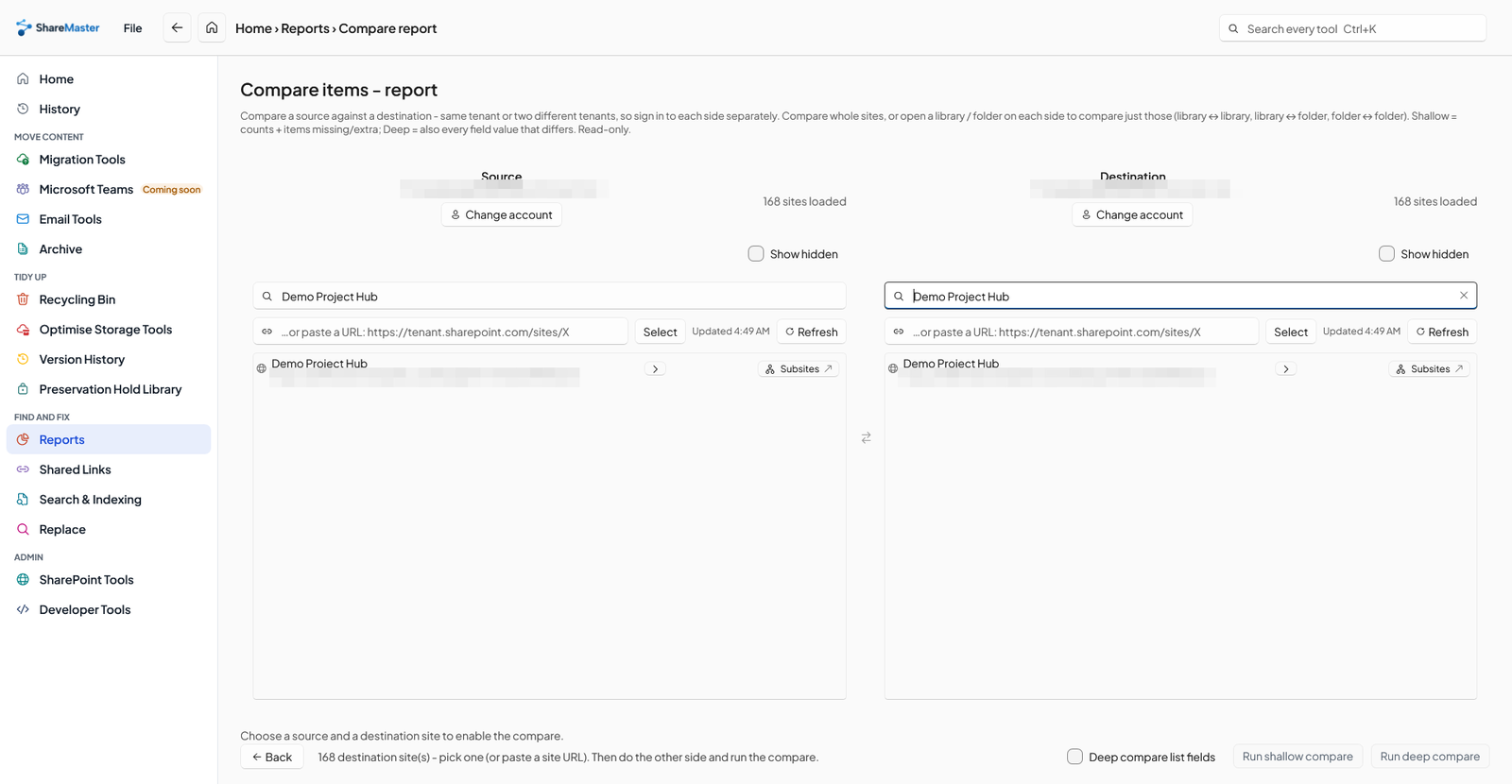
Compare items
Compare a source site against a destination site (same tenant or two different tenants) and export the differences to Excel - shallow (counts + missing/extra items) or deep (also per-field value drift). Read-only.
Sample report response
This preview shows report output using fictional documents and values.
In ShareMaster, this report downloads as an Excel workbook.
| ShareMaster compare report | |||||||
| Mode: Deep (counts + every field value) | |||||||
| Source: https://northwind.sharepoint.example/sites/operations | |||||||
| Destination: https://southwind.sharepoint.example/sites/operations | |||||||
| Generated: 2026-11-26 20:15 | |||||||
| 93.8% similar - 15 of 16 source item(s) found on the destination across 1 list(s). 87.5% also match field-for-field. Note: 1 item(s) with differing values. | |||||||
| Lists compared: 1 Clean: 0 With differences: 1 | |||||||
| List / library | Source items | Dest items | Missing on dest | Extra on dest | Items with value drift | Status | URL |
| Shared Documents | 16 | 15 | 1 | 0 | 1 | Missing items and field differences | https://northwind.sharepoint.example/sites/operations/Shared%20Documents |
| Shared Documents | ||||
| Source items: 16 Dest items: 15 Missing on dest: 1 Extra on dest: 0 Items with value drift: 1 | ||||
| https://northwind.sharepoint.example/sites/operations/Shared%20Documents | ||||
| Missing / extra items | ||||
| Side | Item ID | Kind | Identifier (path / title) | |
| Missing on destination | 17 | Document | /sites/operations/Shared Documents/Dispatch checklist.docx | |
| Value drift (fields that differ on matched items) | ||||
| Item ID | Identifier | Field | Source value | Destination value |
| 23 | /sites/operations/Shared Documents/Supplier register.xlsx | Title | 2026 supplier register | Supplier register |
Runs in ShareMaster
Try ShareMaster