Export From O365
Office 365 to PST
Your own mailbox with no admin rights, or every mailbox in the tenant once an administrator approves. One .pst per mailbox, with online archives as separate files if you want them.
Needs desktop Outlook
Copy mailboxes from one Office 365 tenant to another with their online archives, export them to .pst files on your own machine, or bring old PST, IMAP and POP3 mail into Office 365. It runs on Windows, talks to each mail service directly, and finishes every run with a report that says exactly what moved.
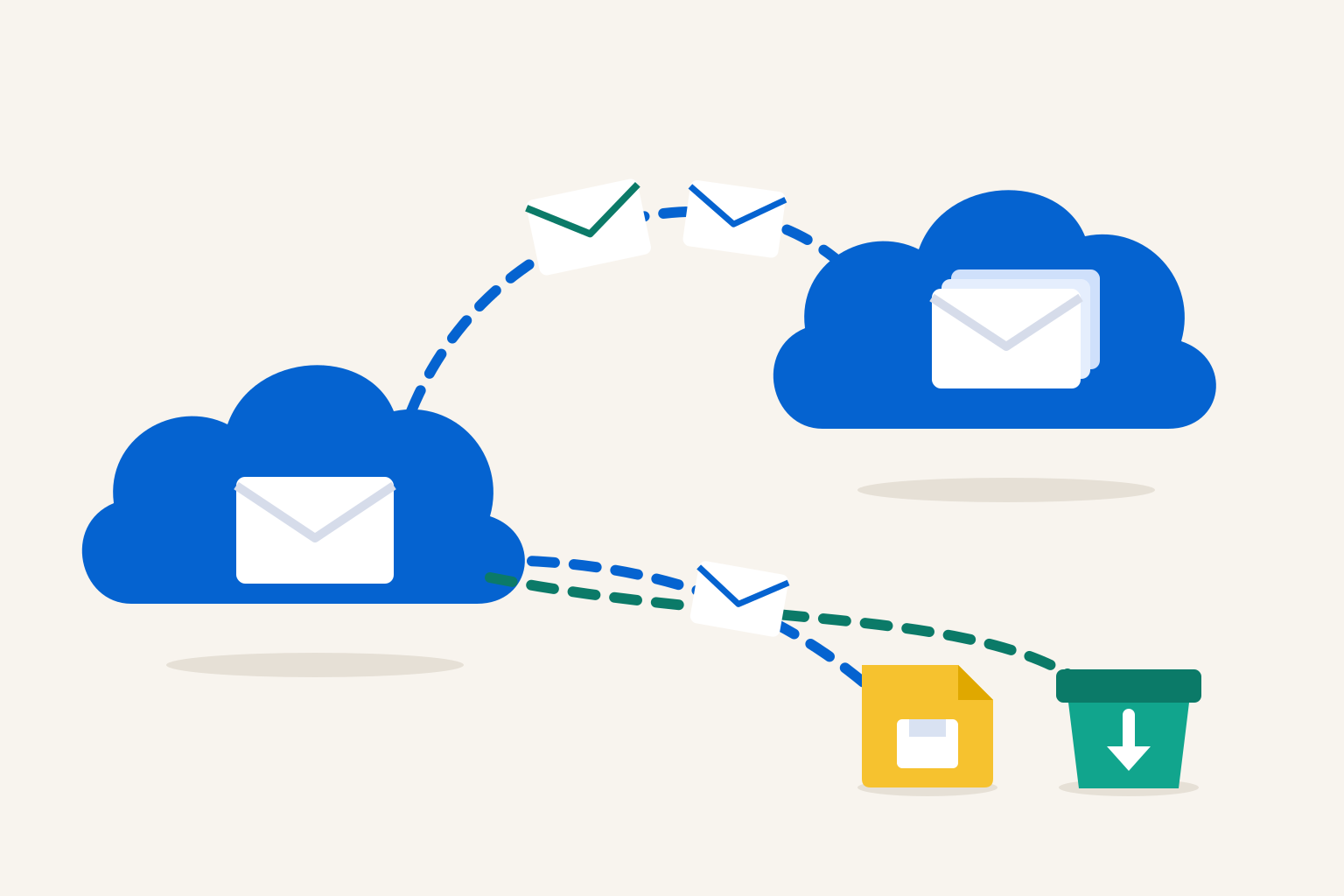
Availability. Email migration ships in the ShareMaster V2 beta, on the Email Tools menu. Any ShareMaster account can install the beta from the members area; the email routes run with a Clone Master licence or during the 14-day trial.
Each route is its own tile on the Email Tools menu. The tile name is shown above each one.
Export From O365
Your own mailbox with no admin rights, or every mailbox in the tenant once an administrator approves. One .pst per mailbox, with online archives as separate files if you want them.
Needs desktop OutlookO365 → O365
Sign into both tenants, match each source mailbox to its destination, and copy. User mailboxes, shared mailboxes, online archives and Microsoft 365 group mailboxes.
No Outlook neededImport to O365
Old .pst files from a laptop or a file share, or mail sitting on any IMAP or POP3 server, brought into Office 365 mailboxes where people can search it.
Outlook only for the PST sourceNo PowerShell to paste, no mailbox export requests to queue in a portal, and nothing to install on the mail server.
Export, tenant to tenant, or import, from the Email Tools menu. The tile tells you up front whether it needs Outlook.
Sign into the source and the destination. Where a route needs more than an ordinary sign-in, the screen says what it is asking for and why before anything is approved.
Source mailboxes are matched to destinations by address automatically. Fix the odd one by hand, leave any out, send one into a folder of its own, or create the destination as you go.
Live progress per mailbox and per message while it runs. At the end, a summary you can trust and an Excel report you can keep.
Read the right-hand column before you plan a cutover. Each line is a current limit of the product, stated plainly.
Pick Create new mailbox in the matching grid and choose its licence and usage location, or create a licence-free shared mailbox instead. Online archives can be switched on as they are created, and a source mailbox over 50 GB turns that on by default.
When the destination is written over IMAP, ShareMaster first tests whether the received date will survive. If the test says it will not, you are told before a single message is copied, and you choose whether to carry on.
Microsoft 365 slows down large copies on purpose. Those responses are honoured as a wait, not counted as failures, and a dropped network connection pauses the run until it comes back.
Cancel offers to finish what is in flight or stop straight away. Either way the run is in the history list, and Resume carries on from where it stopped without copying a message twice.
One .pst per mailbox, named after the mailbox. Outlook caps a .pst at roughly 50 GB, so a bigger mailbox rolls over to a numbered second file at about 45 GB instead of failing halfway. The .pst is re-opened and counted when the export ends.
Every message has a row: mailbox, folder, size, and whether it was copied, skipped or failed. A run that falls short is called incomplete on the finish screen, not described as done. Reports stay downloadable from the history for 90 days.
| Every route | A Windows 10 or 11 machine running the ShareMaster V2 beta, and a Clone Master licence or trial. |
|---|---|
| Export your own mailbox | Your own sign-in, and desktop Outlook 2016 or newer installed and closed. Exporting your online archive too also needs Outlook signed into the same tenant. |
| Export the whole tenant | A Global Administrator to approve a one-time consent that lets ShareMaster read mail. Other users' online archives are read through your Outlook, so ShareMaster uses an Exchange admin permission it sets up for you to give your account Full Access to those mailboxes first. That is a change in the source tenant, and it can take up to an hour to reach Outlook. |
| Tenant to tenant | A sign-in to each tenant. Online archives, group mailboxes and creating mailboxes each need a one-time admin consent, in both tenants where it applies; the screen asks only when you use that option. |
| PST import | Desktop Outlook installed. The .pst files are opened read-only and never changed. |
| IMAP or POP3 import | The server name, port, username and password, an app password where the host insists on one. One source account per run. |
Step-by-step instructions for every route are in the ShareMaster email migration guide.
14-day free trial. No credit card. Your mail travels between your machine and the mail services, never through us.