Sign in to SharePoint
The tenant you are copying from. The copy reads as you, so it reaches exactly what you can already open.

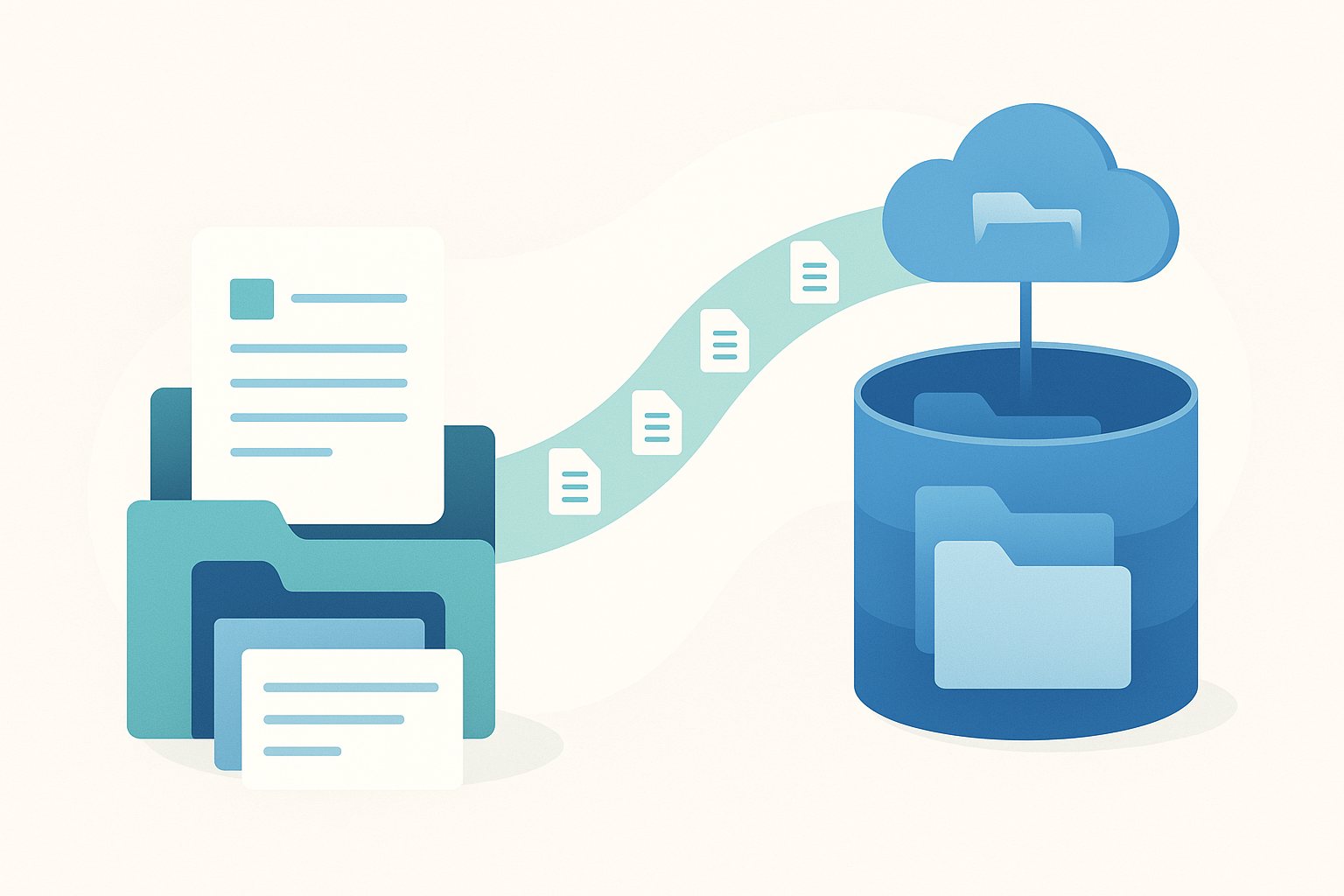
Copy SharePoint libraries, folders or single files into an Azure Blob container in your own subscription. The folder tree comes with them, each blob records who created it and when, and the same app copies it back into SharePoint when you need it again.
Where this is up to. SharePoint to Azure Blob is in ShareMaster V2, which you download from the members area with any ShareMaster account. It runs with a Clone Master or Archive Master licence, or a trial.
No AzCopy scripts and no download to a local drive in between. It runs on your Windows machine and reads from SharePoint and writes to the container itself.
The tenant you are copying from. The copy reads as you, so it reaches exactly what you can already open.
A SAS URL, a connection string or your own app registration. A container you have used before is one click.
Tick whole sites, or open one and tick any mix of libraries, folders and files. On the right, open the folder in the container that everything should go under.
Files already in the container are skipped unless you choose to overwrite them. Progress is shown per file, and the run is recorded in history.
A SharePoint file carries far more than a blob can hold. Here is exactly what makes the trip and what stays behind.
Azure Blob to SharePoint is the same screen in reverse. It imports through Microsoft's SharePoint Migration API, rebuilds the folder tree in the library you pick, and restores the created and modified dates each blob recorded on the way out.
On the way back, an author is restored only when the recorded email address belongs to a real user on the destination tenant. A name on its own is never turned into an author. Anyone who cannot be matched is named on the run screen, so you can add them and run again.
Files already in the container are skipped by default. Overwriting is one checkbox, and it is off until you tick it.
The storage account does not have to live beside the SharePoint tenant. Point it at a subscription in another directory, or at a partner's storage account, with a SAS URL.
The destination pane lists what is already in the folder you are copying into, and the Blob Viewer lets you browse the whole container without copying anything.
This copy leaves SharePoint untouched. To move cold files out and free the storage, Archive Master copies them to your Blob Storage and leaves a working link in the library that downloads or restores the original.
14-day free trial. No credit card. It runs on your machine, and your content never passes through us.