
Published: July 2026. Source: Microsoft 365 Message Center MC1398452 / Microsoft Learn: Entra ID Access Reviews
Ninety days. That is the maximum lifespan Microsoft is now giving unreviewed SharePoint guest access before Entra ID flags it for automatic removal. MC1398452, published to the Microsoft 365 message centre in early July 2026, requires every tenant with external guest access to SharePoint Online sites to assign a reviewer and complete a recurring access review at least once per quarter.
What MC1398452 Actually Requires
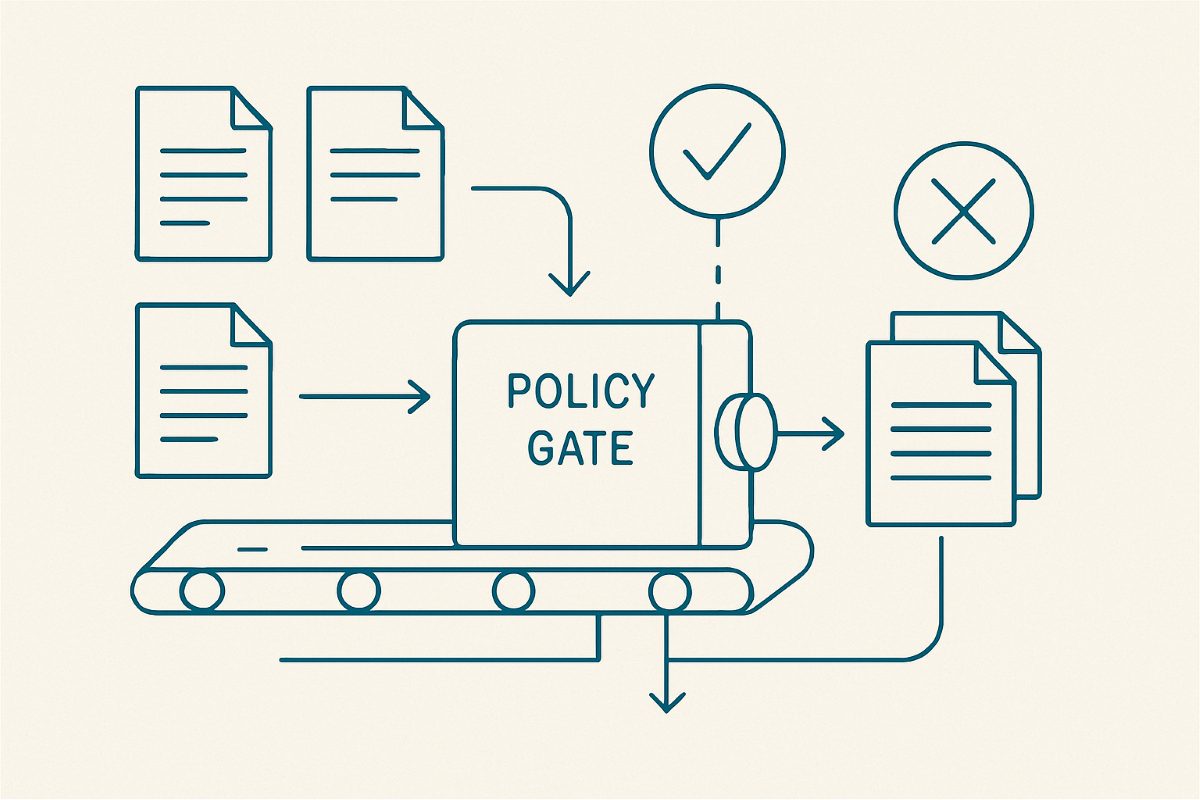
Under the new requirement, any Entra ID guest account with permissions to at least one SharePoint Online site must be attached to a recurring access review. The site owner, a designated reviewer, or an automated rule based on sign-in activity must approve continued access, decline it, or the review lapses and access is denied by default. This is a shift from the previous model, where guest access reviews were a best-practice recommendation rather than an enforced requirement.
Microsoft's rollout guidance splits enforcement by licence tier. Tenants with Entra ID P2 (bundled into Microsoft 365 E5) gain access to recurring, largely automated review campaigns that can be scheduled and delegated. Tenants without P2 licensing are still in scope for the requirement but face a more manual process, since the automated campaign tooling sits behind that licence.
Why This Lands Hard on Tenants That Have Never Cleaned Up Guests
Most SharePoint Online tenants have never run a systematic guest access review. Guest accounts accumulate from client engagements, contractor onboarding, and cross-company collaboration, and very few organisations remove them proactively once the underlying relationship ends. A tenant that has been operating for five years without a guest cleanup process can easily be sitting on hundreds of stale accounts, many attached to projects that wrapped up long ago.
The first review cycle after MC1398452 takes effect is the hardest one. Reviewers presented with a list of two hundred unfamiliar guest accounts and a 90-day deadline have little context to make an informed decision, and the path of least resistance, approving everything to avoid breaking something, defeats the purpose of the requirement entirely. Getting ahead of the first cycle with a proactive cleanup avoids that scramble.
Before your first mandated review lands, run a full external user access audit to establish which guests are still active and which have gone quiet. Entra ID records each guest's last sign-in, and ShareMaster's Report Master Security Matrix shows every principal, guests included, that holds access on a given site, giving reviewers the context they need instead of a bare account list.
| Tenant licensing | Review mechanism | Practical impact |
|---|---|---|
| Entra ID P2 / Microsoft 365 E5 | Automated recurring campaigns | Lower admin overhead once configured; still needs an initial cleanup pass |
| No P2 licensing | Manual review process | Higher admin burden; a clean starting guest list matters more |
Three Steps Before Your First Enforced Review
- Export a complete list of guest accounts with SharePoint access, including last sign-in date and the sites each account can reach.
- Remove guests tied to closed projects or ended contractor relationships before the first review cycle starts, rather than during it.
- Assign reviewers who actually know the business context for each site collection, not a single central admin reviewing every guest tenant-wide.
A pre-cleaned guest list also pairs well with a broader look at unique permissions across your tenant. See the stale guest access cleanup options compared for how manual, scripted, and tool-assisted approaches stack up once the 90-day clock is running.
Frequently Asked Questions
What is MC1398452?
MC1398452 is a Microsoft 365 message centre post requiring recurring, at-minimum quarterly access reviews for Entra ID guest accounts with SharePoint Online permissions. Reviews that lapse without a decision result in automatic access denial for the affected guest.
Do I need an Entra ID P2 licence to comply?
Full automated review campaigns have historically required Entra ID P2 or Microsoft 365 E5. Tenants without P2 remain in scope for the requirement but should expect a more manual review process rather than automated scheduling.
What happens if a guest access review is not completed in time?
The guest's access is automatically denied when the review period lapses without a reviewer decision. The guest object remains in Entra ID; access is restored only through a fresh review approval, not a simple re-grant.
Sources: Microsoft 365 Message Center MC1398452 (merill.net archive); Microsoft Learn: Entra ID Access Reviews overview.